
Description du produit
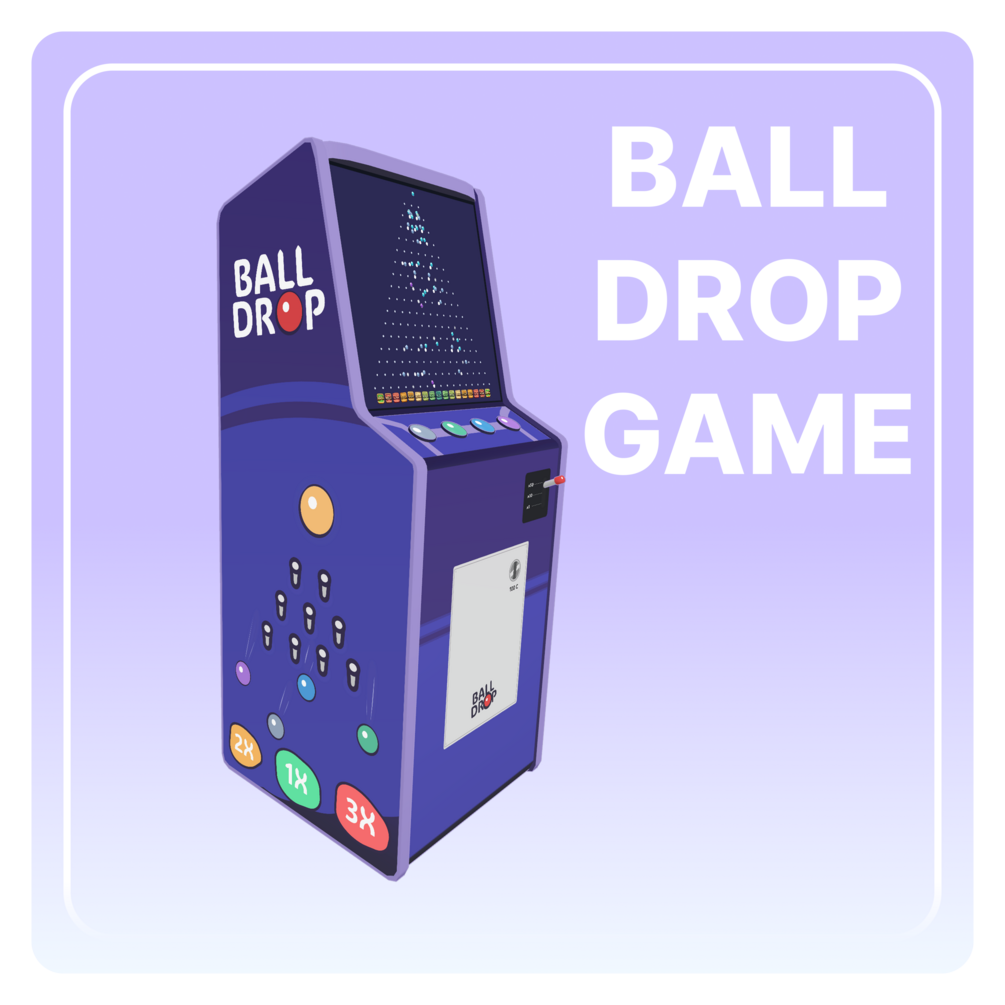
Ball Drop Game
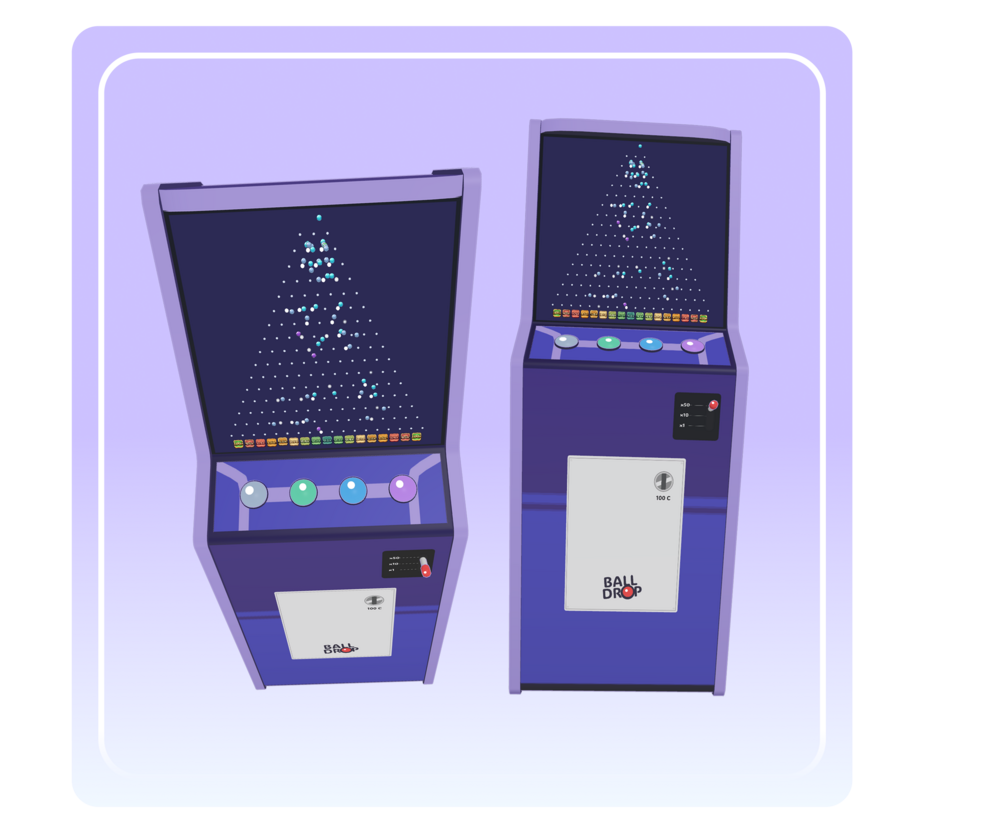
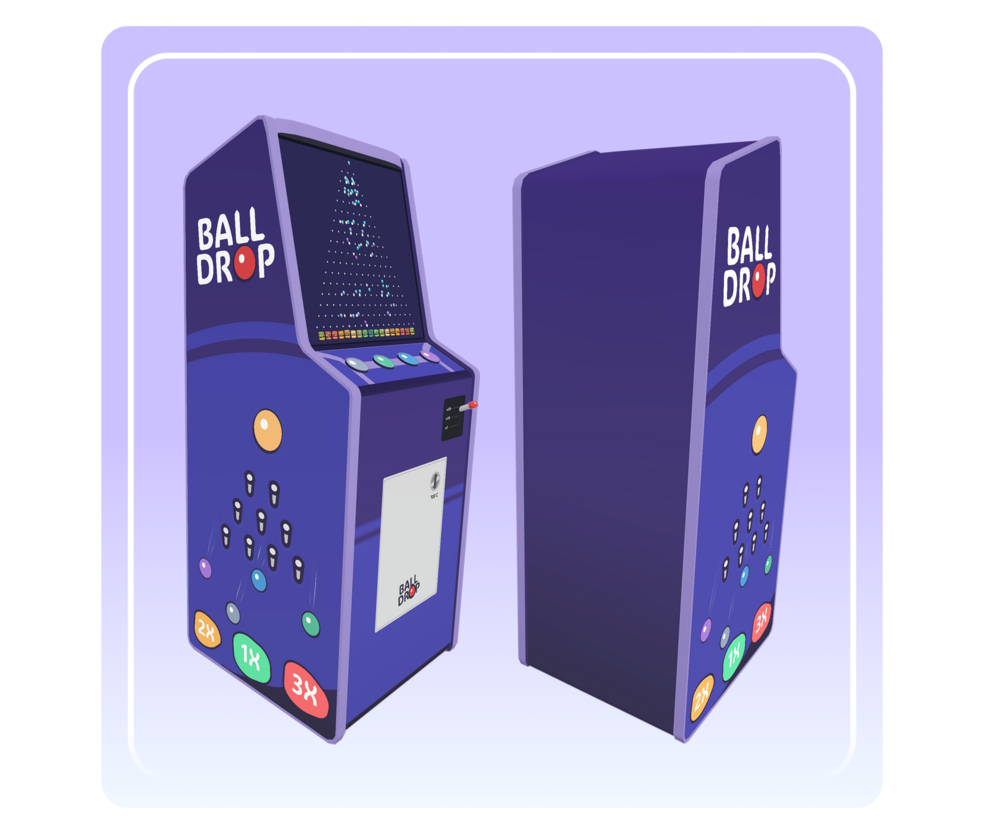
Buy a ball and drop it down. Whichever slot it lands in, you will receive UdonChips in return based on the ball's color value and the reward for that slot
- Interact with the lever to change the summon/purchase ball amount.
- Interact with the ball to summon or purchase balls.
- This game does not sync over the network.
- 1 Mesh, 2.69k Tris
Requirements
- VRC WORLD SDK 3.10.3+
- Udonsharp
- UdonChips (Optional) https://lura.booth.pm/items/3060394
prefabs locate:
Sweet Forest/Ball Drop Game
Installation
- Open your Unity project and prepare to follow the requirements.
- Drag BallDropGame_v1.0.unitypackage to import it into your Unity project.
- Go to prefabs and locate: Sweet Forest/Ball Drop Game.
- Drag the Ball Drop Game v1.0 prefab into the scene.-- Udonchips --
- Select the "Ball Drop Game v1.0" prefab from the scene and look at the Inspector menu.
- Uncheck "Use Udonchips If Possible" if you don't want to use it. (This is turned on by default)
Update information
1.0: (9/6/2026)
released
Test World
https://vrchat.com/home/launch?worldId=wrld_70a7a270-9a79-4833-ab4b-7131caf5cea7
Test it out in our world before you buy.
Terms & License
- By purchasing or using this asset, you agree to be bound by these Terms.
- We are not responsible for any damages, loss, or issues resulting from the use of this asset.
- Redistribution, resale, or unauthorized sharing of this asset is strictly prohibited.
- The asset may be used for commercial purposes or as part of your project.
- All sales are final; no refunds will be issued under any circumstances.
- By continuing to use the asset, you acknowledge and accept these Terms.