
Description du produit
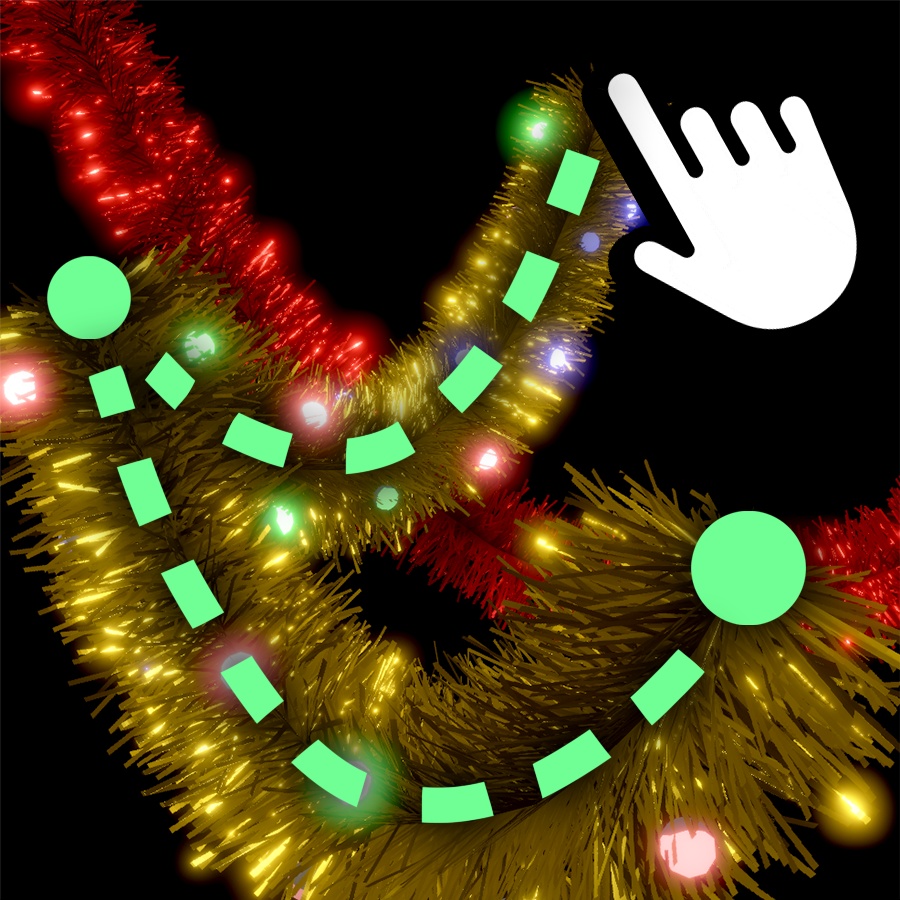
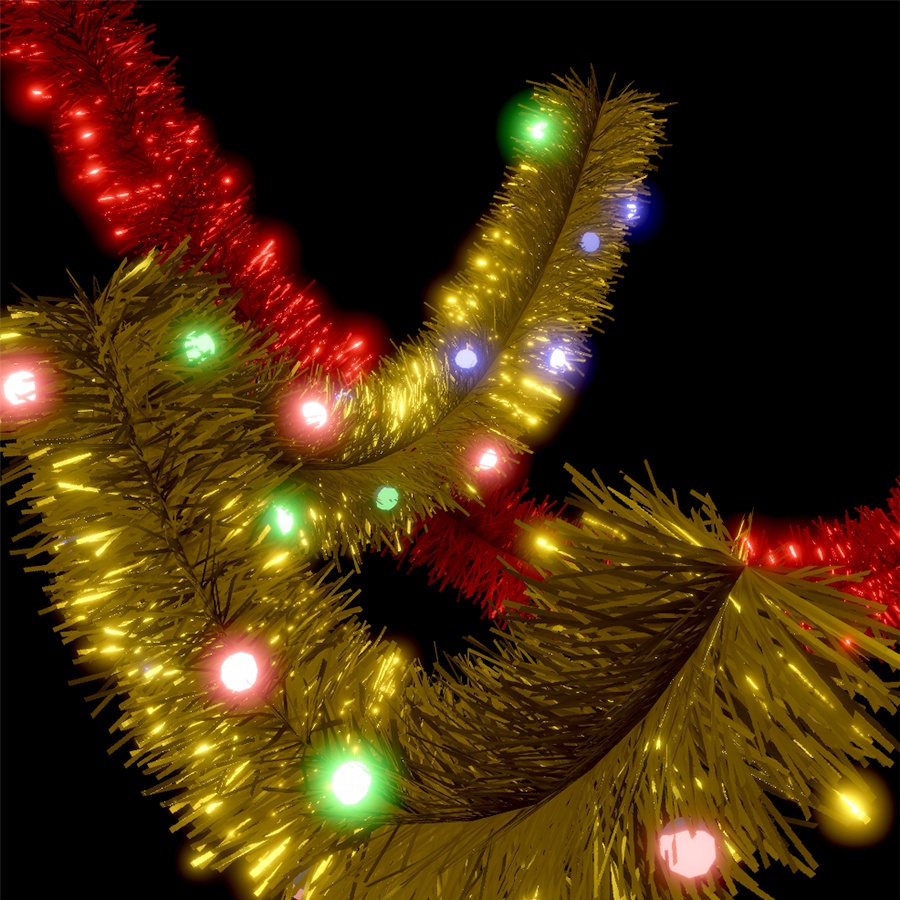
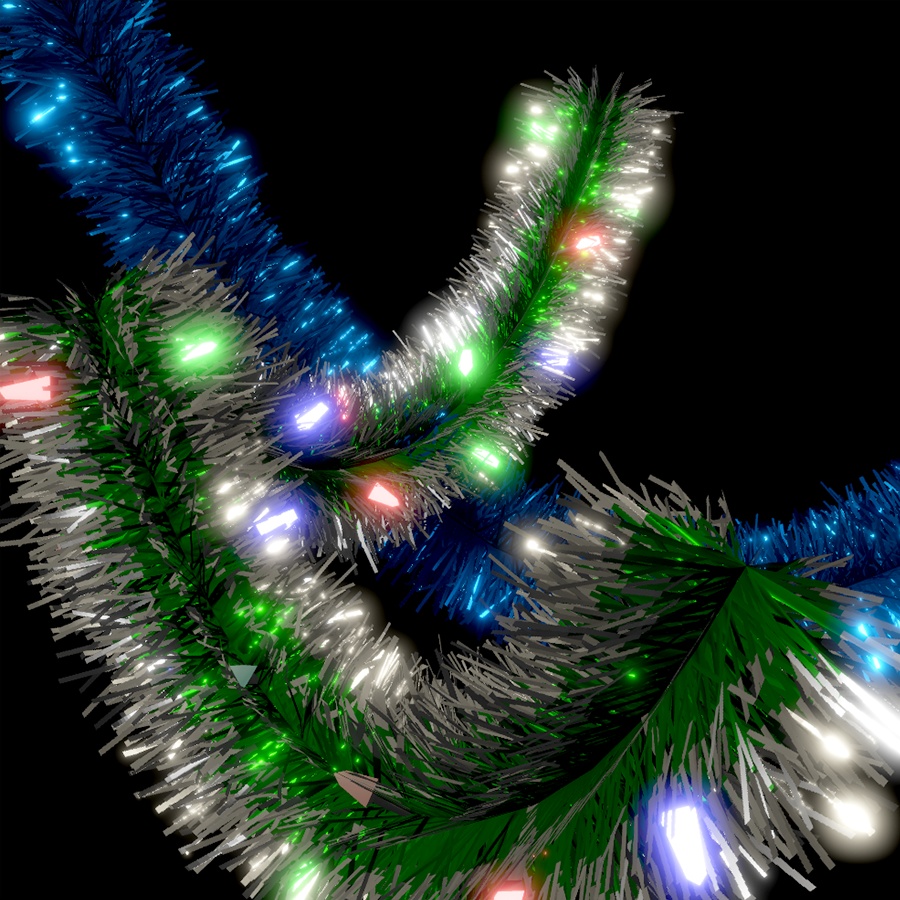
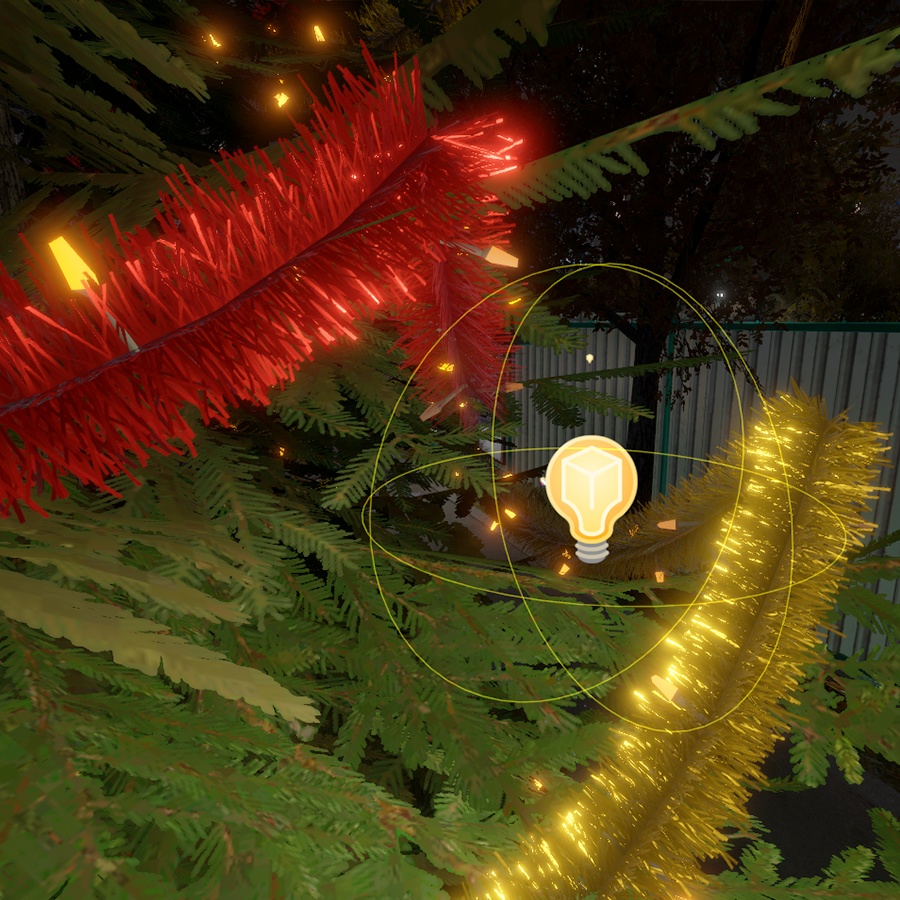
FlexiCurve is my free open-source Unity tool for quickly creating garlands, tinsel, wires, and other decorations for VRChat worlds and general Unity projects.
It can be downloaded on its GitHub page: https://github.com/REDSIM/FlexiCurve
On this page you can purchase a preset pack containing multiple Christmas-themed and other decorations.
FLEXICURVE FEATURES
• Fast placement of garlands, tinsel and wires
• Supports VRC Light Volumes (lightmap bake not required)
• Generates optimized static meshes directly in Unity
• Open-source
• Custom presets supported
PRESET PACK CONTENTS
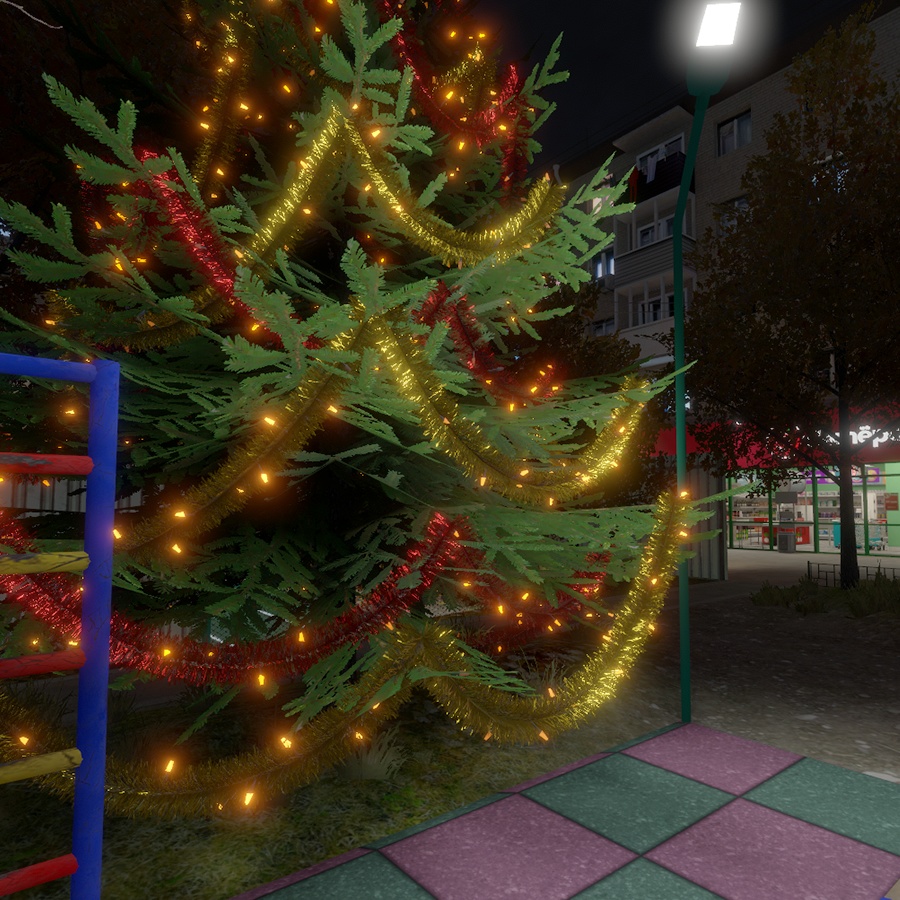
• Tinsel garlands (Red / Blue / Green / Gold / Silver, many styles)
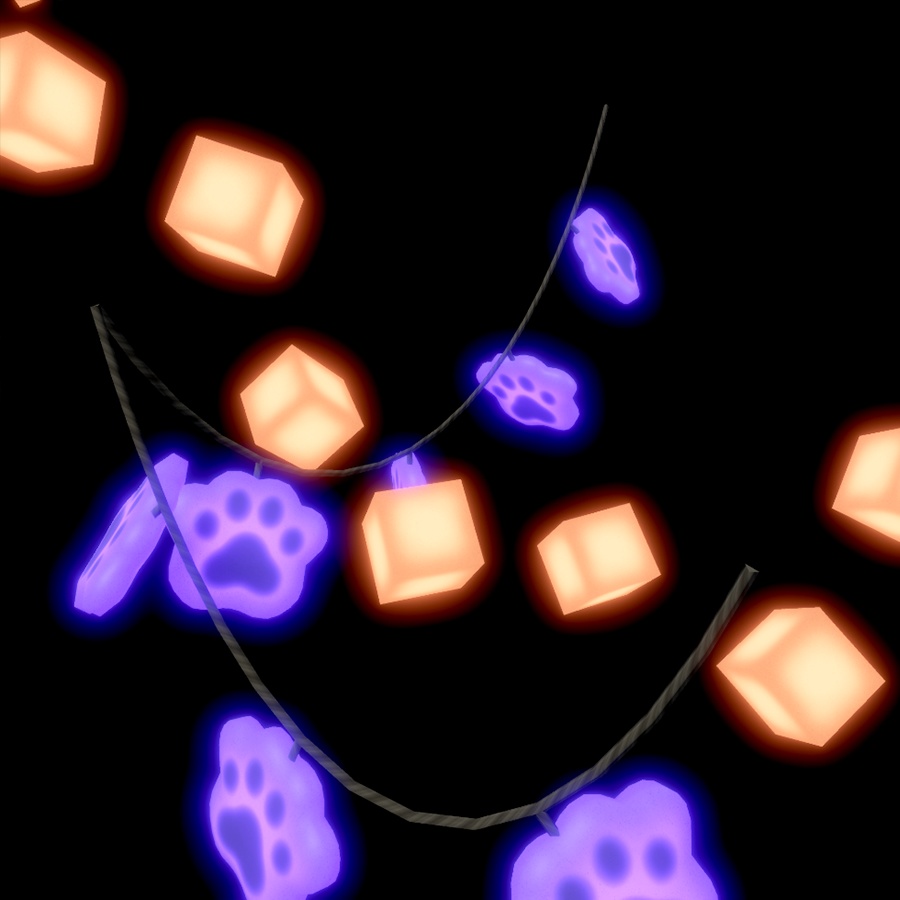
• Floating cubes
• Cute paws
• Stars
• Moons
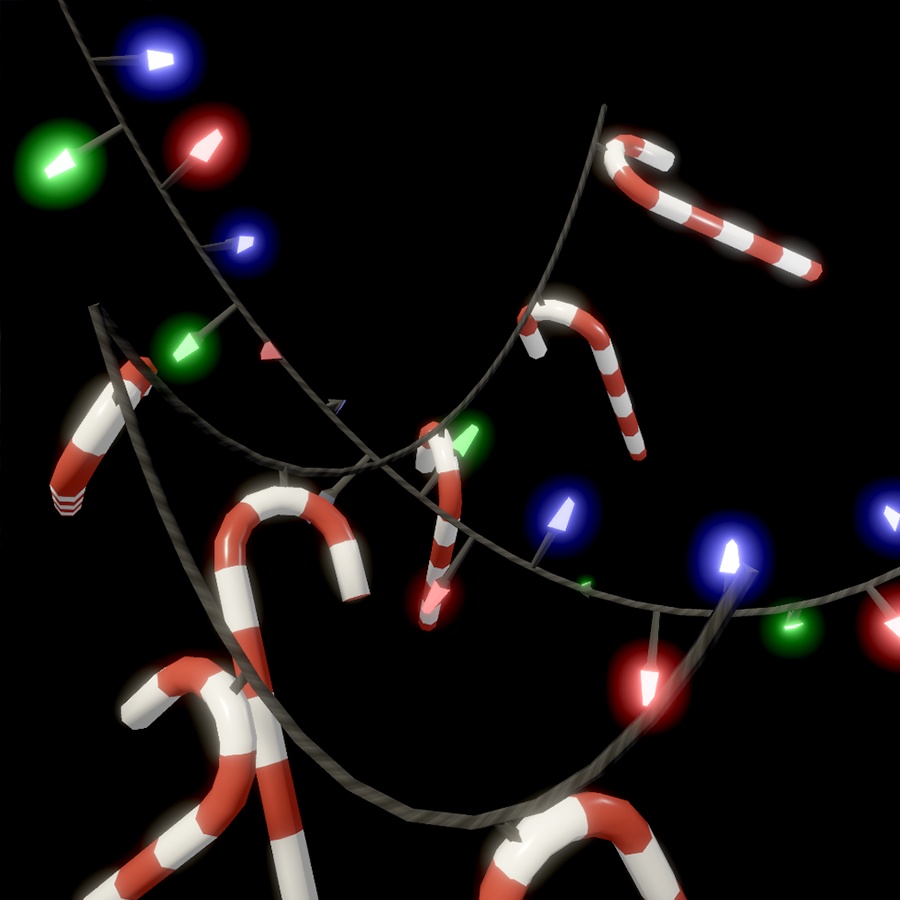
• Various lamp types
• Christmas socks
• Christmas candies
FLEXICURVE INSTALLATION (VRC CREATOR COMPANION)
1) Open the VPM Listing page: https://redsim.github.io/vpmlisting/
2) Press “Add to VCC”
3) Confirm in the popup
- If no popup appeared, try again (VCC bug)
4) In VCC “Manage Project” add the package “FlexiCurve”
FLEXICURVE INSTALLATION (UNITY PACKAGE MANAGER)
1) Unity top menu > Window > Package Manager
2) Press [+] in the top-left corner
3) Select “Add package from git URL…”
4) Paste the FlexiCurve Git URL:
https://github.com/REDSIM/flexicurve.git?path=/Packages/red.sim.flexicurve
5) Click Add
PRESET INSTALLATION
1) Drag and drop the .unitypackage file you bought here into your Unity project
2) Installed presets will be available to choose in your FlexiCurve component
3) Read how to use FlexiCurve here
HOW TO USE FLEXICURVE
1) Right-click in Hierarchy > “FlexiCurve Mesh”
2) In the FlexiCurve component choose a “Curve Preset”
- In the preset window disable the crossed-eye icon to
see the default presets included with this package
3) Ctrl + Left Mouse Button:
• Add or remove a point
• Split a curve when clicking a sag handle
4) Ctrl + Right Mouse Button:
• Add a point to the beginning of the curve
WARNING: Make sure Unity Gizmos are enabled
NOTE: Generated meshes are saved to: /Assets/FlexiCurveMeshes/