![[OPTIMIZED] Ren, RGB Neko Cat Girl Avatar [PC+QUEST][VRCFT][SFW][VRCHAT AVATAR]](https://jinxxy-c.jinxxy-cdn.com/cdn-cgi/image/format=auto,onerror=redirect/c6149a59-766f-508d-bba0-bb29382260b7/3943405896666711267/998286097715820544.png)
![[OPTIMIZED] Ren, RGB Neko Cat Girl Avatar [PC+QUEST][VRCFT][SFW][VRCHAT AVATAR]](https://jinxxy-c.jinxxy-cdn.com/cdn-cgi/image/format=auto,onerror=redirect/c6149a59-766f-508d-bba0-bb29382260b7/3943405896666711267/998286090374432768.gif)
![[OPTIMIZED] Ren, RGB Neko Cat Girl Avatar [PC+QUEST][VRCFT][SFW][VRCHAT AVATAR]](https://jinxxy-c.jinxxy-cdn.com/cdn-cgi/image/format=auto,onerror=redirect/c6149a59-766f-508d-bba0-bb29382260b7/3943405896666711267/998286395430432768.gif)
![[OPTIMIZED] Ren, RGB Neko Cat Girl Avatar [PC+QUEST][VRCFT][SFW][VRCHAT AVATAR]](https://jinxxy-c.jinxxy-cdn.com/cdn-cgi/image/format=auto,onerror=redirect/c6149a59-766f-508d-bba0-bb29382260b7/3943405896666711267/998286378448916480.png)
[OPTIMIZED] Ren, RGB Neko Cat Girl Avatar [PC+QUEST][VRCFT][SFW][VRCHAT AVATAR]
Description du produit
Say Hello to Ren, RGB Cat Girl Avatar! This cutie is SFW, medium optimized for PC and quest compatible! A super cute and wholesome avatar perfect for any occasion.
Features
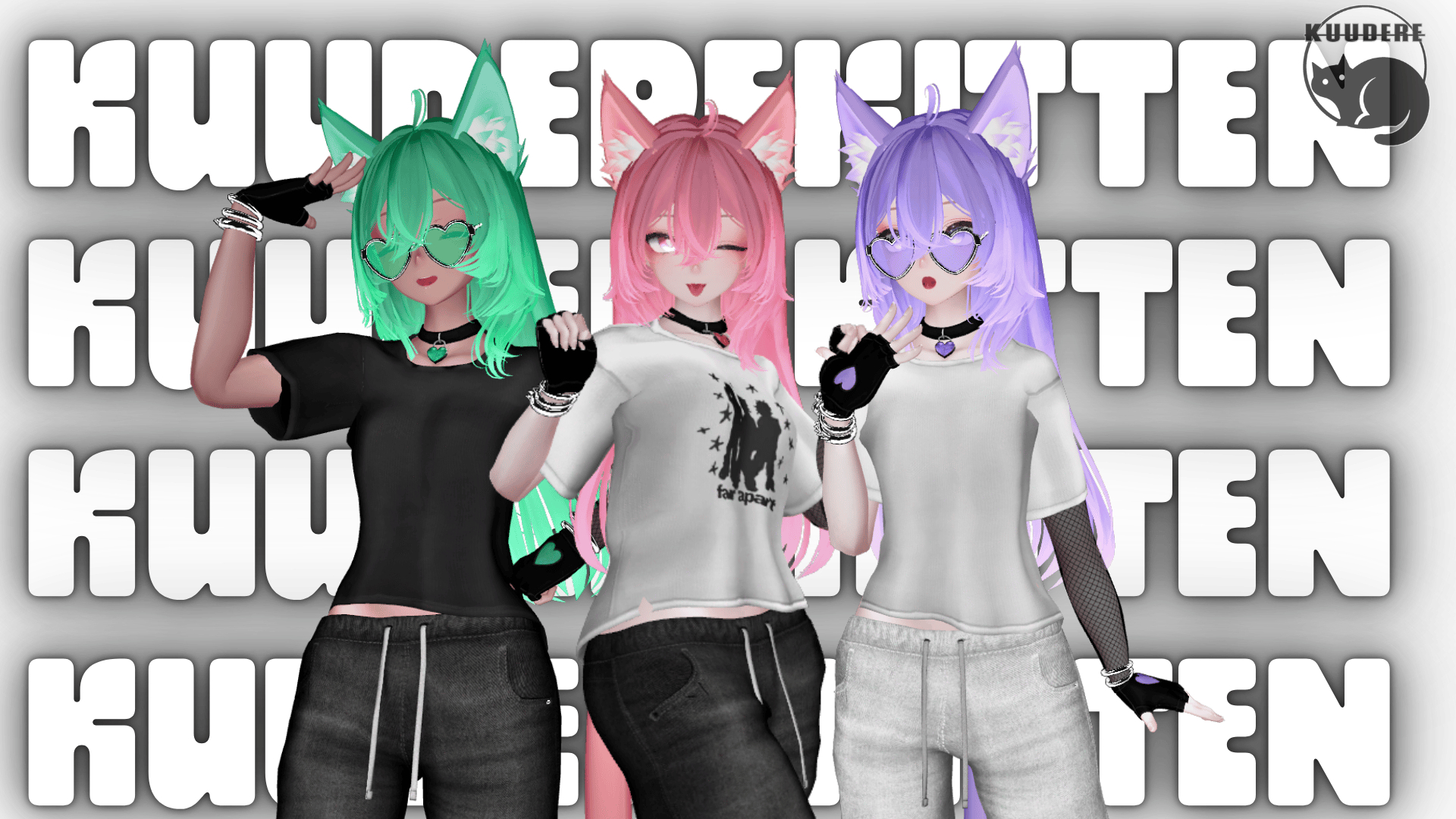
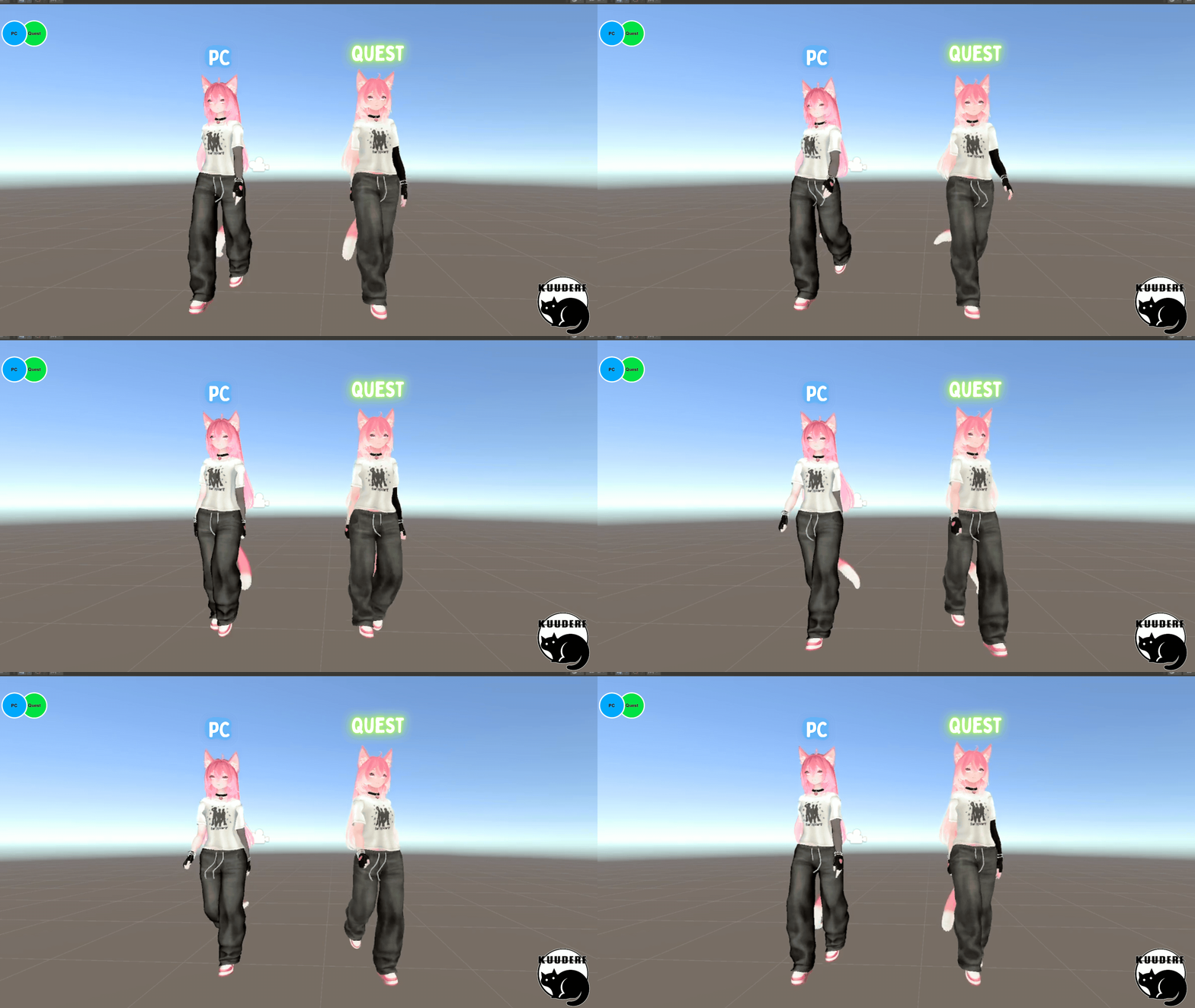
- PC + Quest Compatible
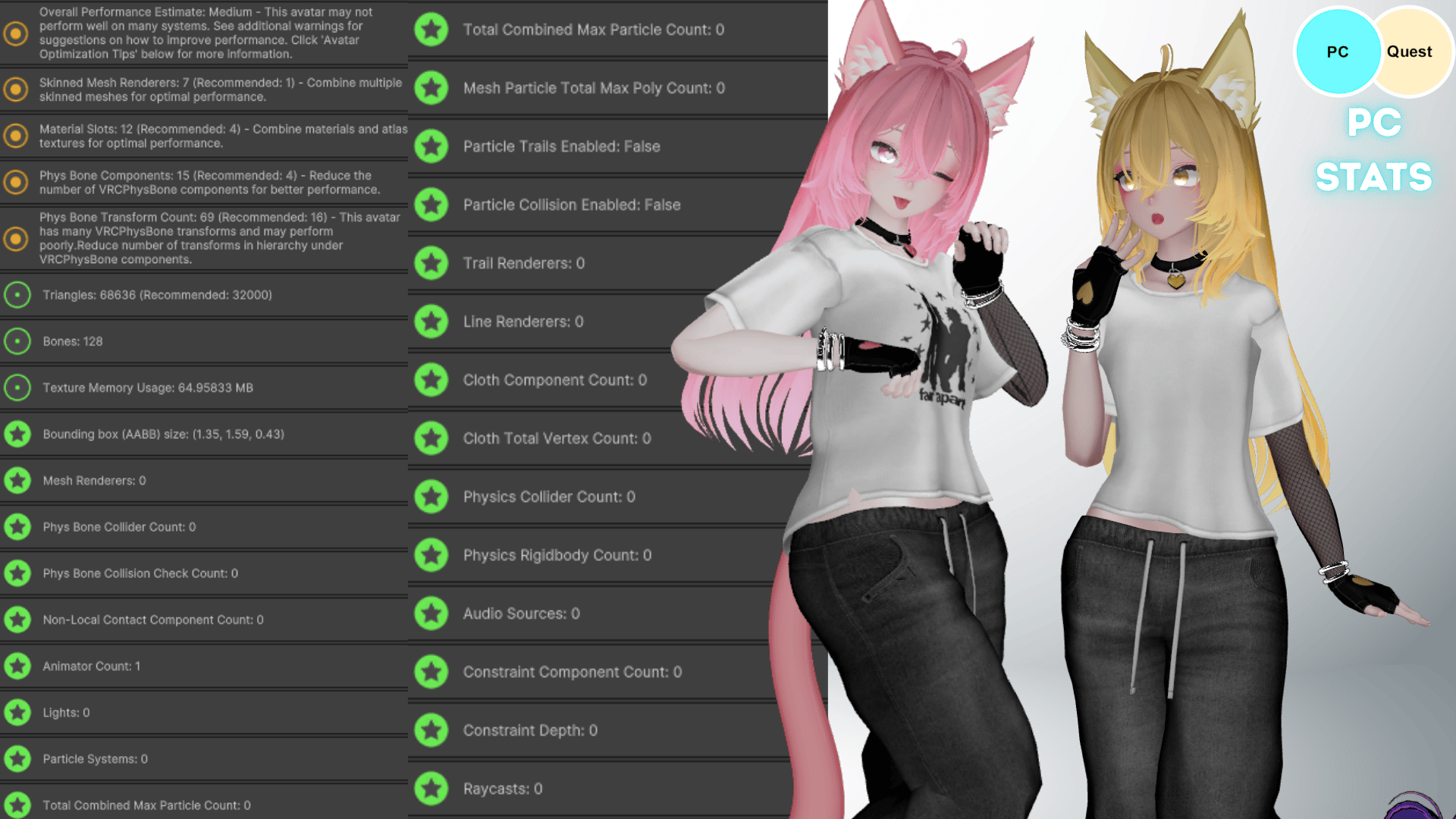
- Medium Optimized for PC
- SFW
- RGB Hue Shift
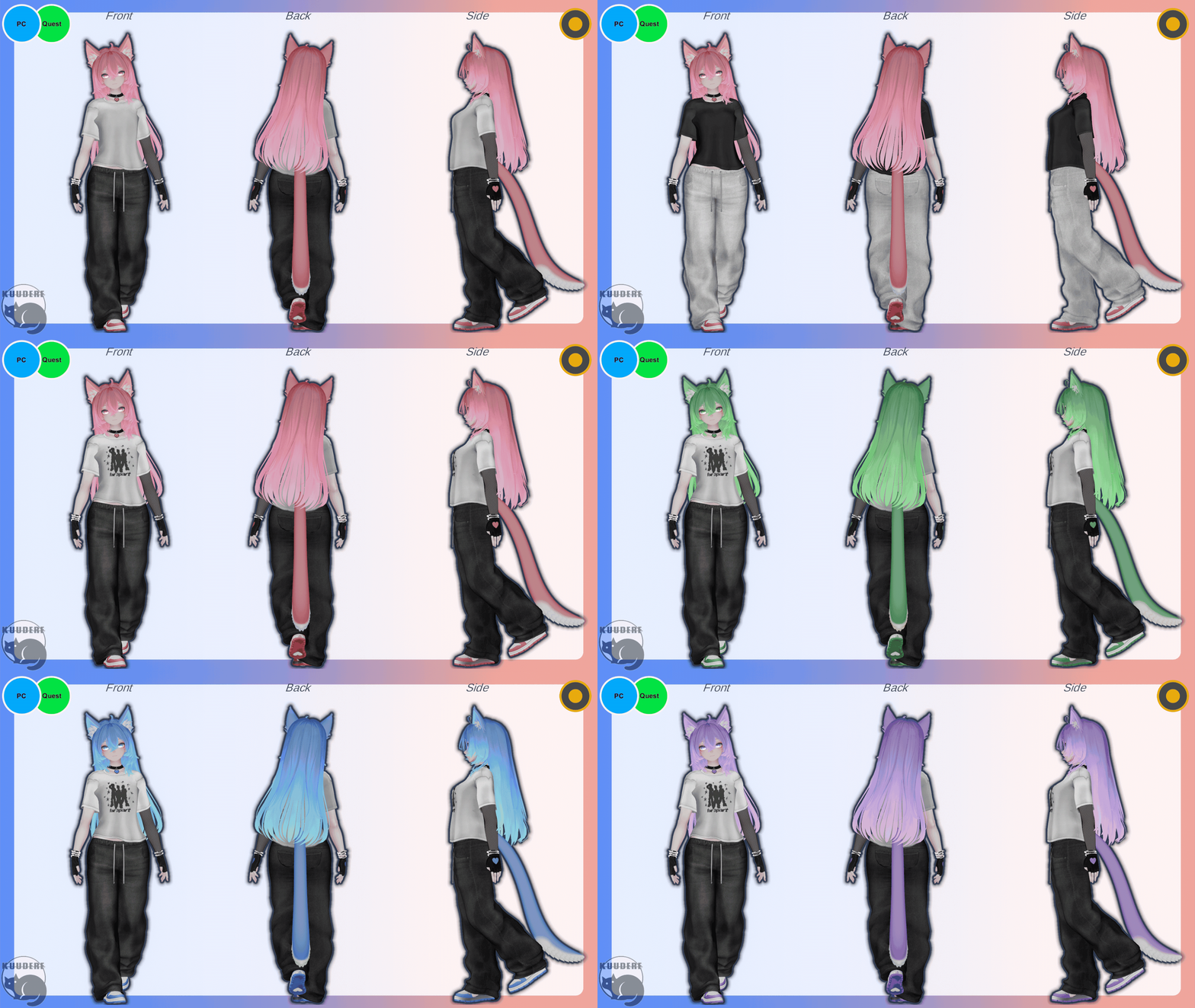
- Shirt Colors-Graphic Tee/Plain White/Plain Black
- Pants Colors-Black/White
- Skin Tone Slider
- Accessory Toggles
- Heart Sunglasses
- Gloves
- Bracelets
- Choker
- Sneakers
- Cat Ears + Tail
- Gogo Loco Installed
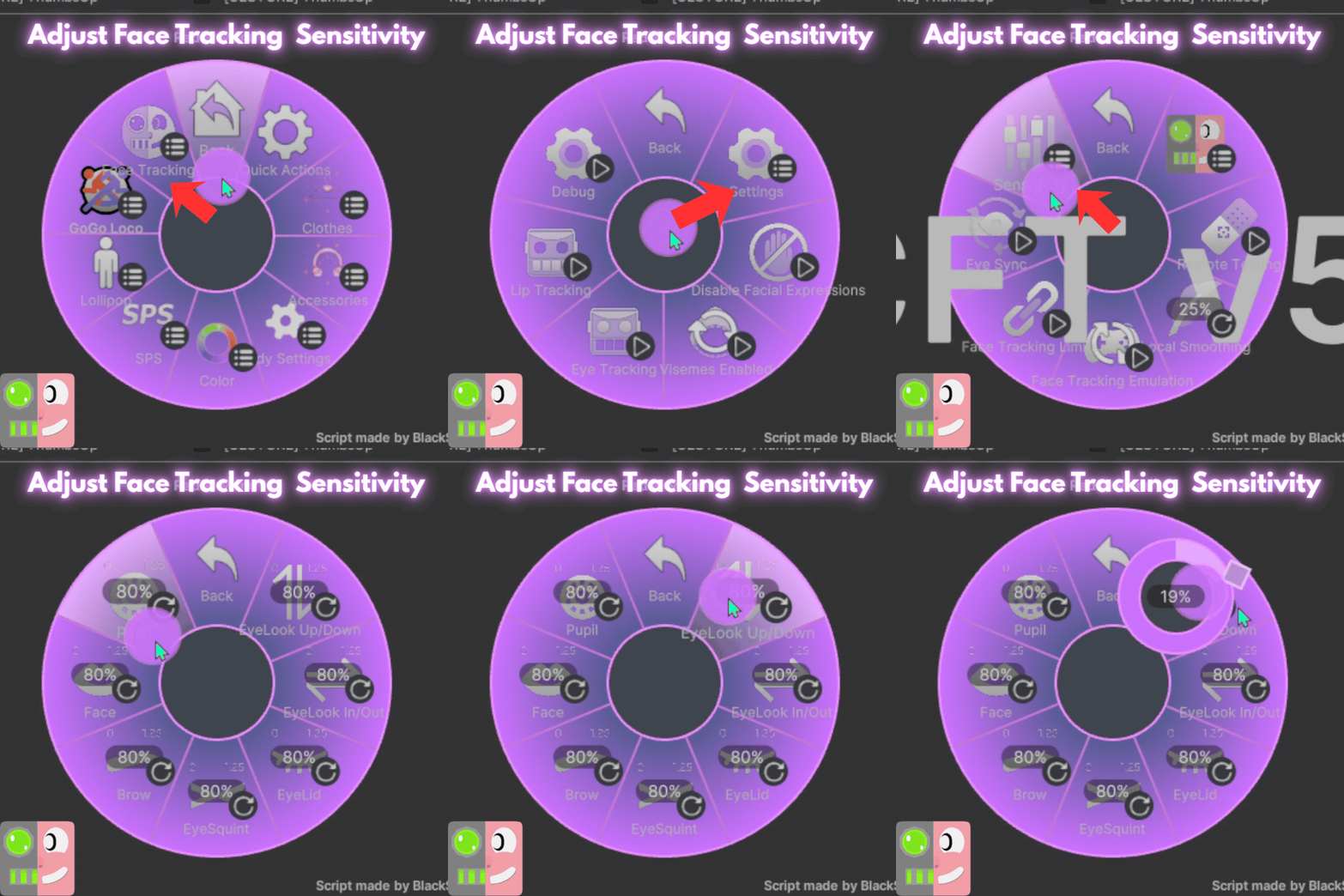
- VRC Face-Tracking installed (ARKIT)
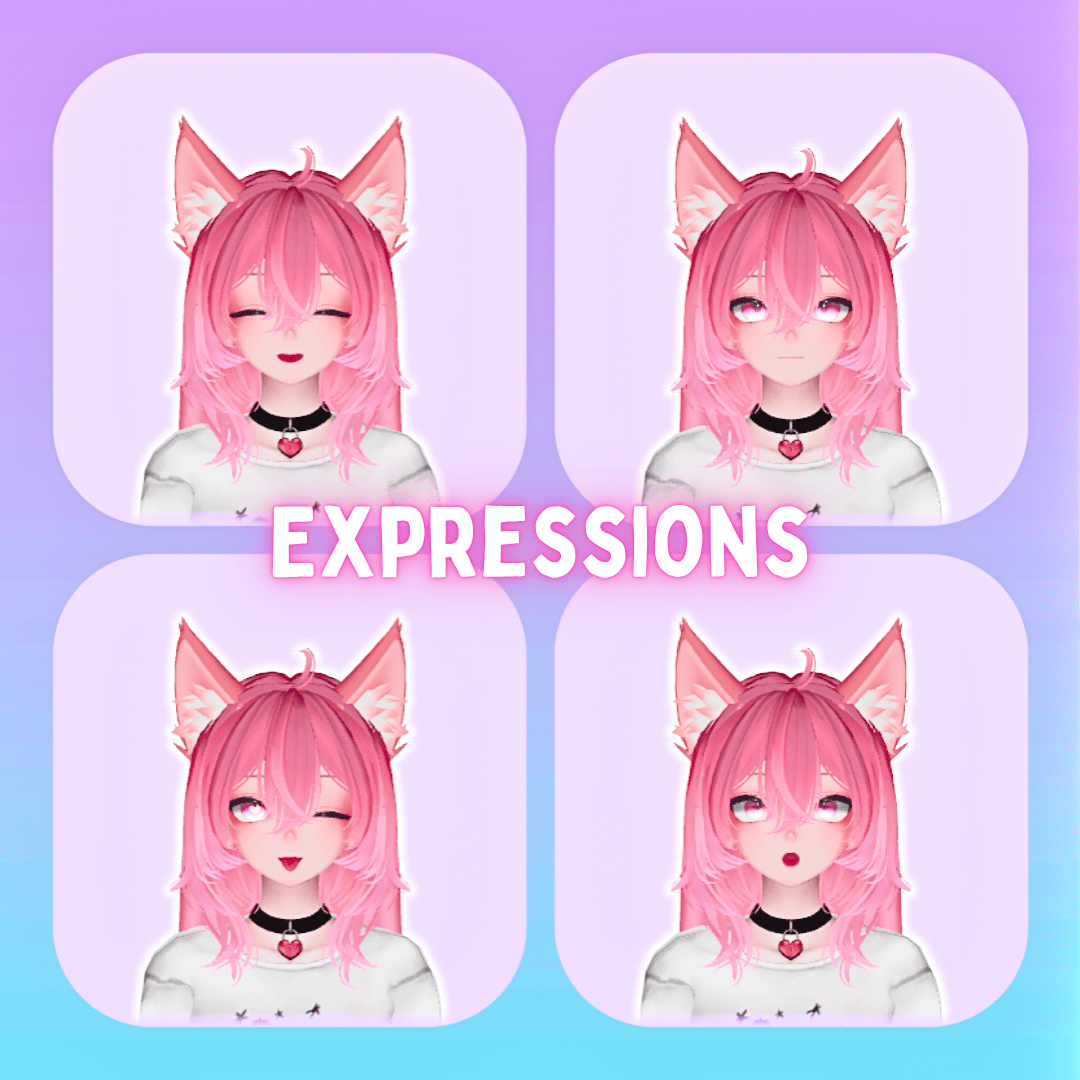
Gesture Expressions
VRC Face Tracking
 Please take the following into consideration before purchase!!!!!
- I DO NOT PROVIDE UPLOADS!!!!!
- Access to Unity + knowledge using the VCC to upload is required!
Rules for Purchase
- DO NOT redistribute this avatar.
- DO NOT take assets from this avatar for either personal or commercial use, please refer to the credits for each individual asset!
- DO NOT sell or give away edits of this avatar (even to your friends)
- DO NOT sell or give away the original avatar for free (even to your friends)
- DO NOT upload this avatar as public or make it available in a public world.
- DO NOT purchase this avatar on a share account!
- DO NOT upload this avatar to a 3rd party website.
- You CAN NOT use my base edits for commercial purposes even if you own the original base!
- If purchasing this item as a gift, you must use gifting function at checkout!
- DO NOT Purchase this item for yourself, and then give it away to somebody as a gift - Use the gifting function at check out.
- ONE personal license per avatar. (You are the only one authorized to use the avatar)
- DO NOT redistribute custom components including but not limited to; blendshapes, materials, any/all script settings, physics, toggles, animations, gestures or textures from this avatar.
- You Must Include your Discord Name + VRC Name at time of purchase. Incorrect or missing info will result in being banned from my store + server.
- ALL SALES ARE FINAL. Digital product cannot be refunded. Chargebacks + fraudulent reports to your bank will result in being banned from my store + server.
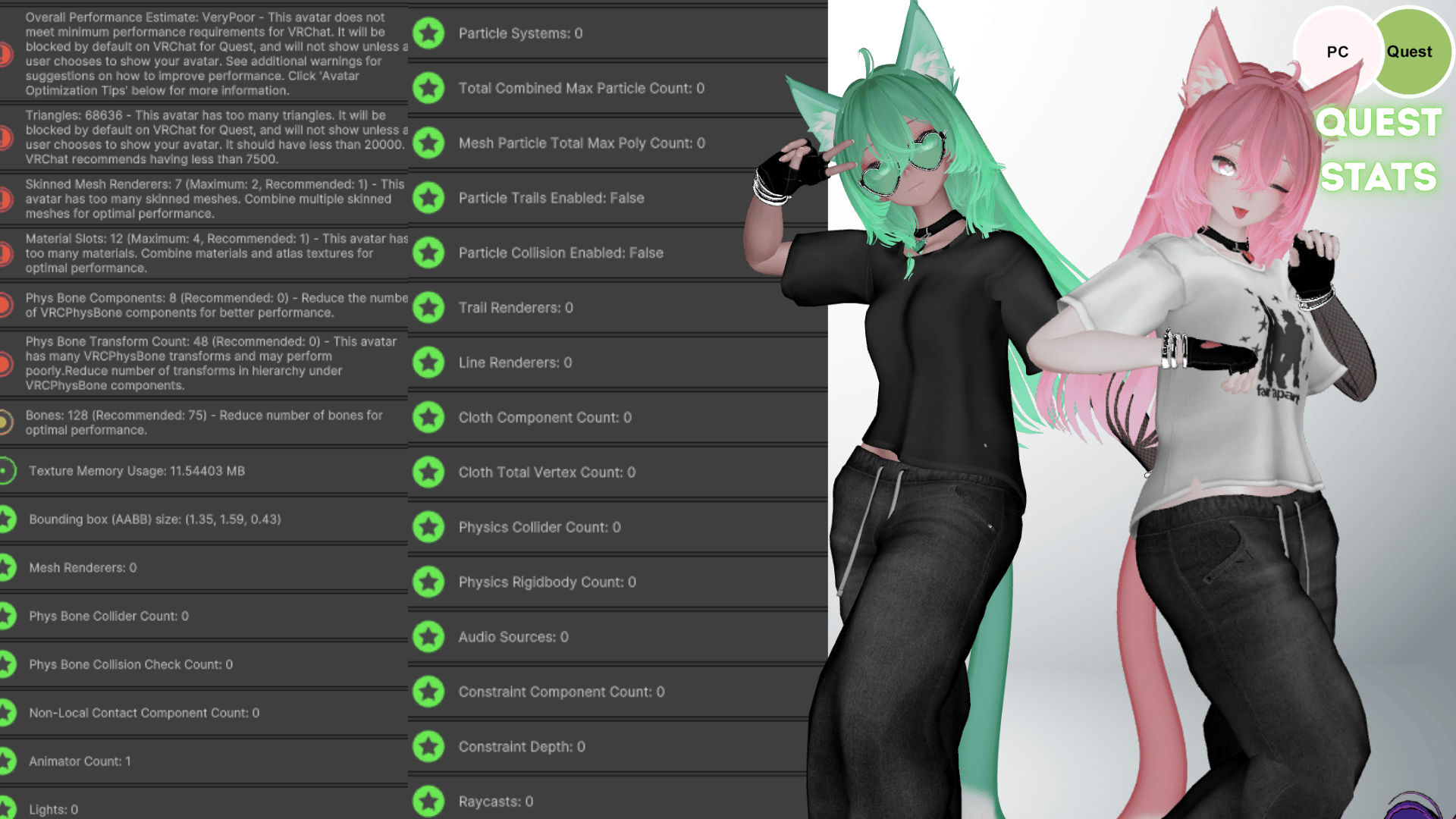
Avatar Stats on PC + QUEST
Credits
- Base [VRBASE EGIRL] https://zinpia.sellfy.store/
- Head https://23mink.gumroad.com/
- Hair http://nikkiepng.com/
- Outfit https://payhip.com/Ssukiii/
- Heart Sunglasses https://notsache.gumroad.com/
- Ears + Tail https://elizacg.com/
- Shoes + Gloves + Choker https://payhip.com/darcyvr
- GogoLoco https://franadavrc.gumroad.com/
- Icons https://payhip.com/SmolUni
- Icons 2 https://awmi.gumroad.com/
- Face tracking blendshapes are animated by Adjerry91’s Face Tracking Templates
Upload Instructions
Make sure VRCFURY + Poiyomi Toon Shaders + AdJerry Face Tracking Templates are installed in the VCC. You can install them here:
https://poiyomi.github.io/vpm/
https://adjerry91.github.io/VRCFaceTracking-Templates/
How to Upload for PC
- Create New VCC Project (Avatars 2022)
- Import Poiyomi Toon Shaders + VRCFURY + AdJerry Face Tracking Templates in VCC Package Management
- Open Project
- Import Avatar Package, drag scene into hierarchy
- Sign into SDK + upload selected version to PC
- (If uploading for quest- copy the blueprint ID for part 2)
How to Attach Quest Version:
- Upload PC Version First (instructions above)
- Switch SDK To Android
- Paste Blueprint ID from PC version into the Quest Version's blueprint ID slot
- Upload! It will automatically attach