
Party Sports Together | Cornhole, Pins, Cup Toss & Strike Out with CPU for VRChat
Description du produit
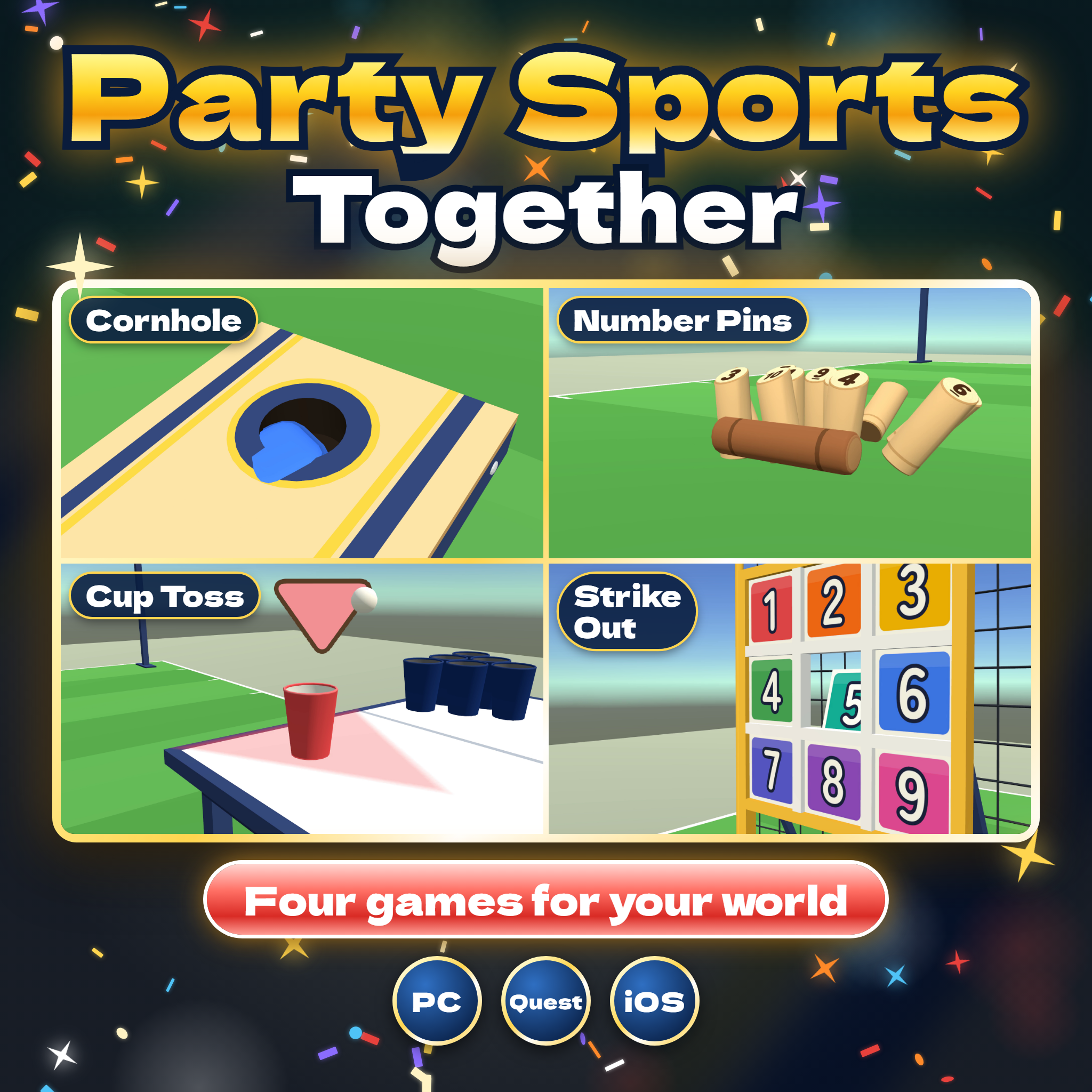
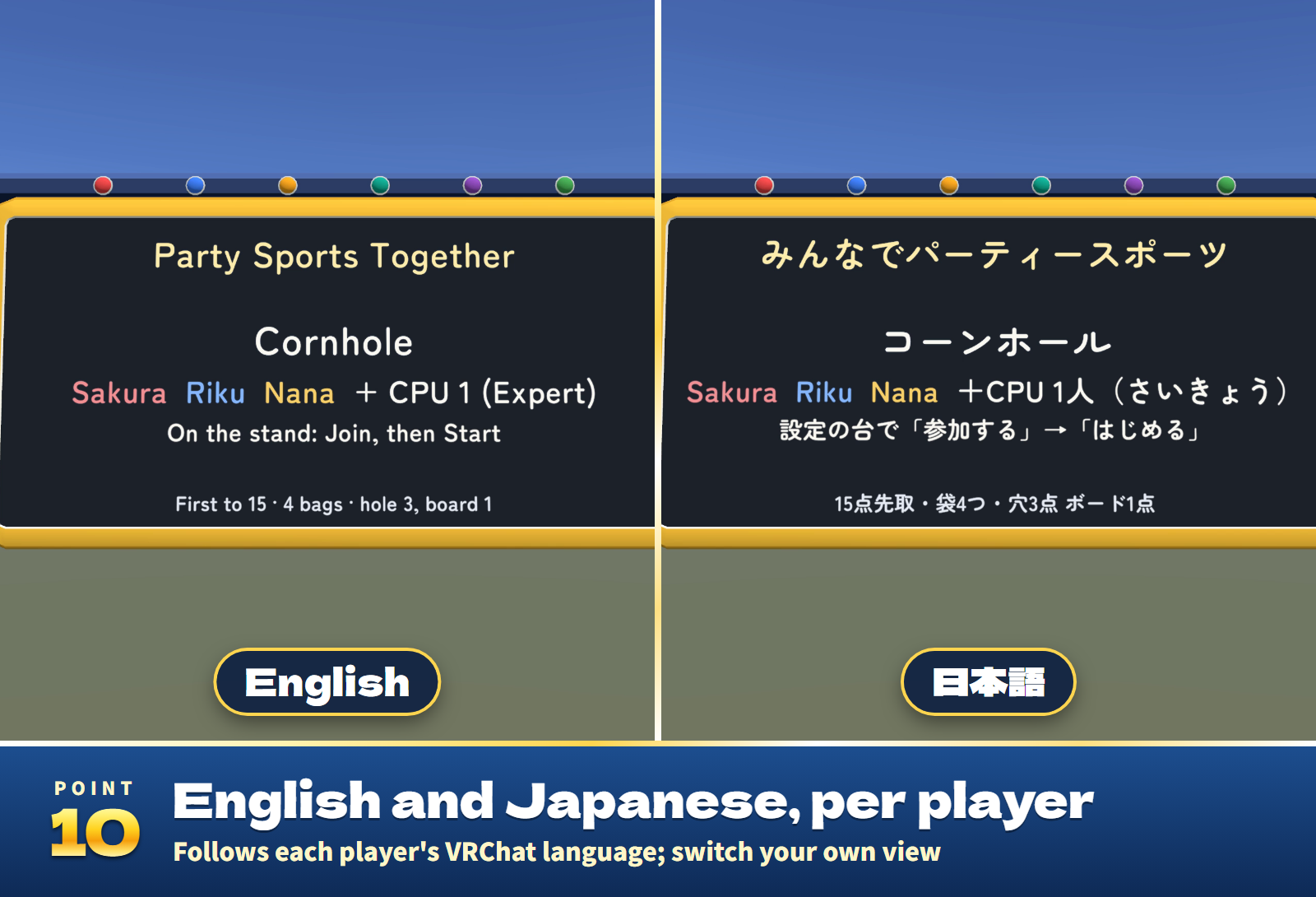
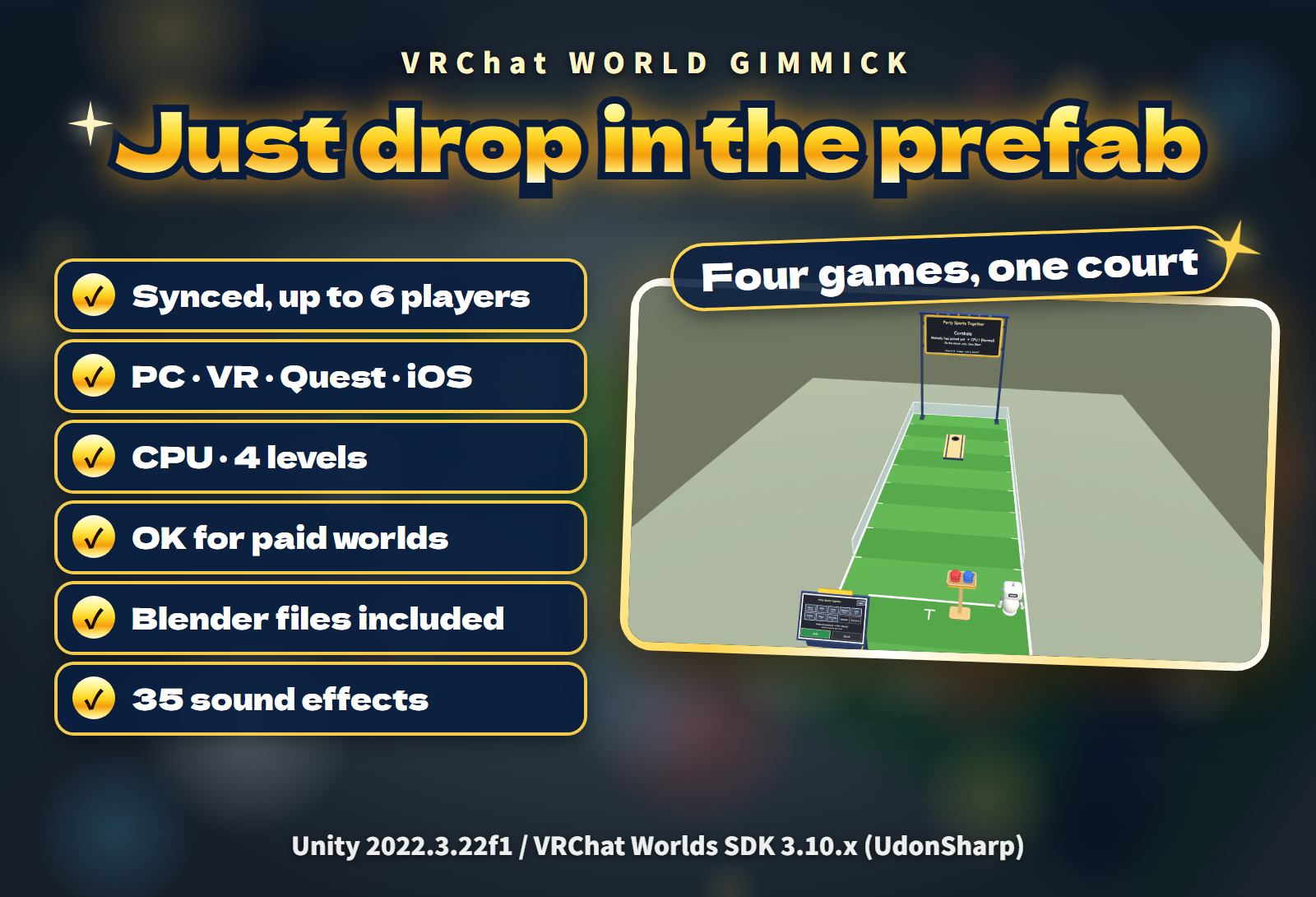
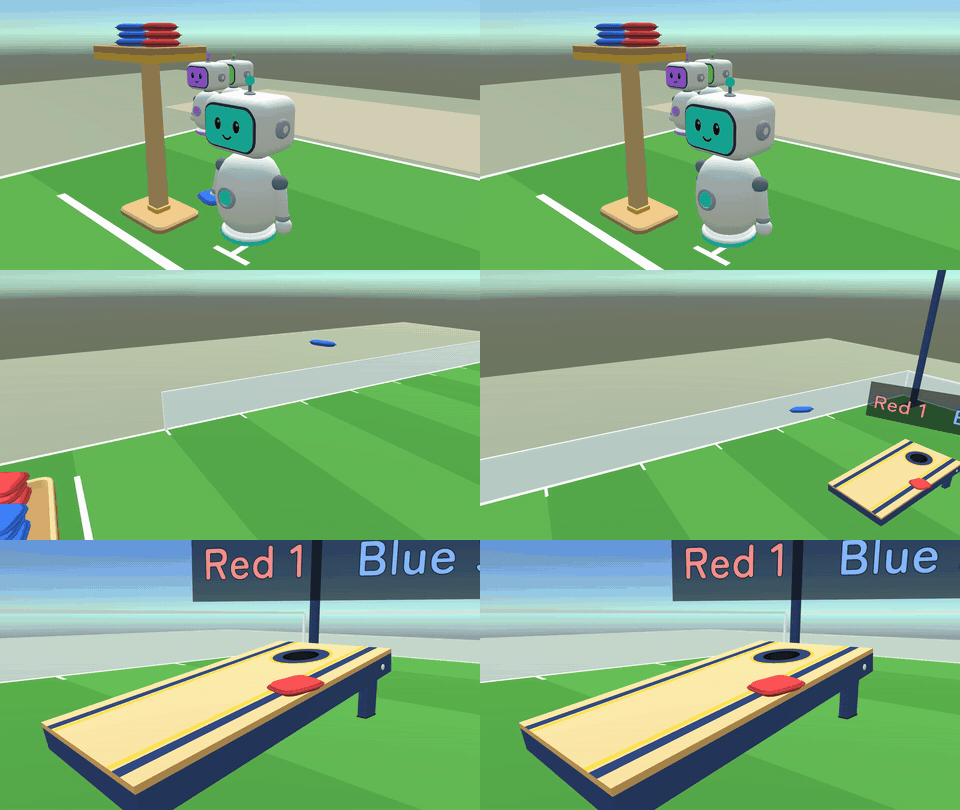
Four party sports on one court for your VRChat world: Cornhole, Number Pins, Cup Toss and Strike Out. 1 to 6 players take turns, CPU robots (Easy, Normal, Hard or Expert) fill the empty places so one player can start right away, every bag, stick, pin and ball flies the same way on everyone's screen, and every screen follows each player's language, English or Japanese.
Watch it in action
Watch the English v1.0.0 gameplay preview
Highlights
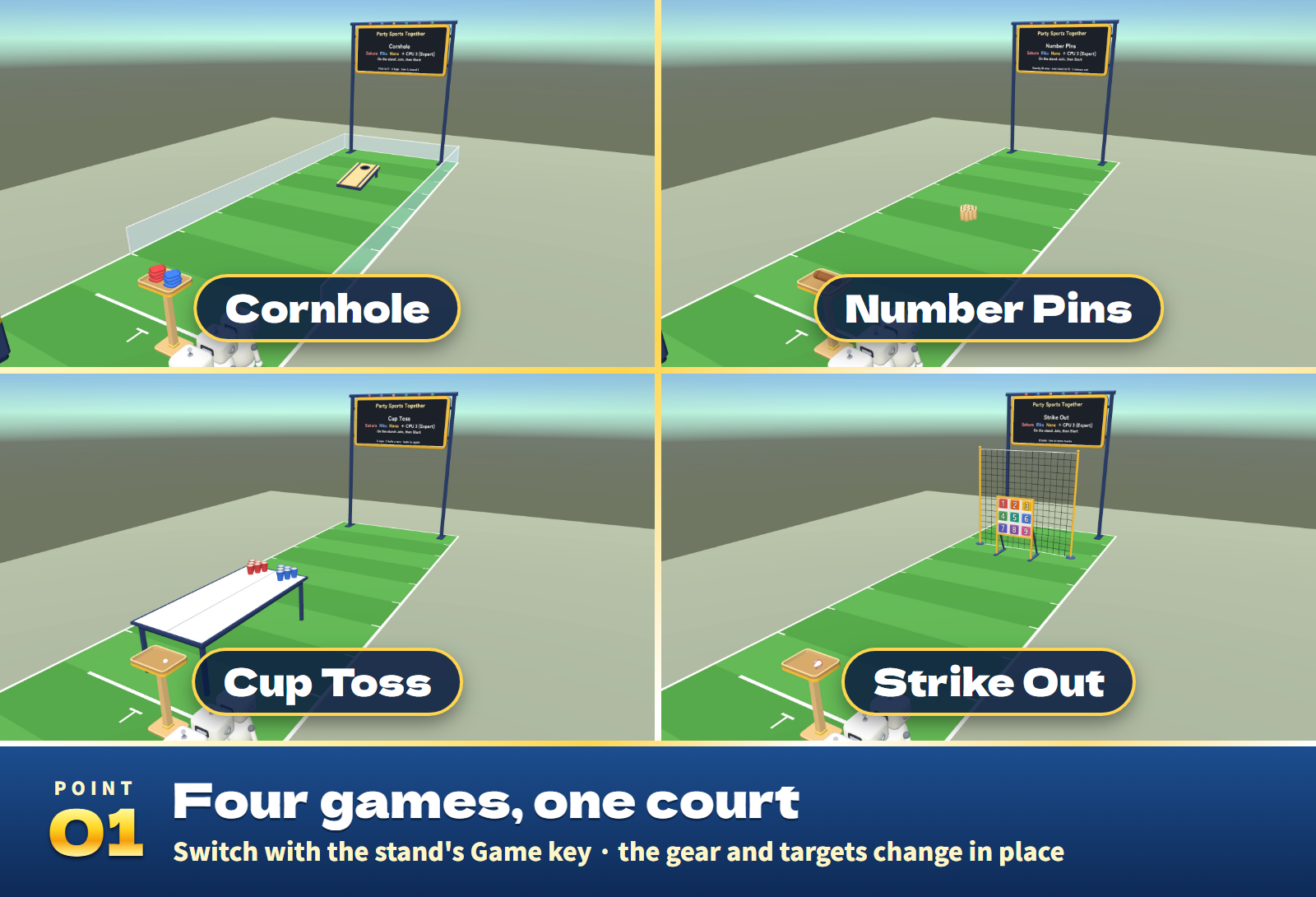
- Four games, one court. Switch with the Game key on the settings stand: the gear and the targets change in place.
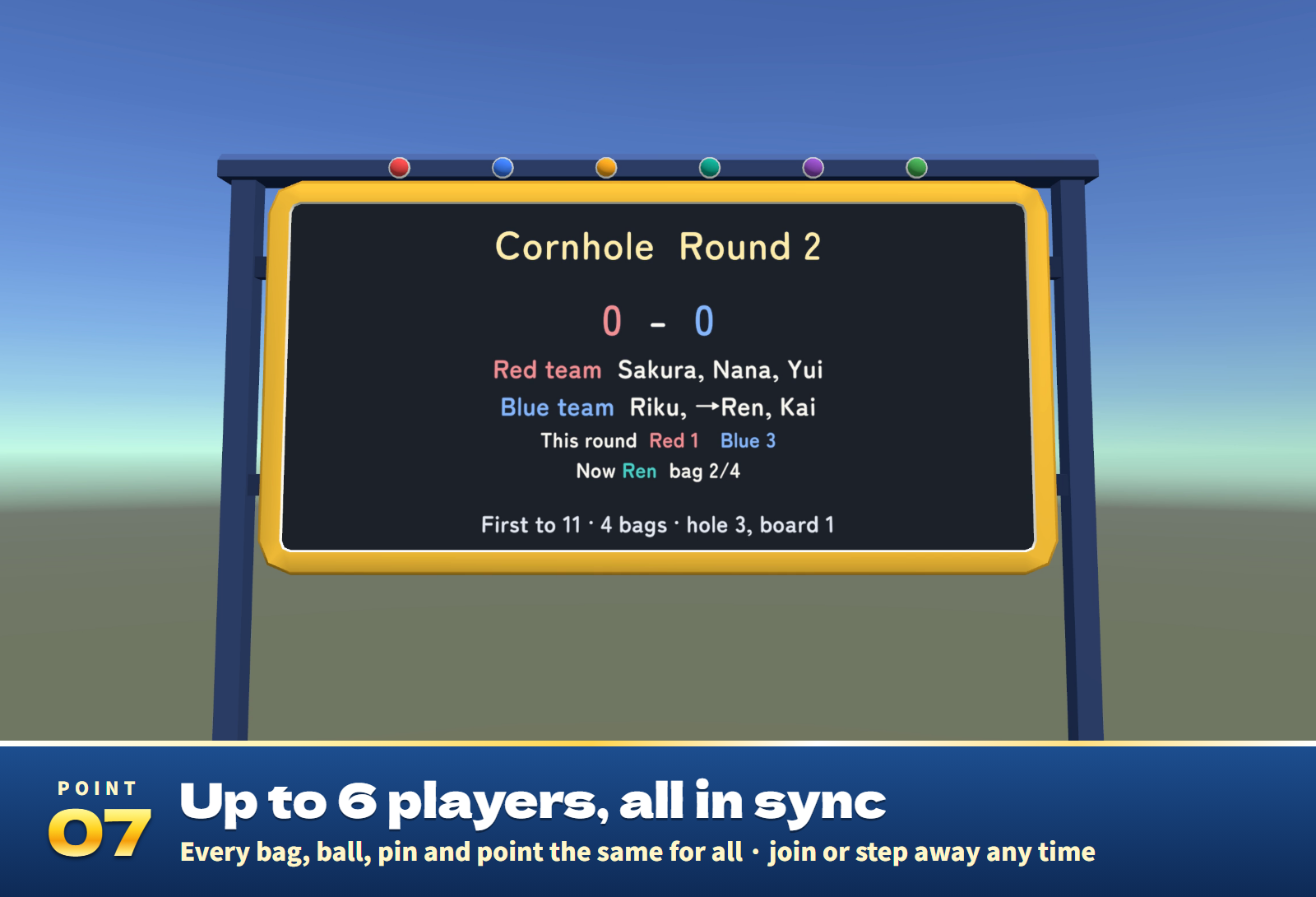
- Up to 6 players, all in sync. Every bag, stick, pin and ball moves by the same calculation on every client, so everyone sees the same result. Join, step away, come back, end the game or change the settings at any time.
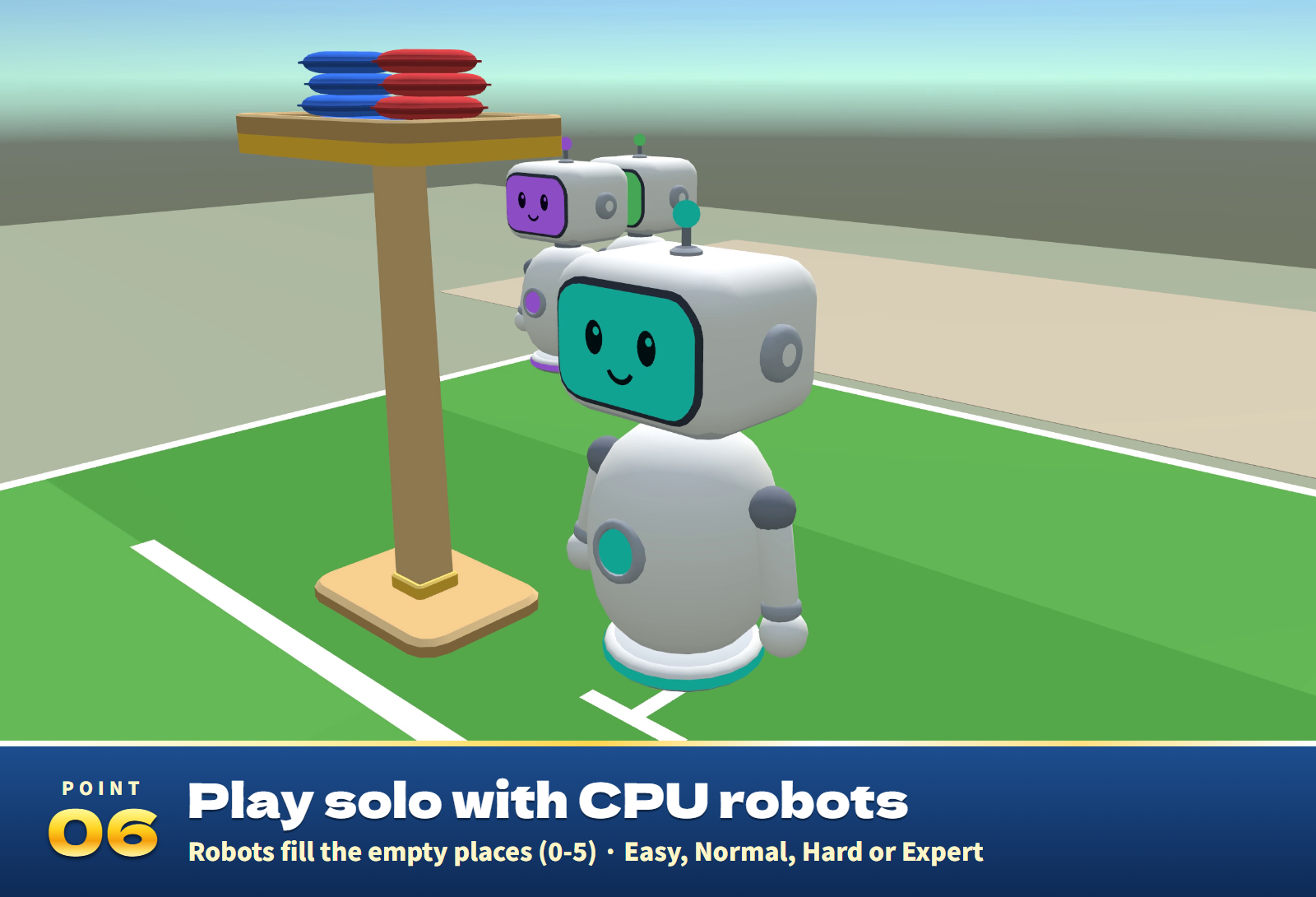
- CPU robots. 0 to 5 robots at four levels (Easy, Normal, Hard, Expert) fill the empty places. On their turn they walk up to the throwing spot and swing.
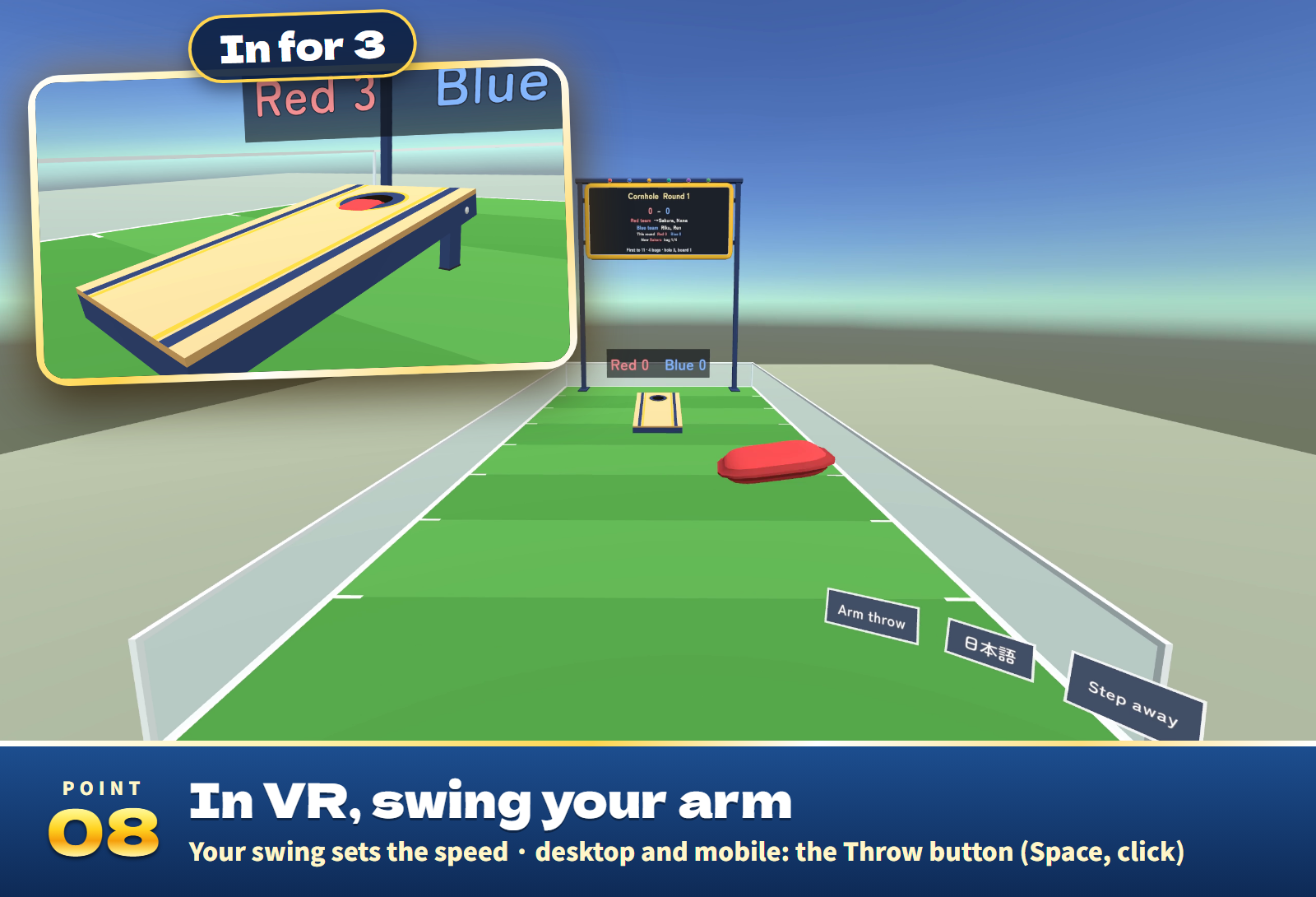
- Desktop and mobile: press Throw. On your turn, Throw appears at the bottom of your screen (Space, Enter or a click work too). Press it to stand at the throwing spot, look at the target and a mark shows where it will land; press again to throw at the mark. Backspace or Leave steps you off.
- VR: swing your arm. Take a bag, the stick or a ball from the tool stand and throw it: it flies as fast as your arm swung, turned a little toward the target. Or switch to Aim by look.
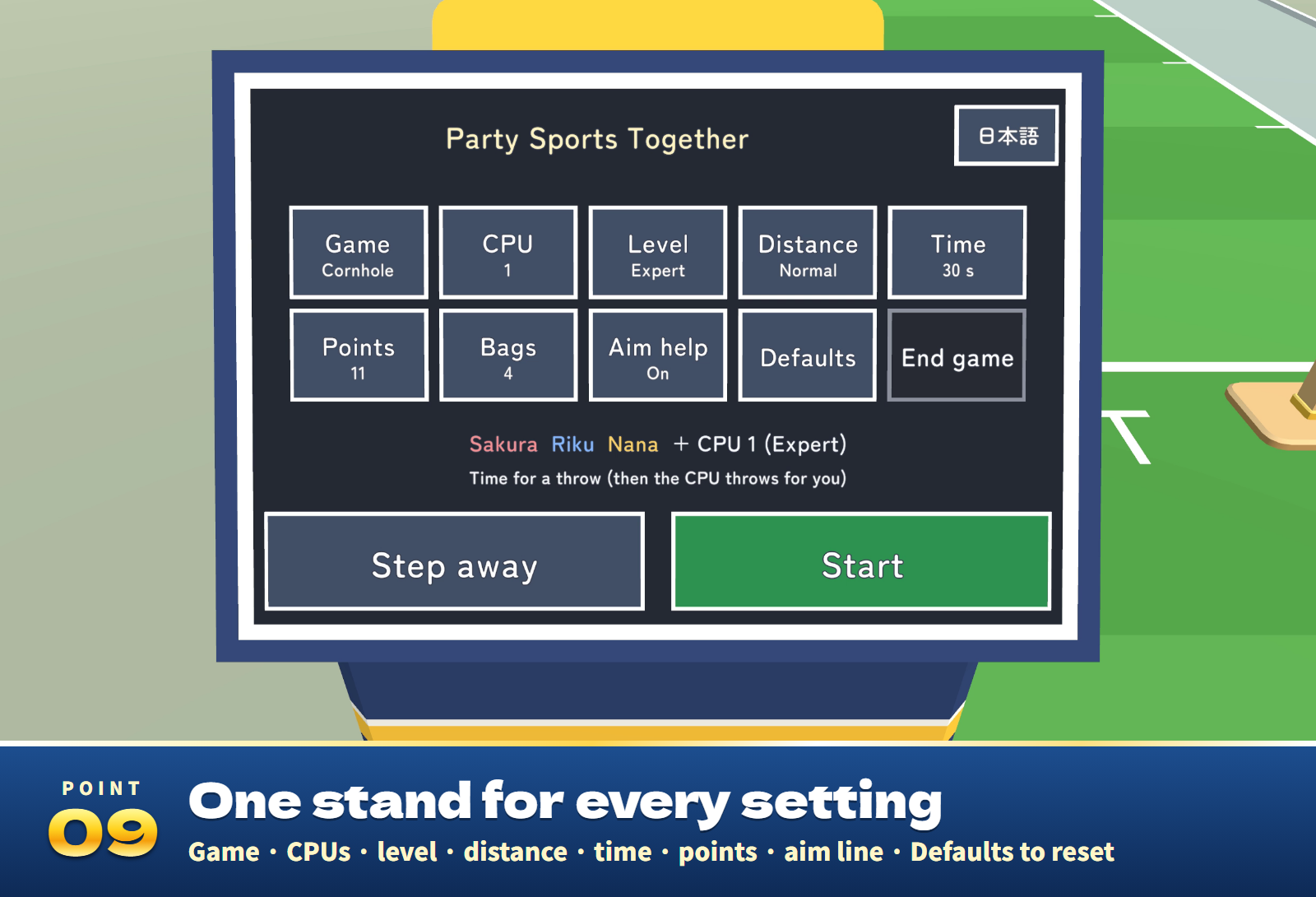
- Aim help shows the flight as a faint line while you aim (it can be switched off).
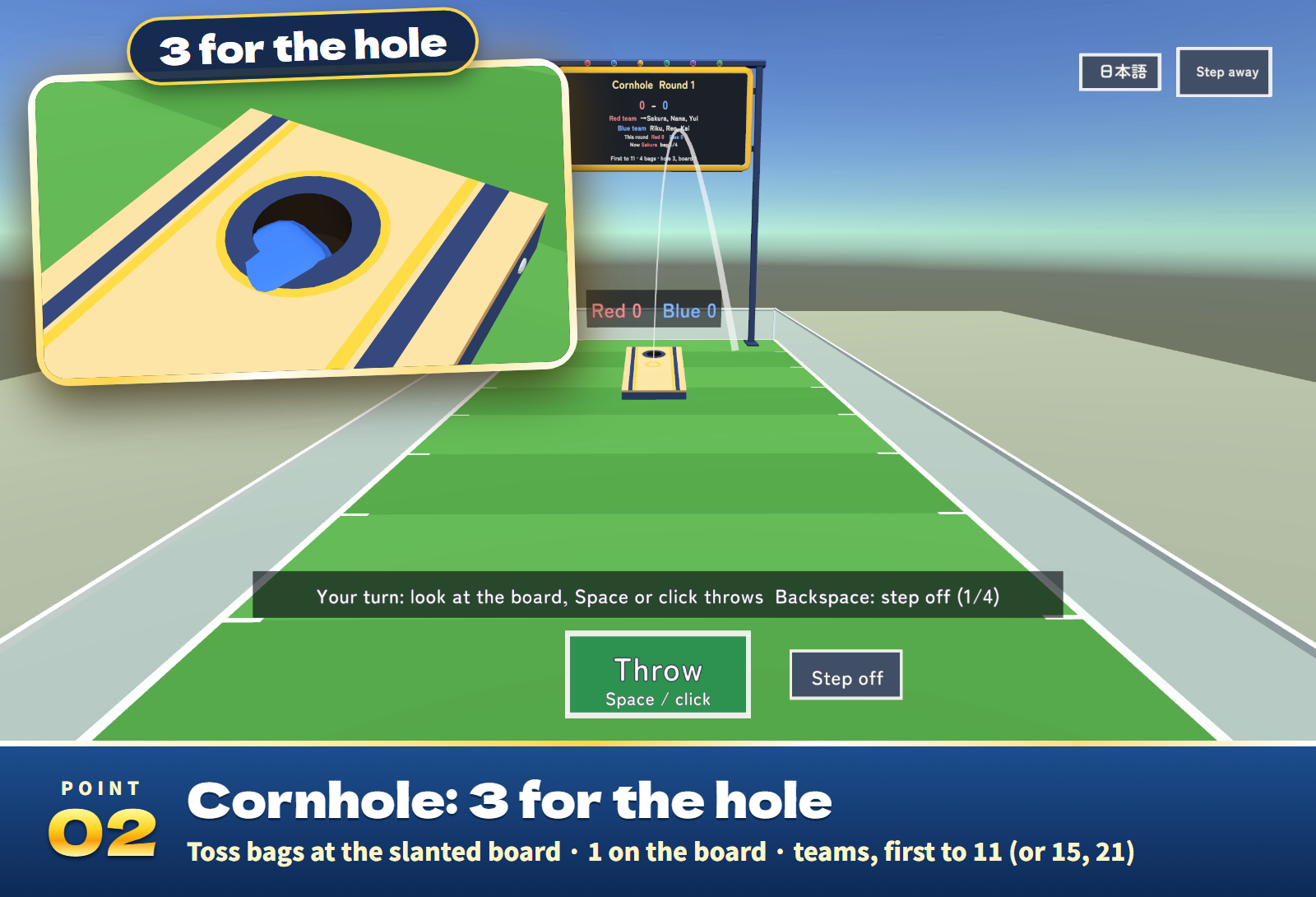
- Scores at a glance. The score board shows the points and who throws now, each result appears large over the court, and Cornhole shows the round's points over the board.
- Time to throw (60, 90, none or 30 s): when it runs out, the CPU makes that one throw for you.
- 35 sound effects for the throws, the board and the hole, the pins, the cups, the panels and the cheers.
The four games
- Cornhole (two teams): throw bags at the sloped board. 3 points in the hole, 1 on the board, and a round's points cancel out. First to 11 (15 or 21). Clear stoppers keep sliding bags on the court.
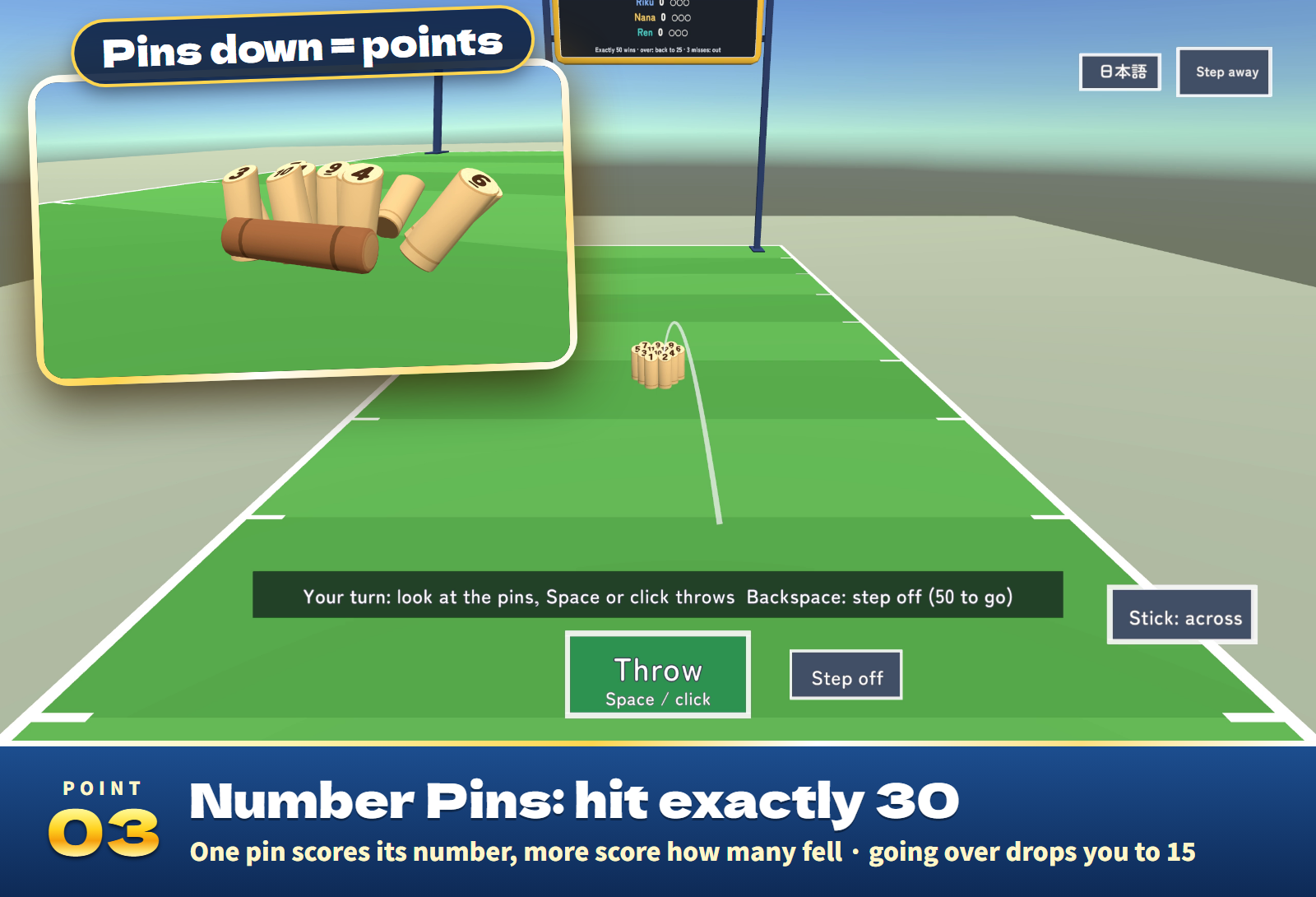
- Number Pins (each for themselves): knock the twelve numbered pins with a wooden stick. One pin down scores its number, two or more score how many fell, and fallen pins stand up where they lie. Exactly 30 (or 50) wins; going over sends you back to 15 (25). Three misses in a row and you are out.
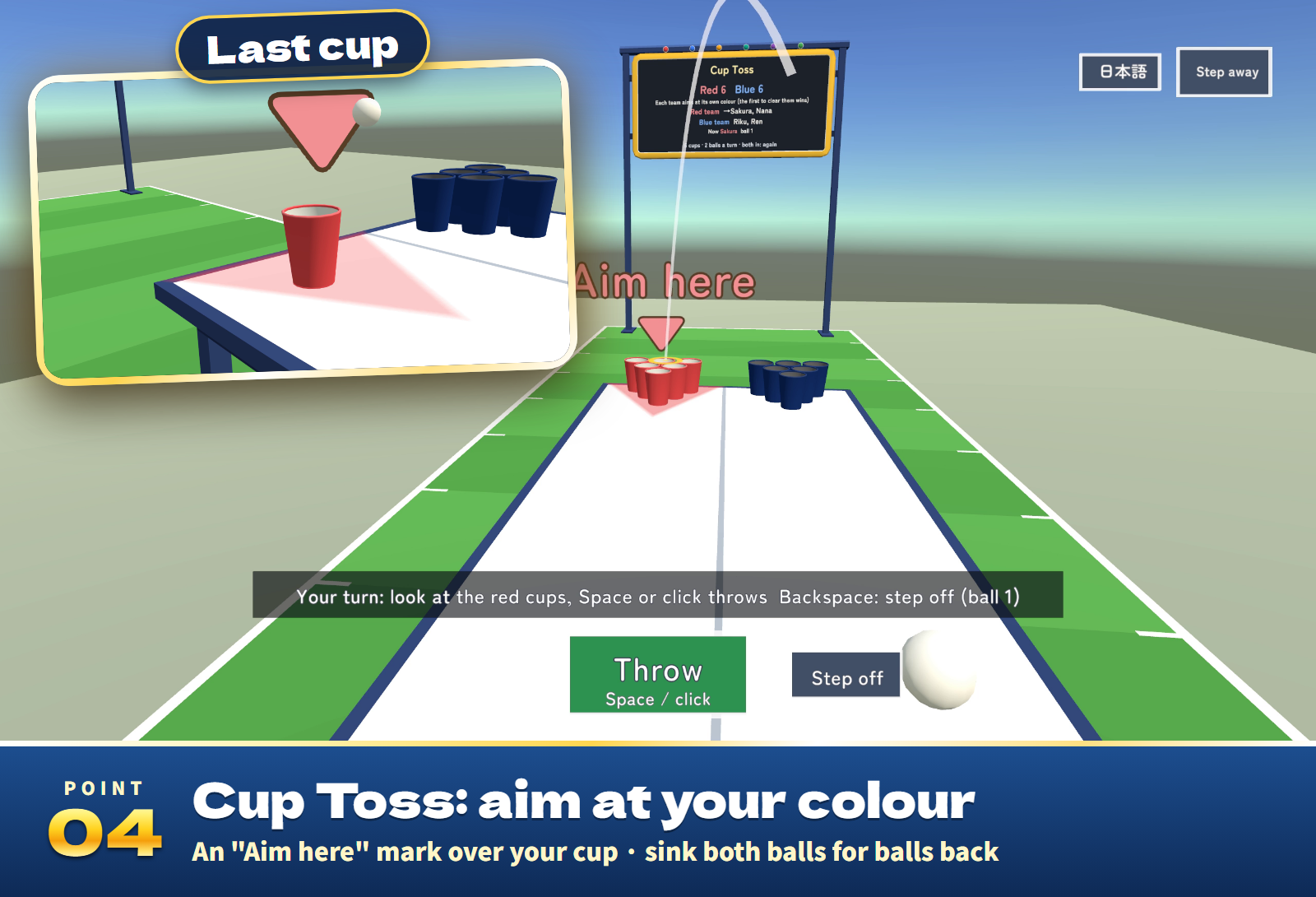
- Cup Toss (two teams): throw balls into the cups of your own team's colour across the table, 2 balls a turn. The cups to aim at light up with an Aim here mark. Both balls in and you throw again, and the cups are drawn together into a triangle when 6, 3 or 1 are left.
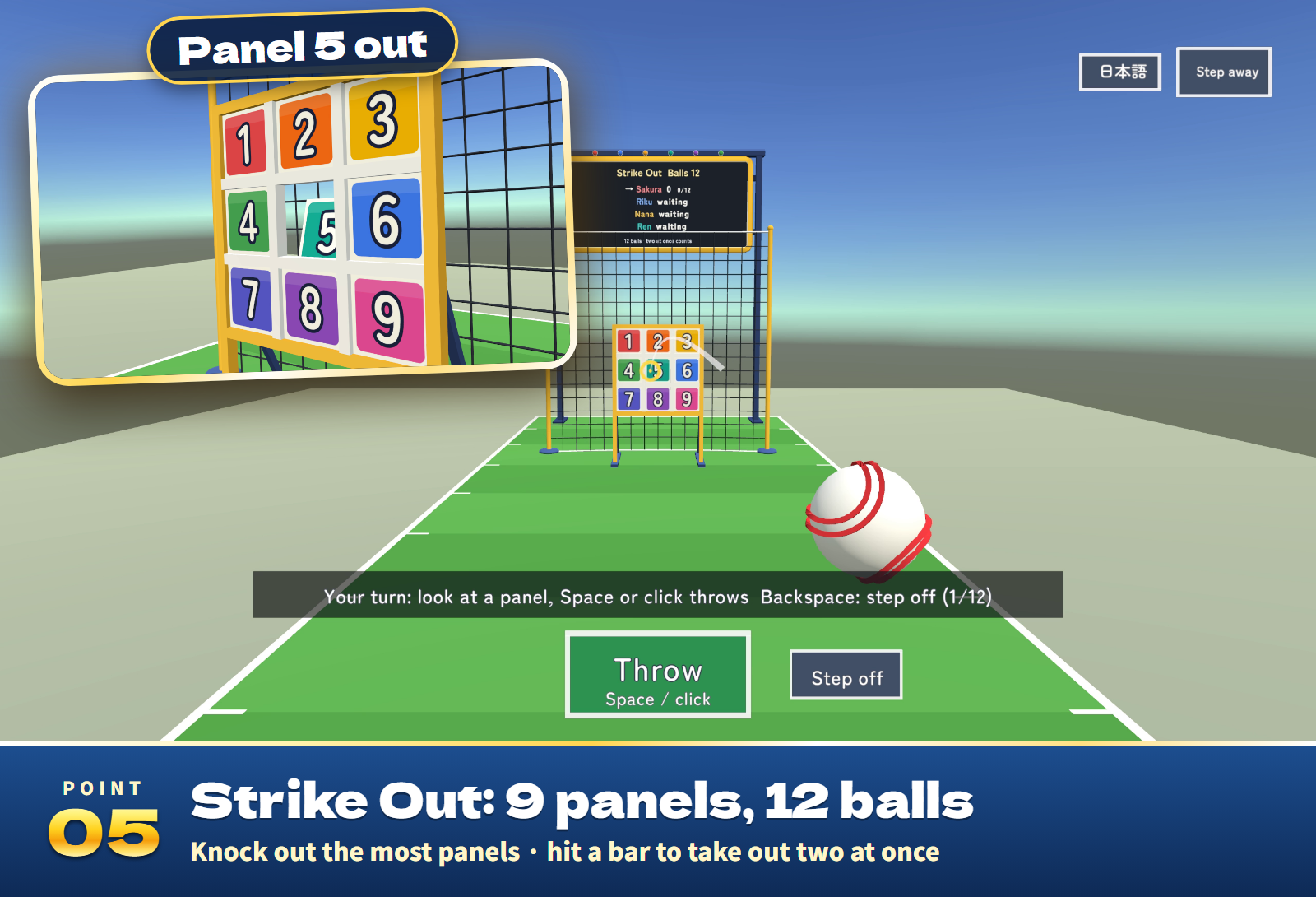
- Strike Out (each for themselves): throw 12 balls (9 or 15) at the nine numbered panels. Most panels wins; a ball on a bar can knock out two at once.
Settings
- On the settings stand (its players can use it during a game too; changes take effect from the next game): the game, CPU players (0 to 5) and their level, the distance (Near, Normal, Far), time to throw, points to win and the other rules, aim help, Defaults, and End game (when more than half of the players vote).
- English / 日本語 on the stand or on your screen switches your own view only.
- In the Inspector: the starting game, CPU players, level, distance, time, rules and language (automatic, Japanese or English), the games offered, how far each CPU level's aim strays and how much the mark sways.
Included files
- PartySports_v1.0.0.unitypackage: the court prefab (the four games, the score board, the settings stand, the tool stand and the CPU robots), a sample scene, the scripts and 35 sound effects.
- README.txt and README_EN.txt: Japanese and English setup, how to play, settings and terms.
- PartySports_Blender: the editable .blend, the FBX of every part, the colour palette and the pin and panel number textures.
Requirements and setup
Unity 2022.3.22f1, VRChat Worlds SDK 3.10.x (tested with 3.10.5) including UdonSharp, and TextMesh Pro, in a Creator Companion world project. It runs on PC (desktop and VR), Quest/Android and iOS.
- Import TMP Essential Resources if the project has never used TextMesh Pro.
- Import PartySports_v1.0.0.unitypackage.
- Place Assets/PartySports/PartySports.prefab on a flat floor, or open Assets/PartySports/Sample/PartySports_Sample.unity to try it first.
Setup takes about ten minutes. The court is about 3.6 m wide, 11 m long and 3.7 m high with the score board. Move and rotate it freely (do not scale it).
The bags, sticks, pins and balls fly exactly as a separate reference program flies them in 552 throws, and play, sync, late joining and the CPU players are covered by 33 automated tests. The sample scene built for Android is about 4.1 MB.
Terms of use
- You may include it in VRChat worlds and publish them, including paid, corporate, event and monetized worlds.
- Modification is allowed. Credit is optional and appreciated.
- Redistributing or reselling the data itself (modified or not), or bundling it with other assets for sale, is not allowed.
- Please contact the creator before using it outside VRChat worlds, such as in other games or videos.
- The author is not responsible for any problems arising from using this data.
Credits and support
Font: Zen Maru Gothic, SIL Open Font License 1.1 (Fonts/OFL.txt). The 3D models, textures, sound effects and scripts were made for this product.
For purchase questions, use the contact option on the store where you purchased this product. Include the product, Unity and SDK versions, steps and any error message.
Jinxxy support
For purchases on Jinxxy, use this product's Q&A on Jinxxy. Include the product name, Unity and SDK versions, the steps you took and any error text.