
ACORN RUSH | 60-Second Co-op Hammer Game for VRChat Worlds
Description du produit
Share two hammers and sort the friendly targets from the tricks.
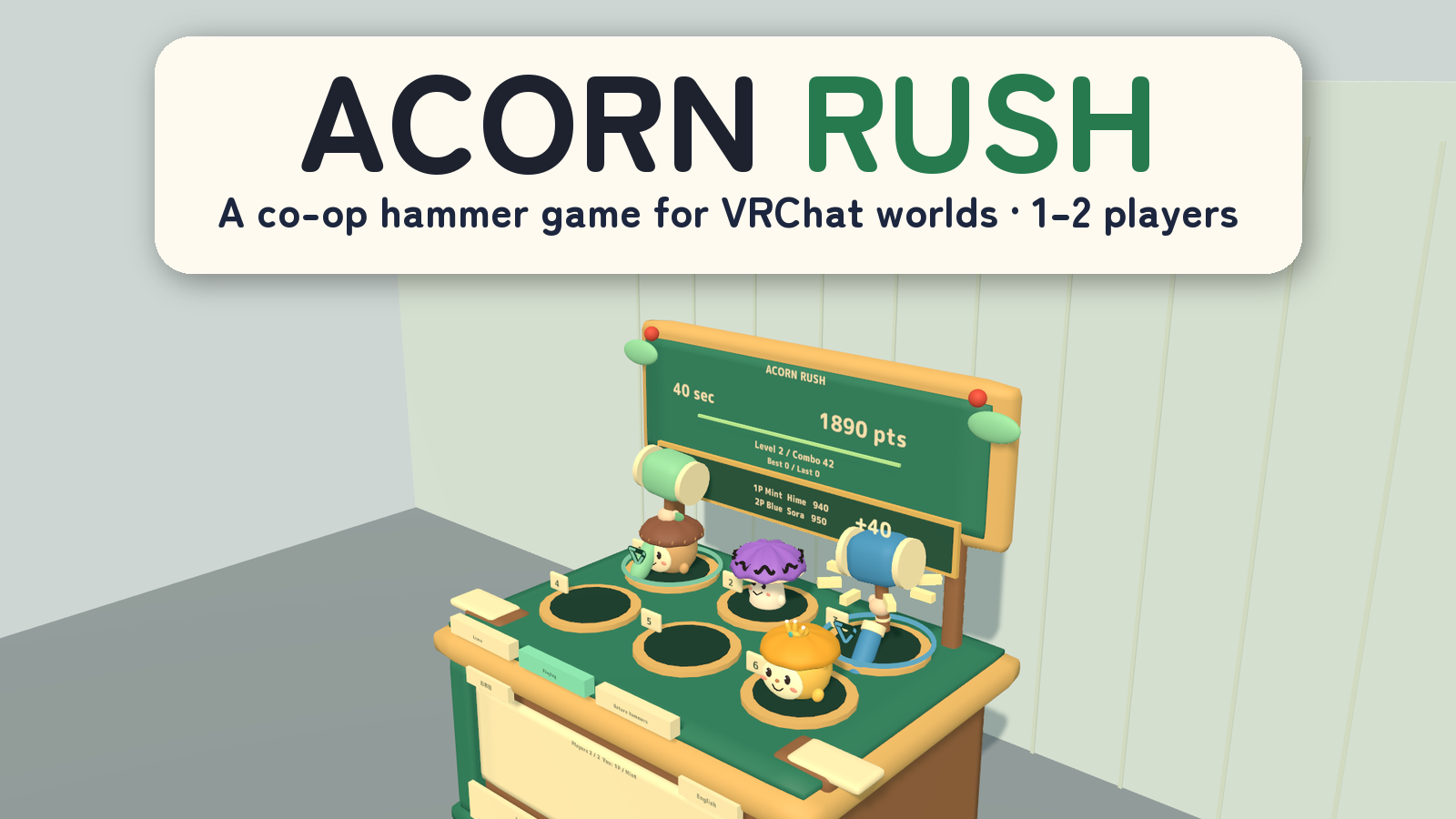
ACORN RUSH is a 60-second hammer game for one or two players in VRChat. Both players can hit all six holes, helping each other catch valuable targets while leaving the penalty characters alone.
1–2 players · 6 holes · Three simultaneous targets · PC VR / Desktop / Android
Watch it in action
Watch the English introduction on YouTube
Made for shared play
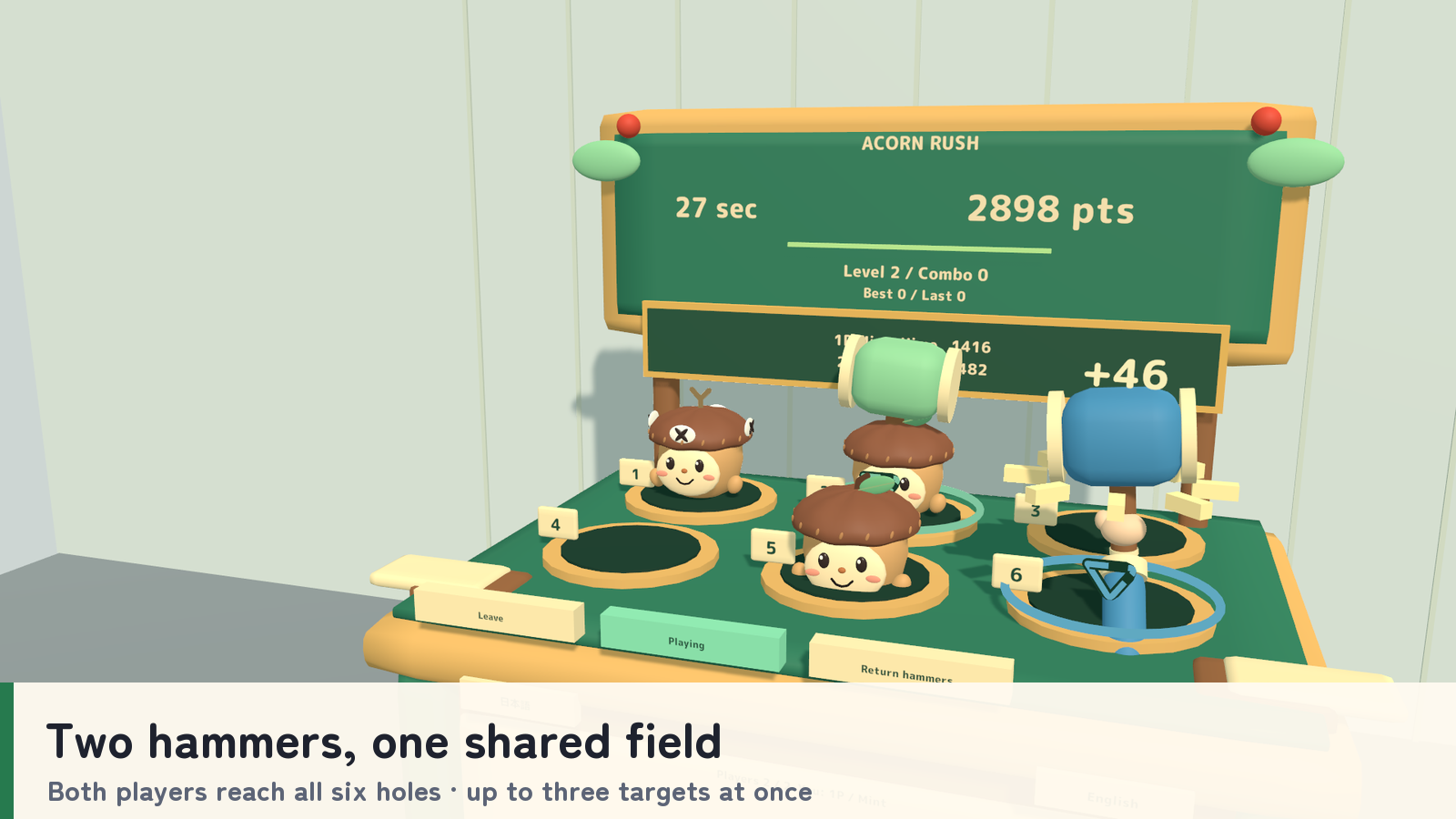
- A shared field. Two hammers cover the same six holes. Up to three targets appear at once, with at most one penalty character among them.
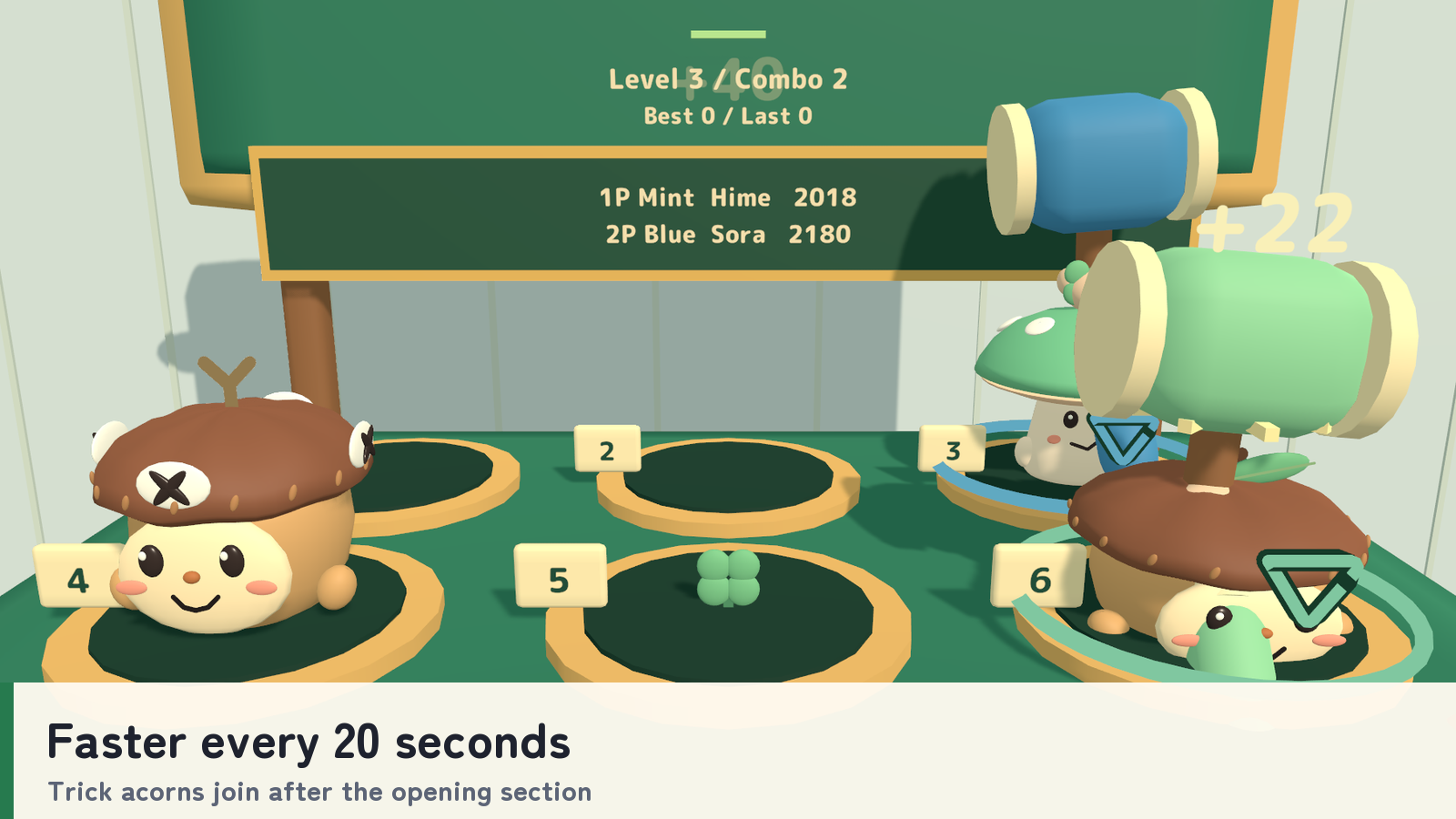
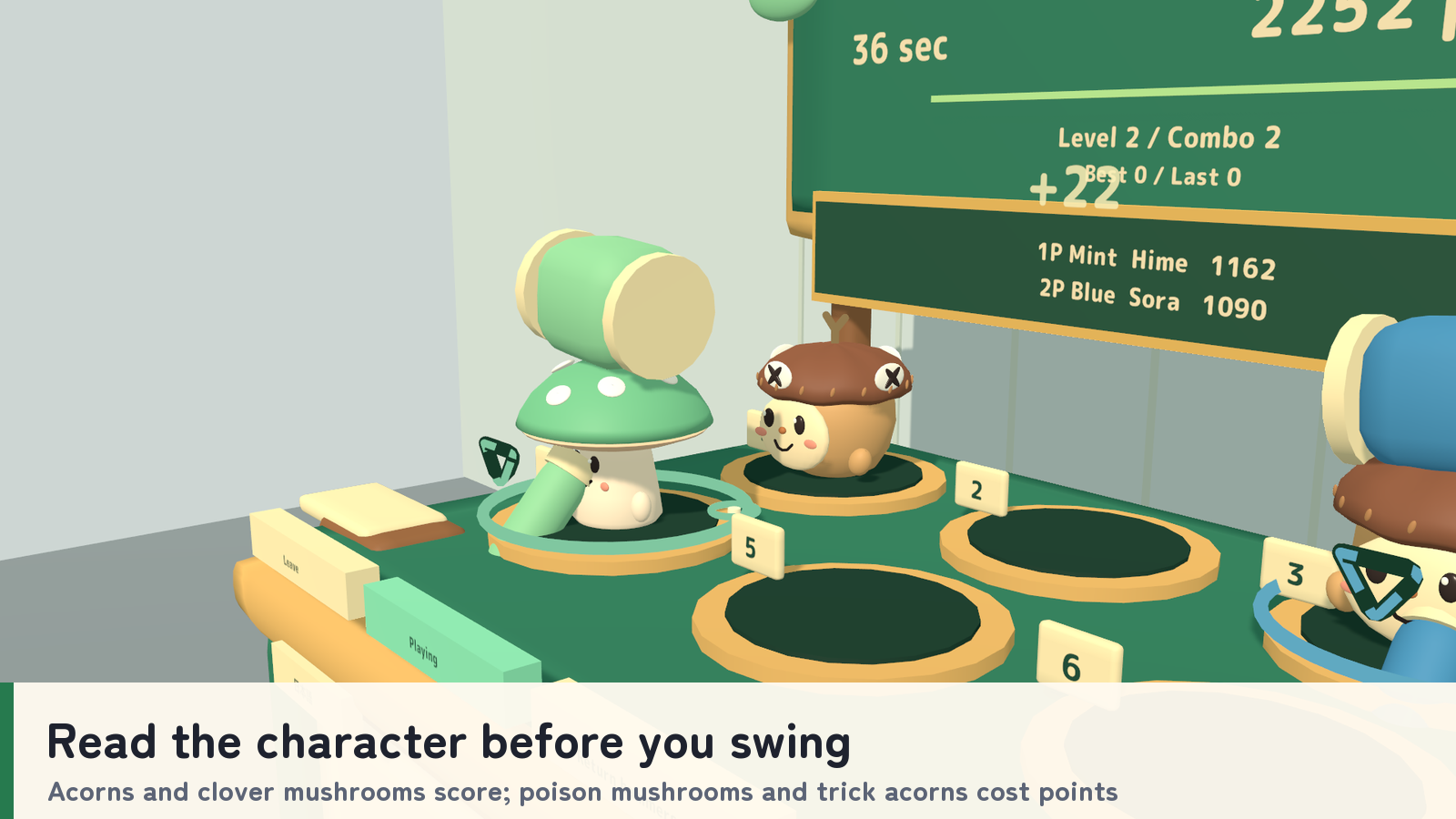
- Read the character before you swing. Leaf acorns, crowned acorns and clover mushrooms add points; purple poison mushrooms and marked trick acorns subtract them. Consecutive good hits build a bonus.
- A rising pace. The game speeds up every 20 seconds, with tricks entering after the opening section.
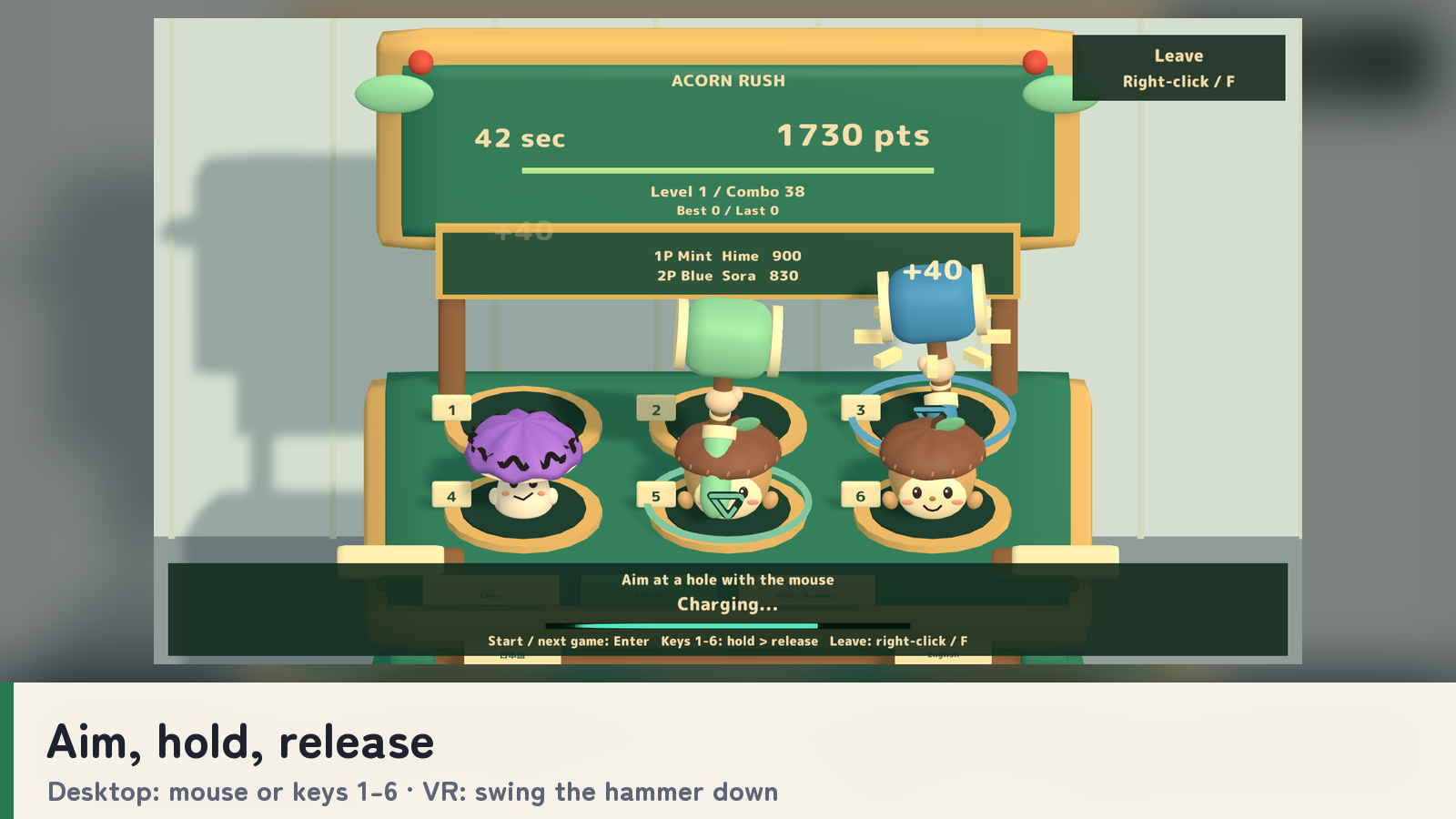
- Desktop controls made for a standing player. Aim with the mouse, hold Use briefly and release to strike. Number keys 1–6 provide an alternative. In VR, swing the hammer downward.
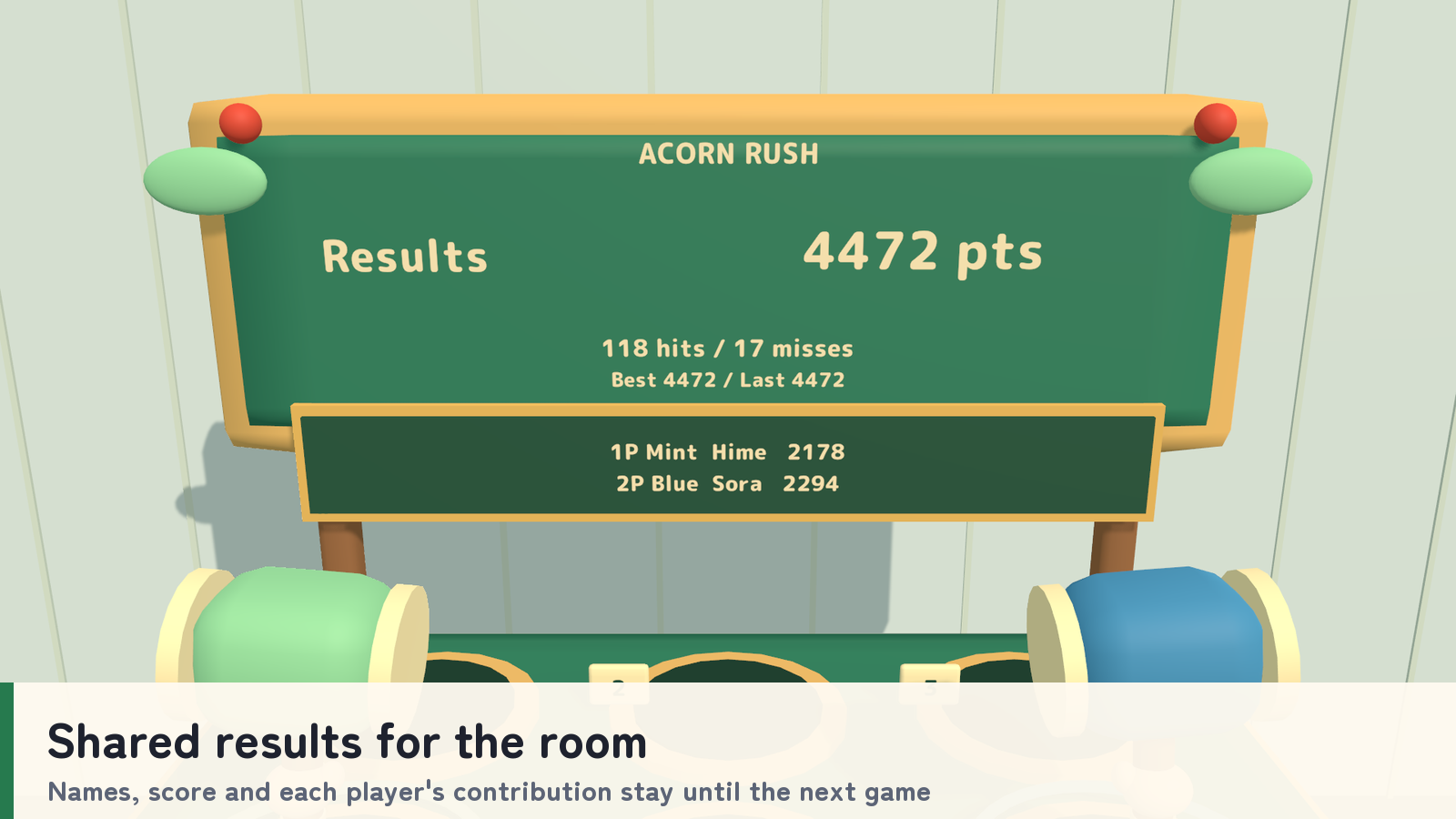
- Cooperative results. Shared player names, time, score and combo contributions let the room follow the round. Results stay on screen until the next game starts.
How to play
- Press Join and pick up your hammer. Use Enter on desktop or Start in VR to begin after a two-second countdown.
- Hit the positive targets and let penalty targets pass. Both hammers can reach every hole.
- On desktop, hold the left mouse button or Use for about 0.22 seconds, then release to strike; holding and releasing keys 1–6 is also supported. Your view remains fixed in the playing position.
- Use right-click or F on desktop to return the hammer and leave. In VR, dropping the hammer keeps your spot; use the table’s Leave control to give it up. New players join between rounds, and a player who leaves can rejoin during the same round.
- Review the result, then use Enter or Next Game to start another round. Return unheld hammers manually or let their 30-second return timer restore them.
The round clock keeps running if a player leaves. Floor markers show where each player stands.
Your own display language
Game guides and the desktop overlay switch between Japanese and English independently for each player. Standard prefabs follow each player’s VRChat language; the _EN prefabs start in English. The choice does not change shared game progress.
What you get
- Four game prefabs and four sample scenes: PC and Android, each in a standard and an English-start version.
- Unity-generated models, materials, UdonSharp scripts and game audio.
- The C# setup script used to rebuild the set (Source/AcornSetup.cs.txt).
- Japanese/English guides, license terms and included third-party notices.
Requirements & setup
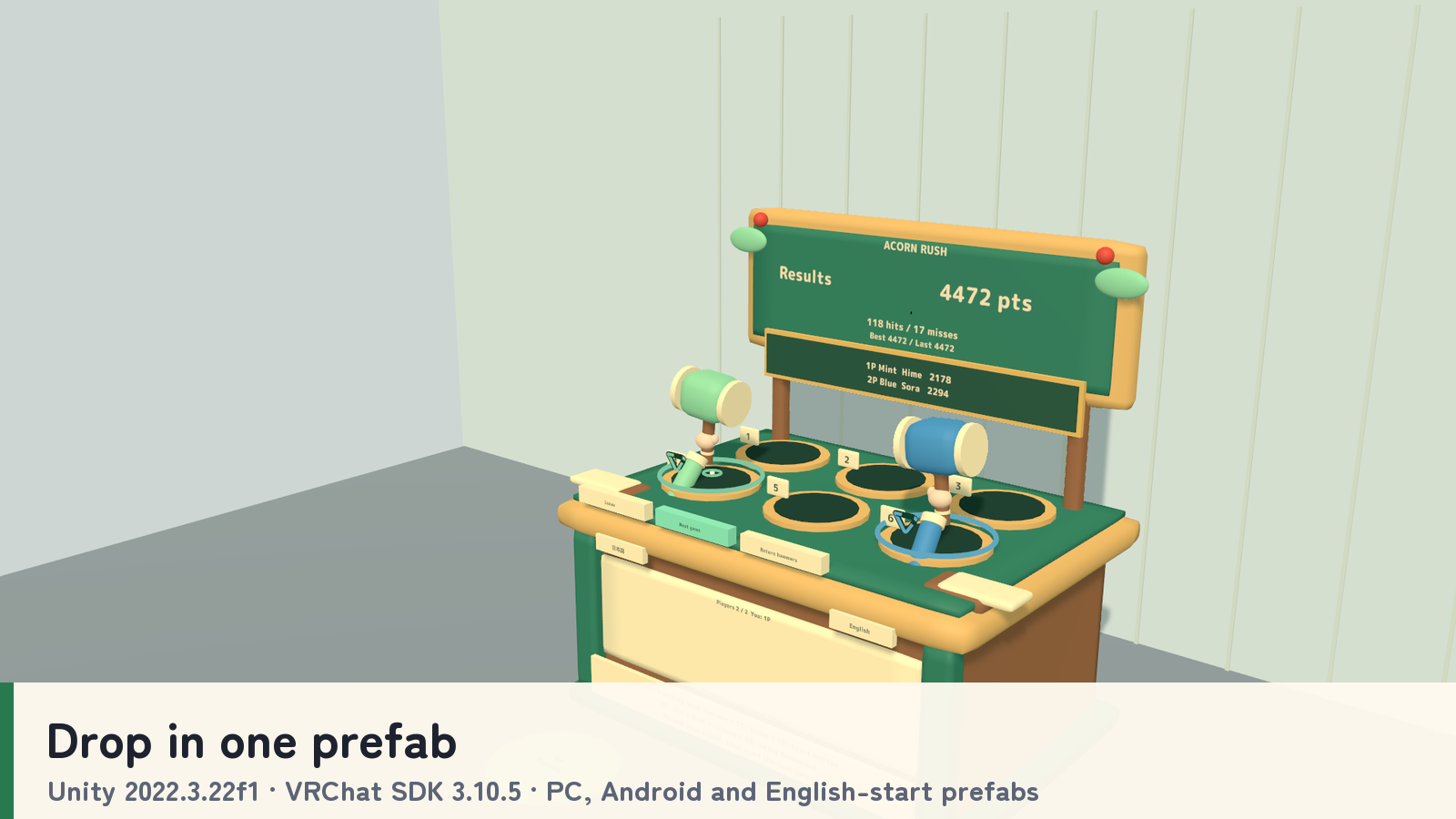
Use a VCC Worlds project with Unity 2022.3.22f1, the Built-in Render Pipeline and VRChat SDK – Worlds 3.10.5 with UdonSharp.
- Import TMP Essential Resources from Window → TextMeshPro, then import AcornRush_v2.0.1.unitypackage.
- For English at startup, place AcornRush_Set_EN.prefab in a PC world or AcornRush_Set_Android_EN.prefab in an Android world. Standard prefabs that follow each player’s VRChat language are included too.
- Adjust the placement using a uniform scale, then use the SDK’s Build & Test.
Commercial use & customization
Individuals and organizations may incorporate this product into VRChat worlds they create or manage for commercial or non-commercial use. Modification, events, videos and streams are permitted. Credit is optional.
The original assets are licensed for incorporation into your own work. Redistribution or resale as standalone assets or reusable source data is not included. Each collaborating creator who uses the source data must purchase the product. See LICENSE_EN.txt and the included third-party license texts for the full terms.
Support
Questions or setup help? Ask in this product's Q&A on Jinxxy. Please include the product name, your Unity and VRChat SDK versions, the steps you took, and any error message.