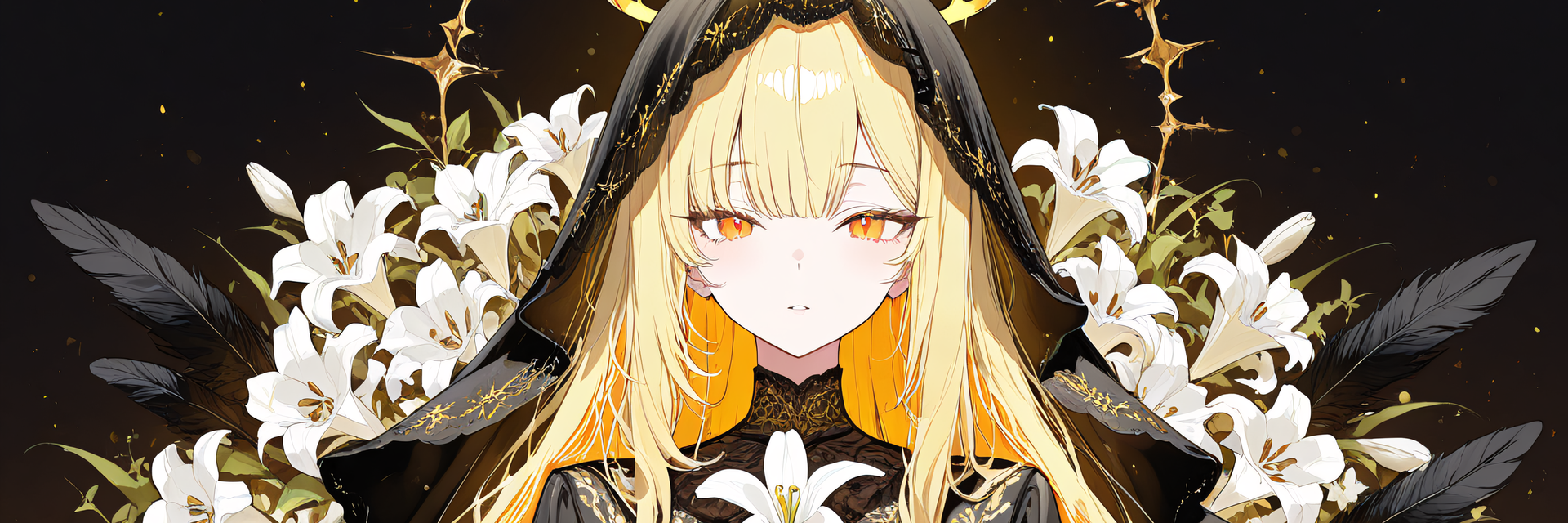
Crown Halo - Swaying, Grabbable Head Accessory with Sparkles | Modular Avatar, PhysBone, 5 Colours
Description du produit
Ce produit contient du contenu généré par IA.
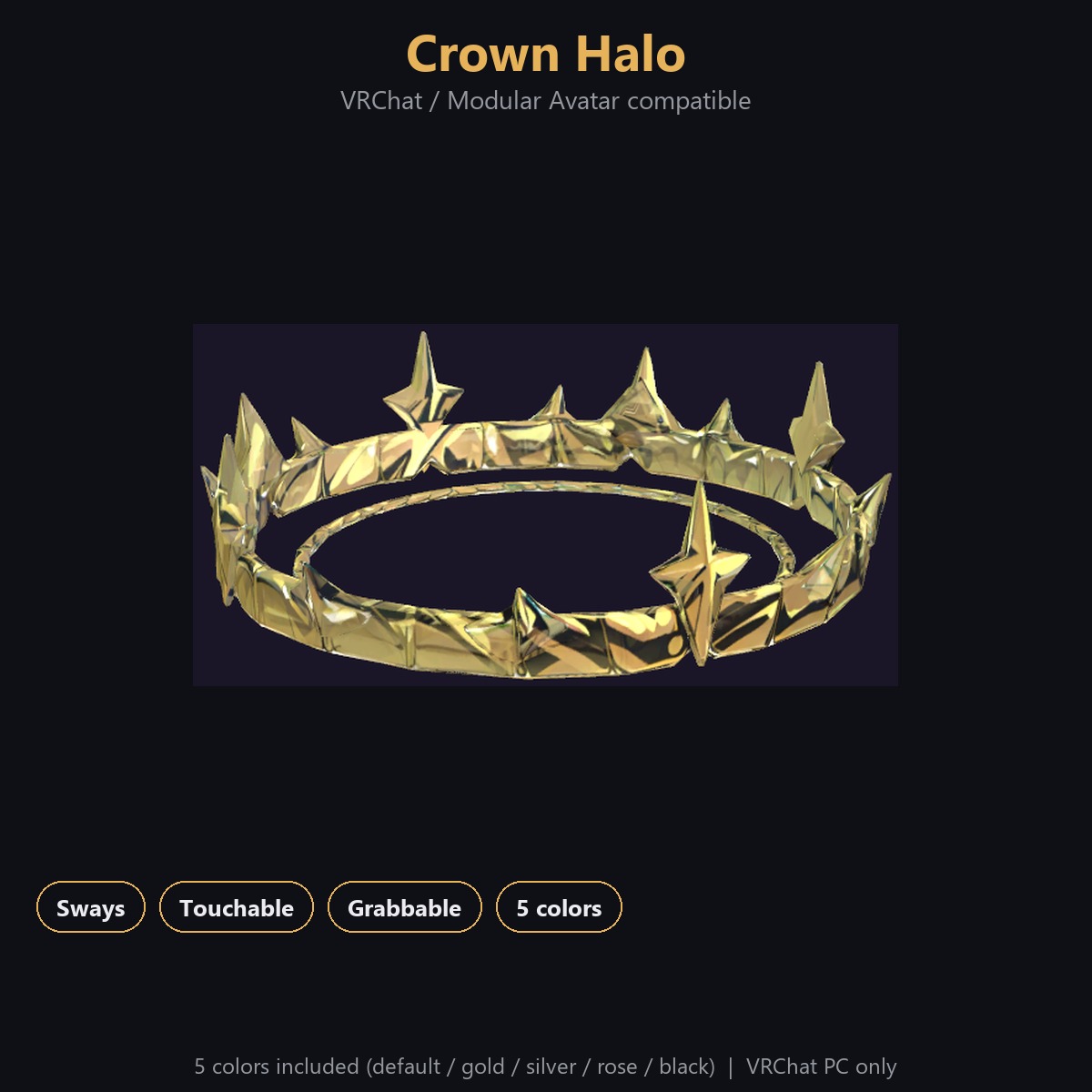
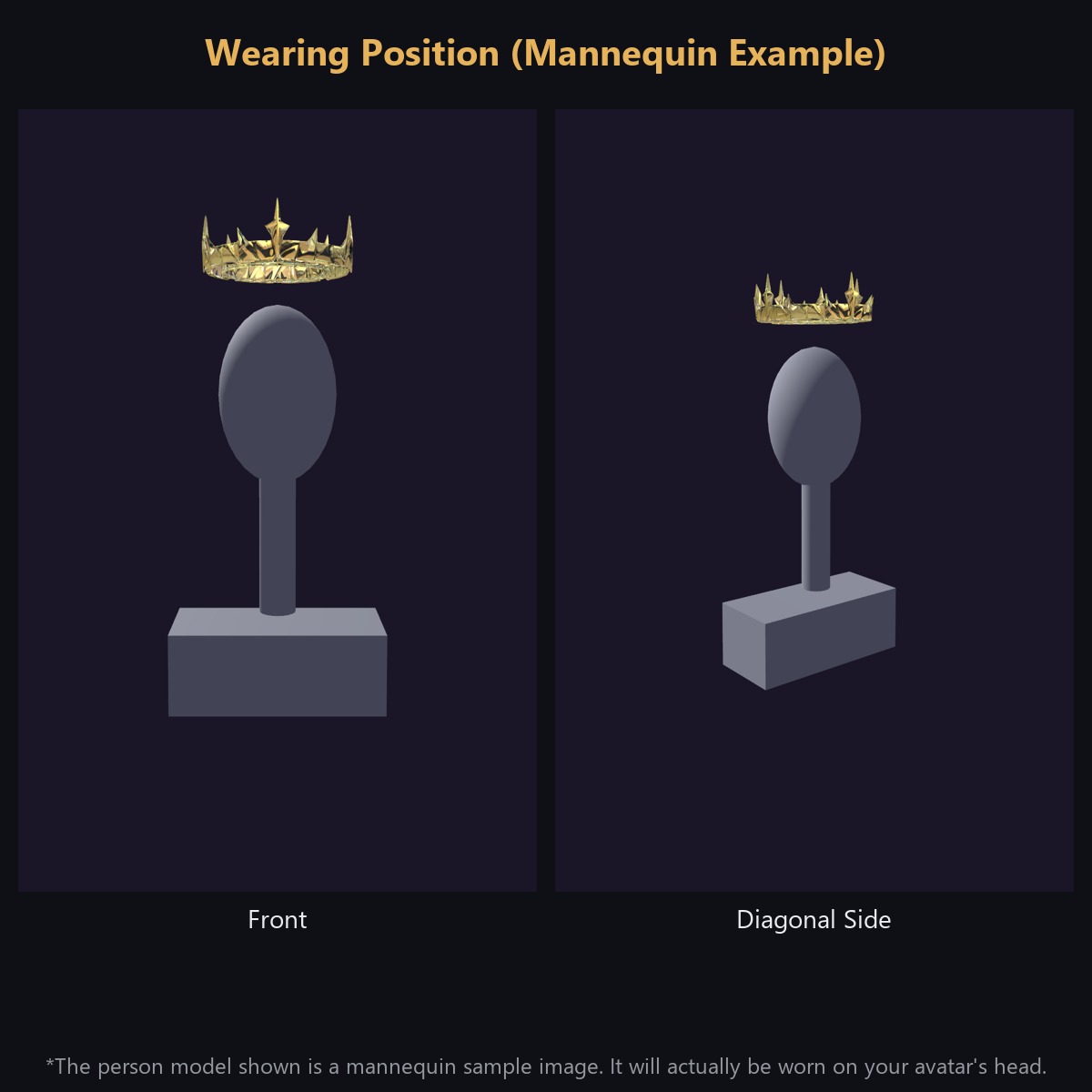
An overhead halo accessory for VRChat avatars (3D prop). Works with Modular Avatar - just drop the prefab under your avatar's root and it attaches to the head automatically.
Features:
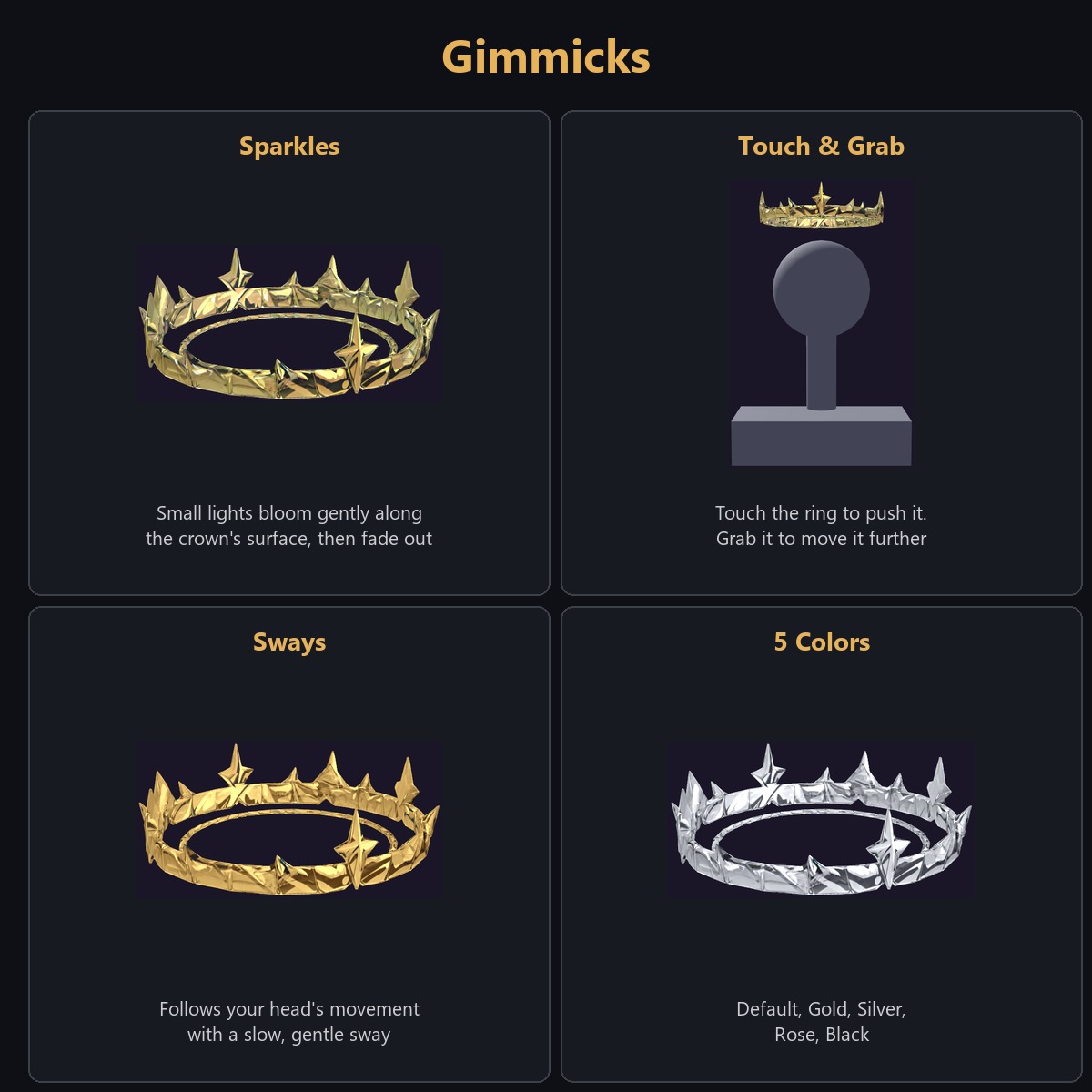
- Follows your head with a gentle swaying delay, and drifts slightly even when still
- Can be pushed and grabbed - pull it and it springs back naturally (PhysBone)
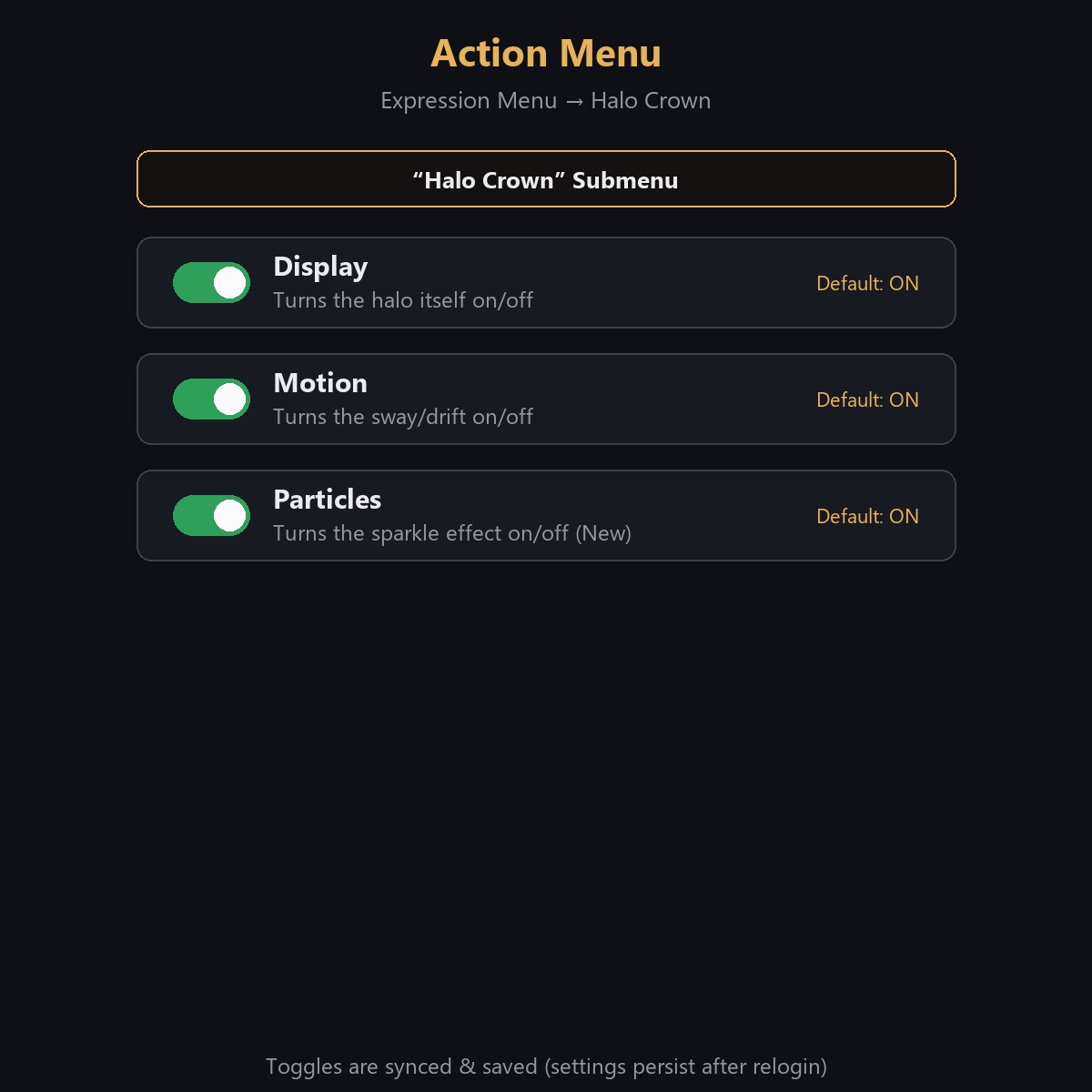
- Small sparkles gently flicker on and off along the surface of the crown (they don't move). Can be toggled independently via the "Particles" action menu entry
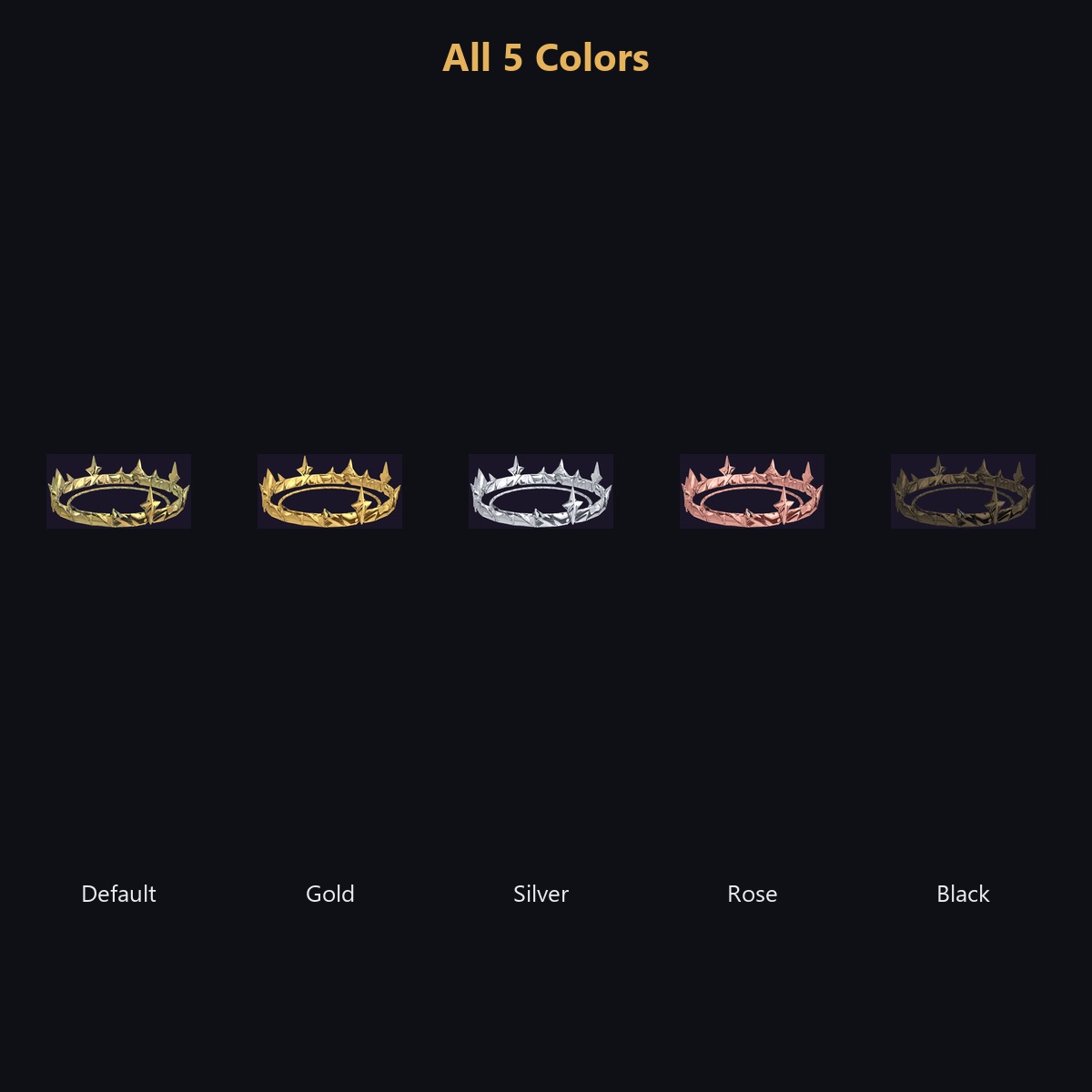
- Includes 5 colour variants: Default, Gold, Silver, Rose, Black
What's Included:
- 1 unitypackage (base prefab + colour-variant prefabs)
- Read-me and Terms of Use (English), changelog
Requirements:
- Unity 2022.3
- VRChat SDK Avatars 3.10 or later
- Modular Avatar 1.18 or later
- lilToon 2.3 or later
Setup:
1. Import the package into Unity
2. Drag the prefab under your avatar's root (Modular Avatar attaches it to the head automatically)
3. Use the "Halo Crown" entry in the VRChat Action Menu to toggle visibility, motion, and particles
How It Was Made: Some shapes and textures in this pack were created with the help of AI generation tools.
Performance:
- About 6,000 triangles, 2 materials (body + particle)
- Textures: six 2048px maps + one sparkle texture
- Performance rank: Excellent (particle off) / Good (particle on, default). Built for PC - not compatible with a standalone Quest (exceeds Quest material/mesh limits)
- Particles may be hidden per-world by VRChat's own settings
Notes:
- PC only. Does not work on a standalone Quest.
- The action menu entries are added to your Modular Avatar menu automatically. If your menu is already close to full, please check your remaining capacity.
Terms of Use (summary):
- Modifications allowed
- Redistribution prohibited, including within avatar data (as-is or modified, free or paid)
- Using it on your own avatar and uploading that avatar to VRChat is allowed
- See the included Terms of Use file for full details
Changelog:
- 2026-09-18: Initial release
- 2026-09-20: Listed on Jinxxy