
✨Free✨Viabel Academy ID Card Holder /AC12
Tags
Description du produit
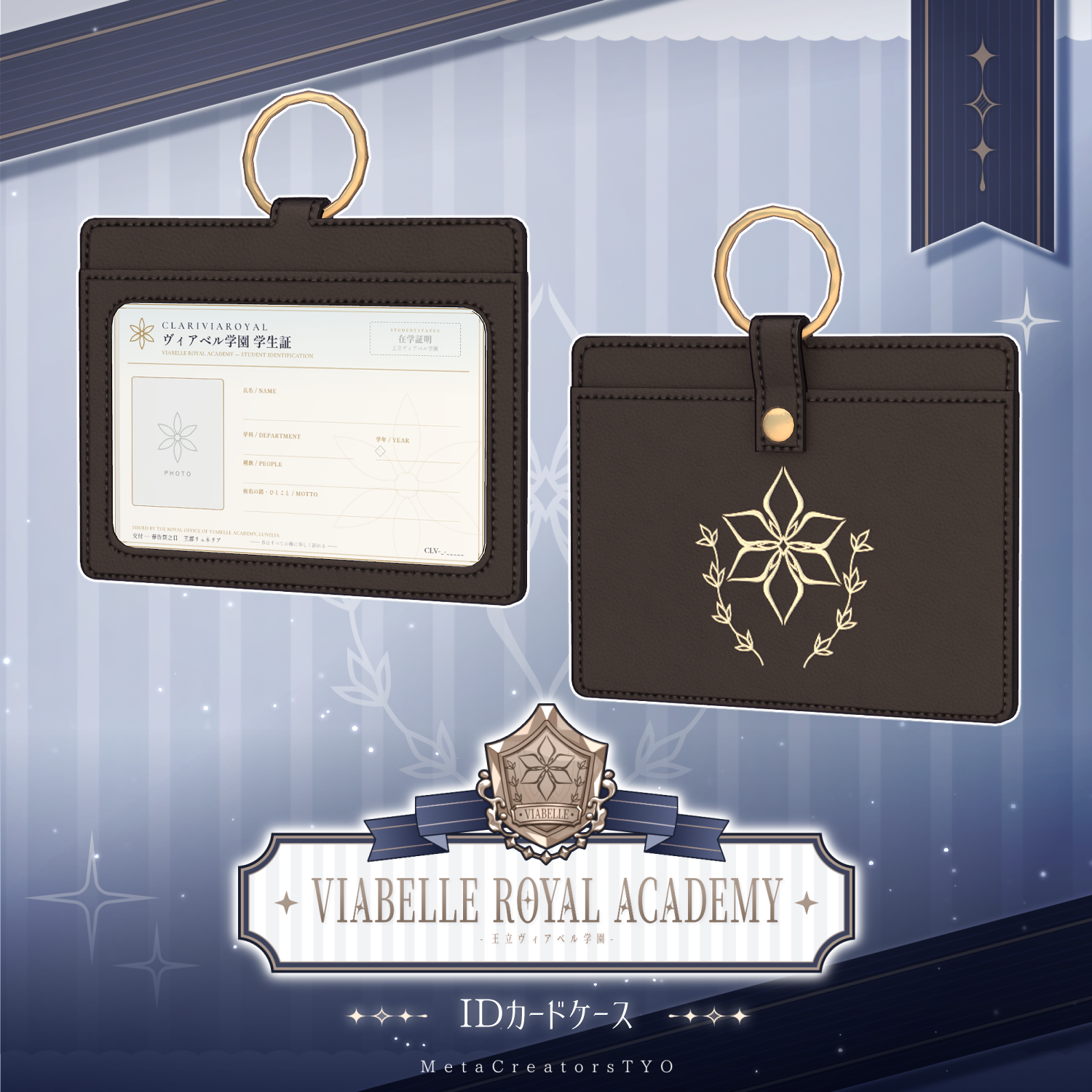
Viabelle Academy Official ID Card Holder
The official ID card holder of Viabelle Academy!
Carry your student ID, created with the official website's ID Card Maker, wherever you go!
★ ID Card Maker
https://metaversecreator.daa.jp/CLARIVIA/special.html
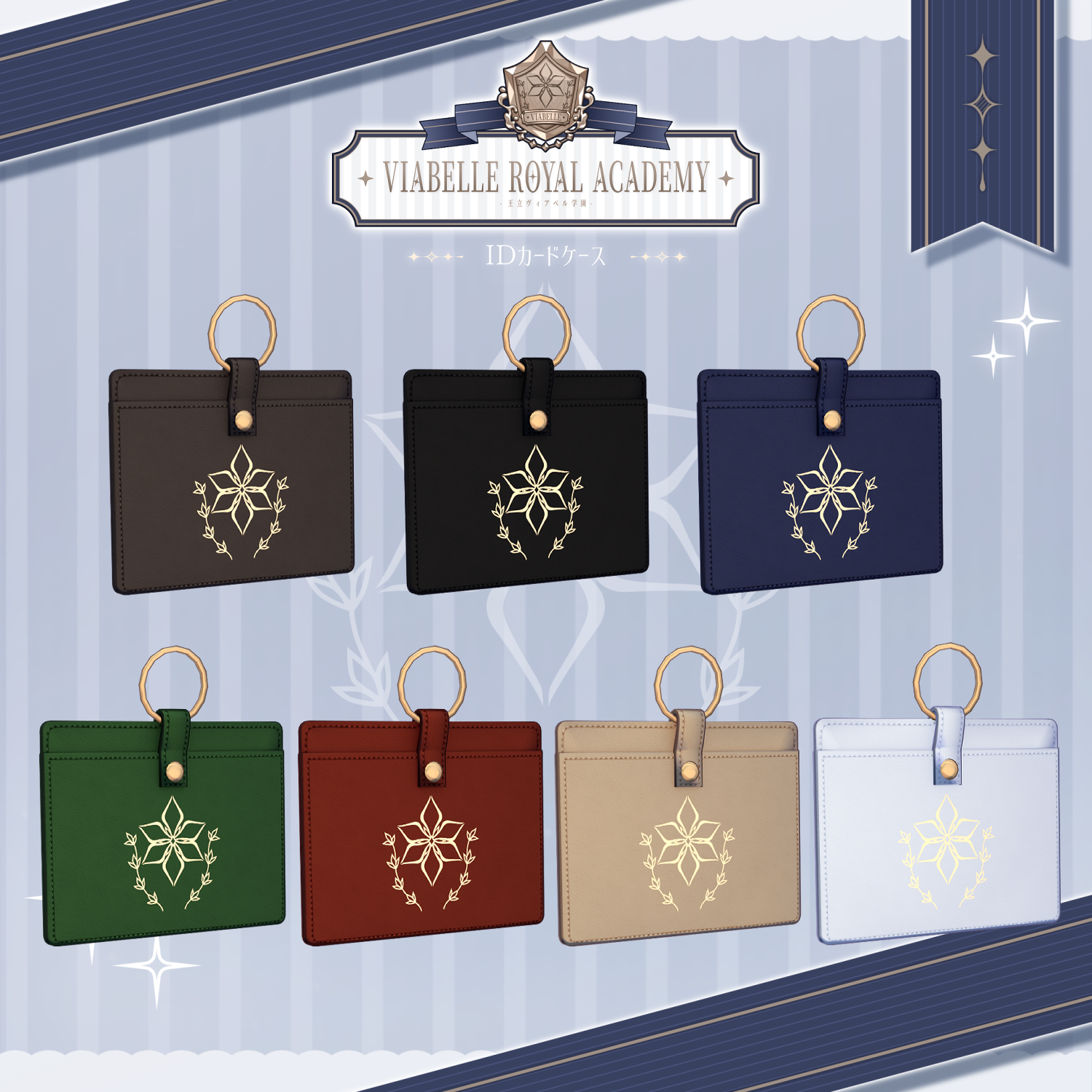
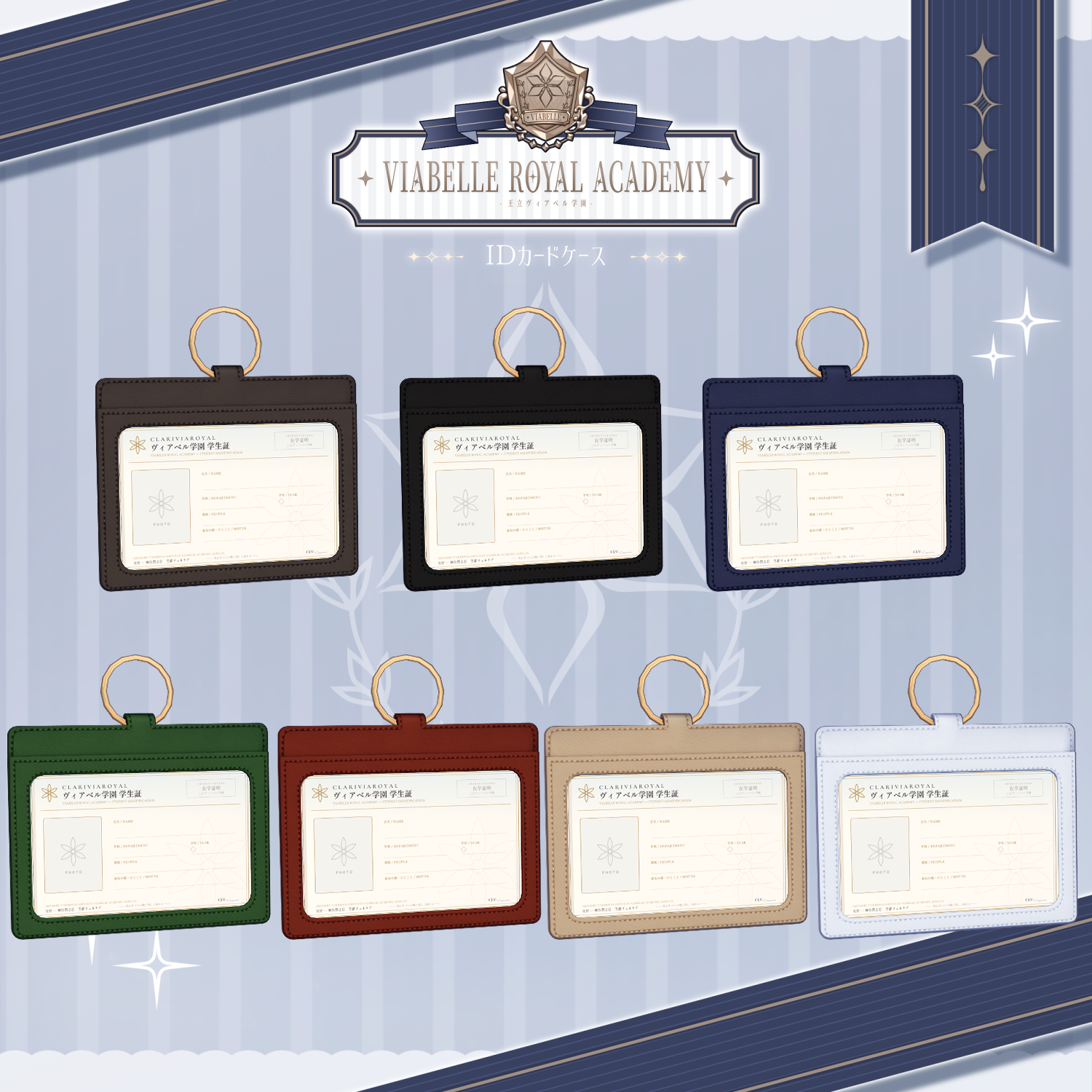
PSD and CLIP files are included, allowing you to replace the student ID with your own design. Customize the colors and create an ID card holder that reflects your personal style!
Important Notes
This product is an accessory model for VRChat avatars. The avatar itself is not included.
Due to the digital nature of this product, refunds and returns are not accepted. Please read and agree to the product description and Terms of Use before purchasing.
◆ Item Details
Included Files
Viabelle_IDcase.Unitypackage
PSD/CLIP files for customization
ReadMe.txt (instructions)
Shader
lilToon
https://lilxyzw.booth.pm/items/3087170
Required Asset
Modular Avatar
https://modular-avatar.nadena.dev/ja/docs/intro
Model Specifications
Polygon Count: 696 total
Pass: 696 polygons
Meshes: 1
Materials: 1
PhysBone Components: 1
Import Folder
Assets > MetaverseCreators_CP > Takeru_Airgreen > Viabelle_IDcase
◆ Installation Guide
Set up the latest VRChat SDK through VCC.
Install the required assets (lilToon and Modular Avatar) through VCC.
Import the latest package for the avatar you wish to use.
Import this product's Unity package.
Place your avatar in the Scene Hierarchy. If the avatar has a dedicated prefab for outfit changes or customization, use that prefab.
Drag and drop Viabelle_IDcase.Prefab directly under the avatar in the Hierarchy.
Position the prefab at the avatar's right hand.
Upload your avatar through the VRChat SDK.
◆ Gimmick
With your right hand in the Fist gesture, touch the Contact area around your waist to make the ID card holder appear in your right hand.
To put it away, hold the card holder and repeat the same action: make a Fist gesture with your right hand and touch the Contact area around your waist.
Notes
Depending on the avatar, the Contact Receiver may be too large or positioned incorrectly. If this occurs, adjust its Position, Radius, and other settings under Gimmick > ContactReceiver.
◆ Customizing Colors
Replace the materials in the Mate_Color folder with your preferred color variations.
You can also use the included PSD or CLIP files to customize the colors and create your own design.
◆ Terms of Use
https://drive.google.com/drive/folders/1qRMXoIxM1ZgacBPfwOigQRtXP1vCbNMn?usp=sharing
Please make sure to follow the terms of use of the original avatar as well.
◆ Development Environment
Modeling: Blender 5.2.0
Texturing: CLIP STUDIO PAINT
Setup: Unity 2022.3.22f1
VRChat SDK - Avatars 3.10.5
lilToon 2.4.1
Modular Avatar 1.18.7
Other: Substance Painter 2024
◆ Credits
Creator: 竹流 (Takeru)
https://www.airgreen.net/
https://airgreen.booth.pm/
For inquiries or support, please contact us via BOOTH messages.