
glorivio - VRChat Hair / CP18
Tags
Description du produit
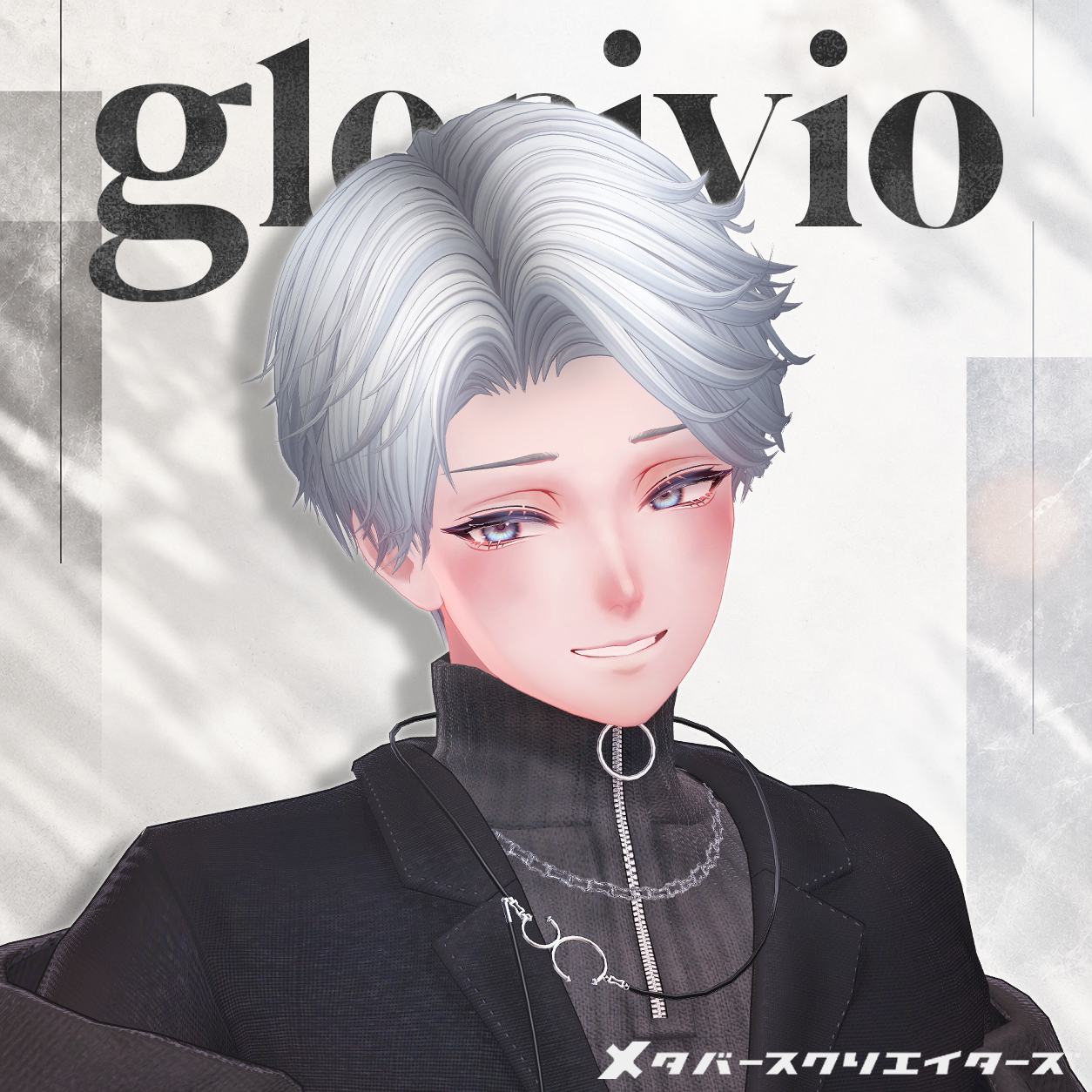
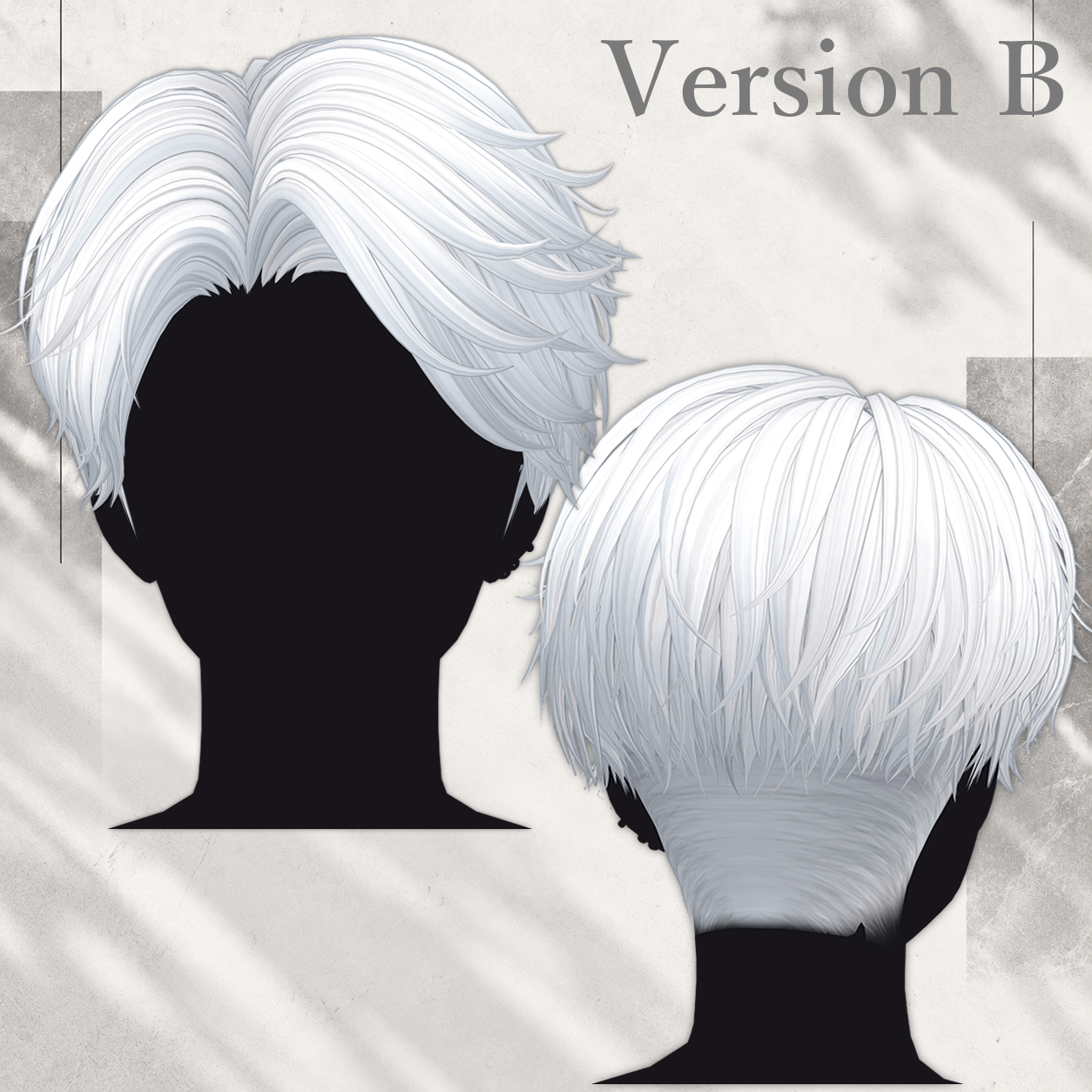
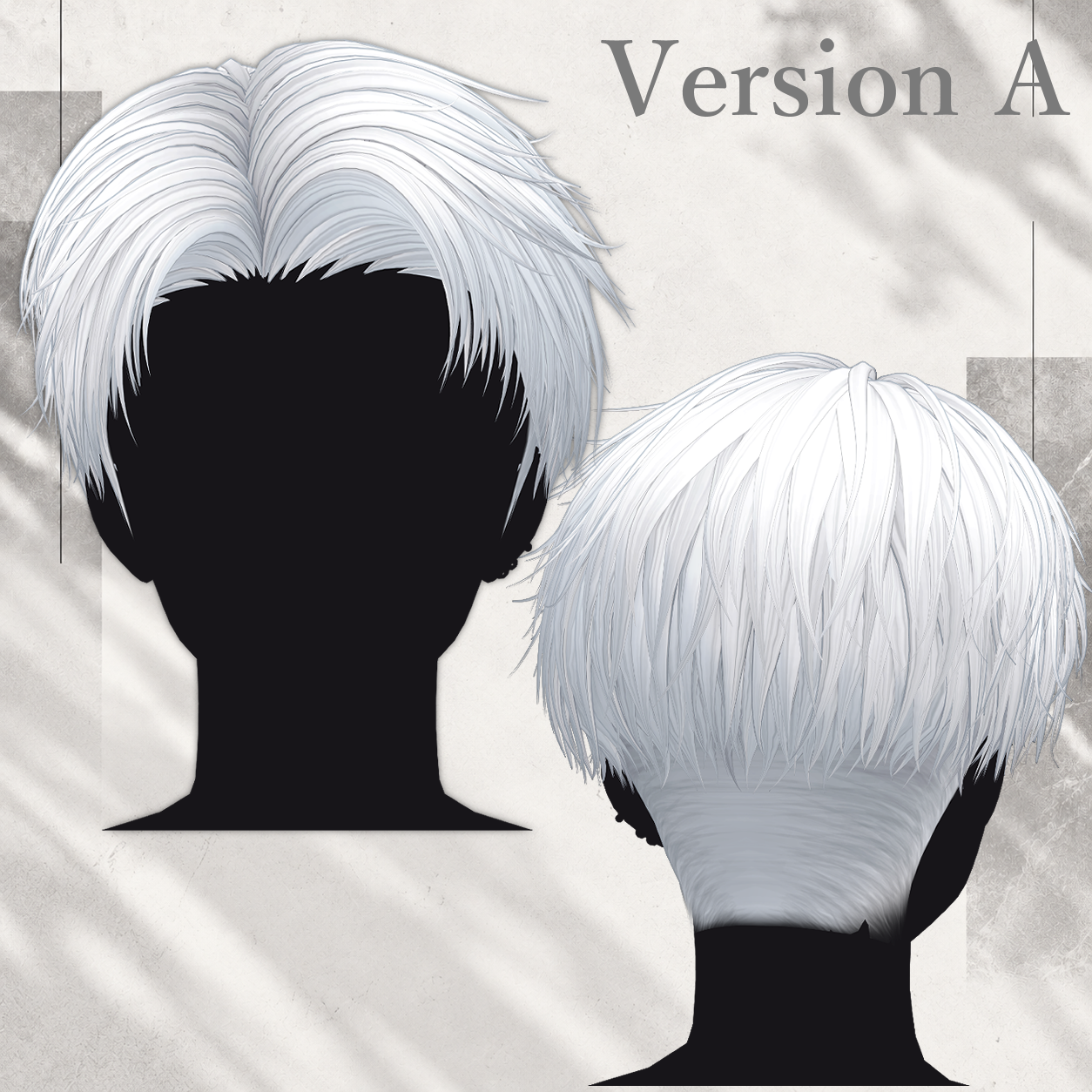
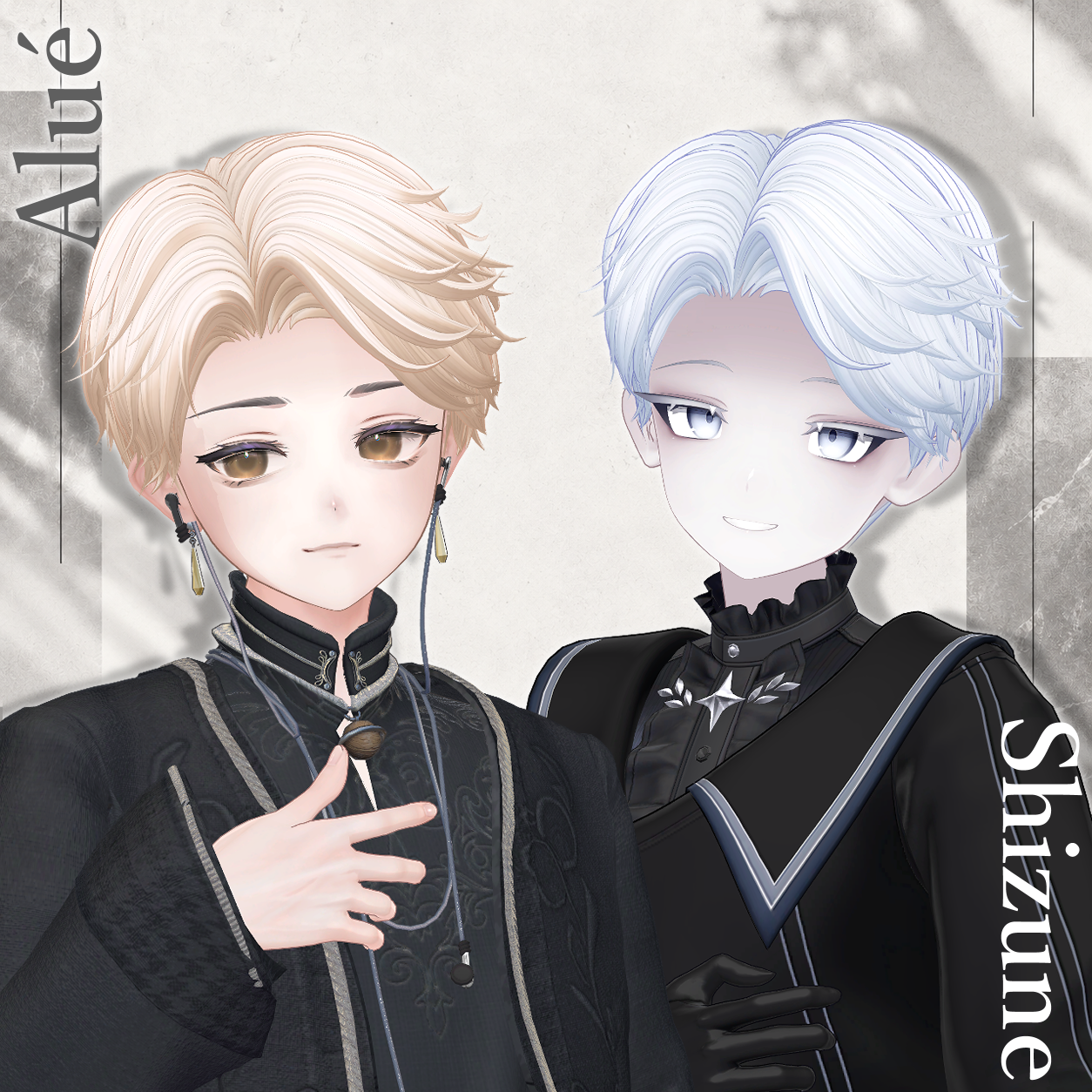
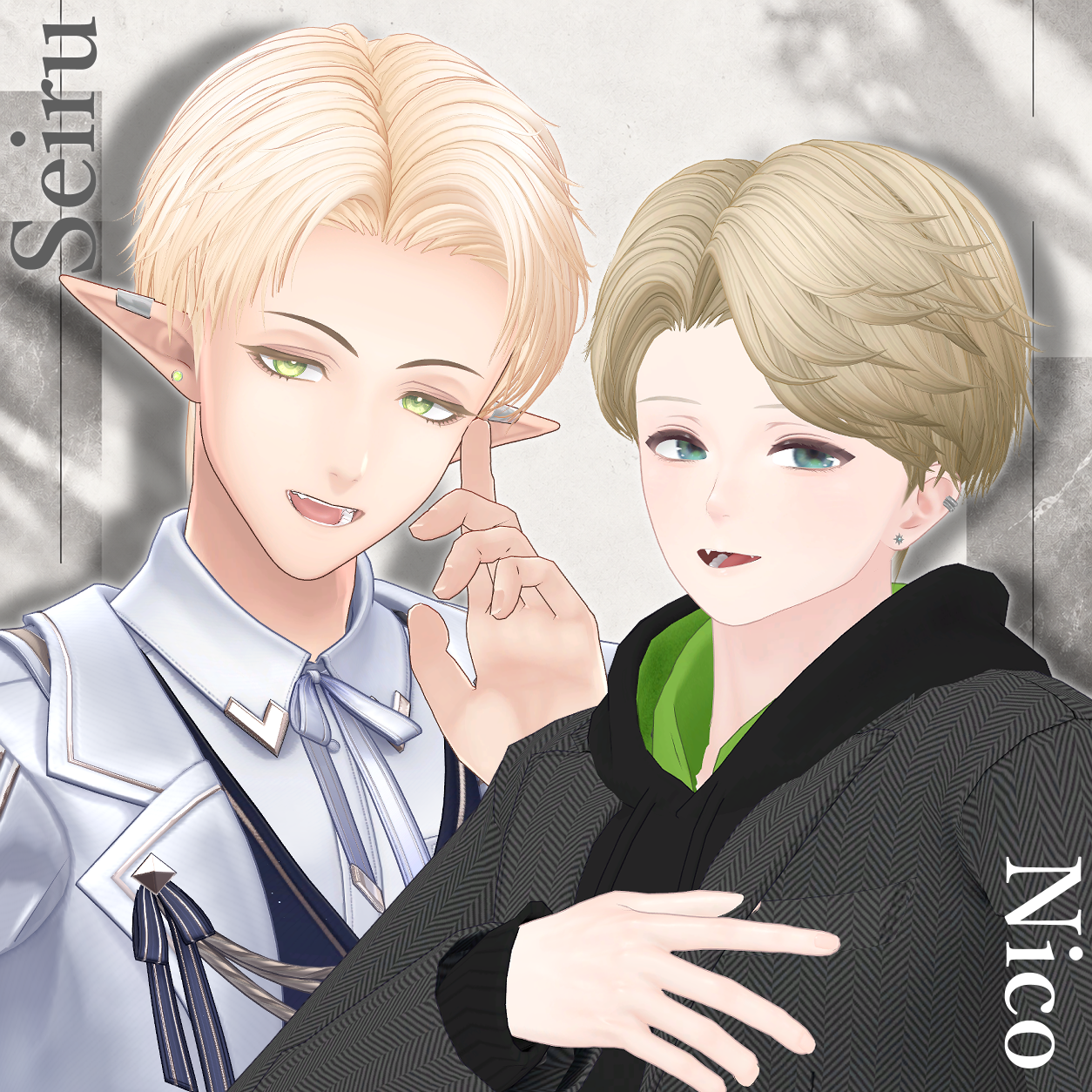
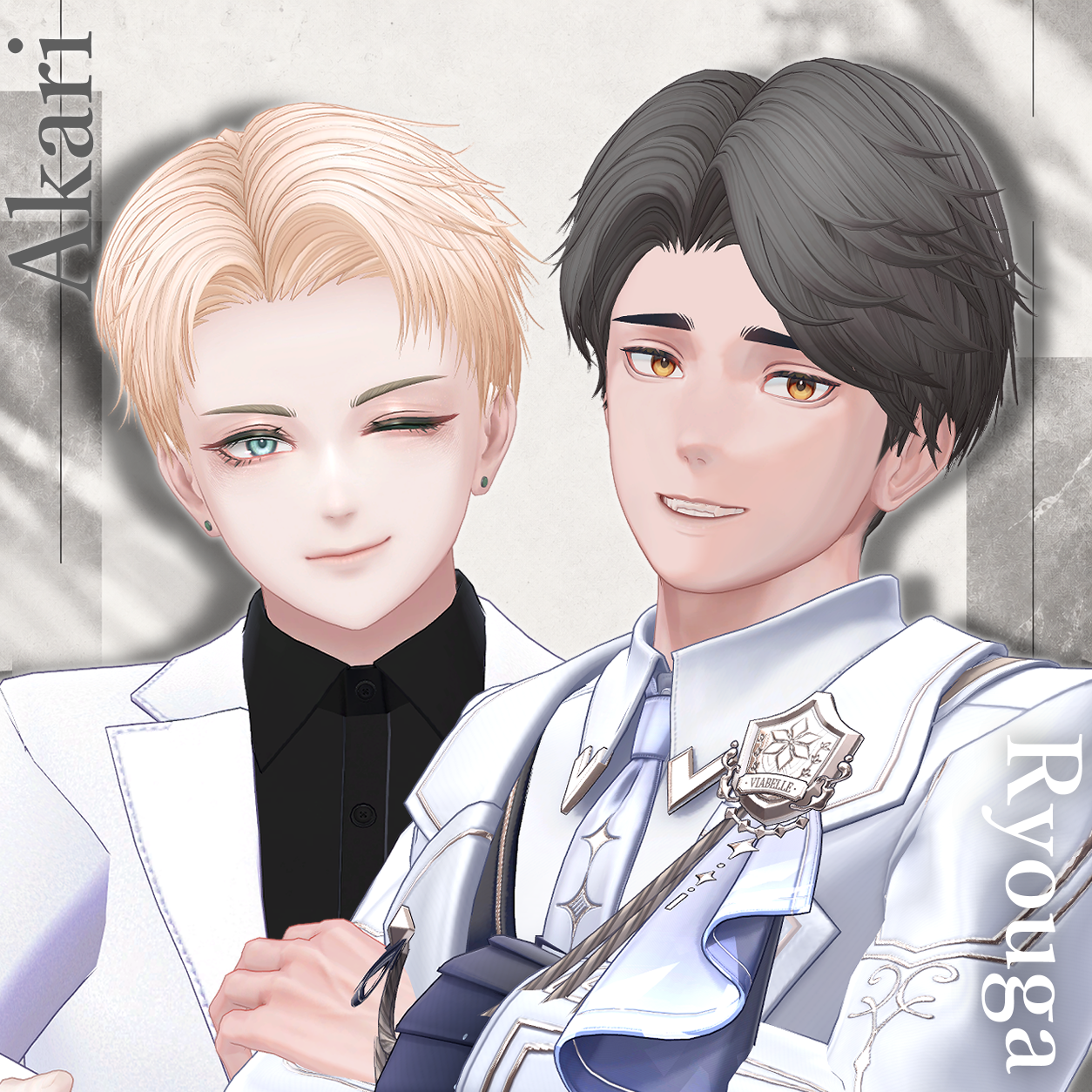
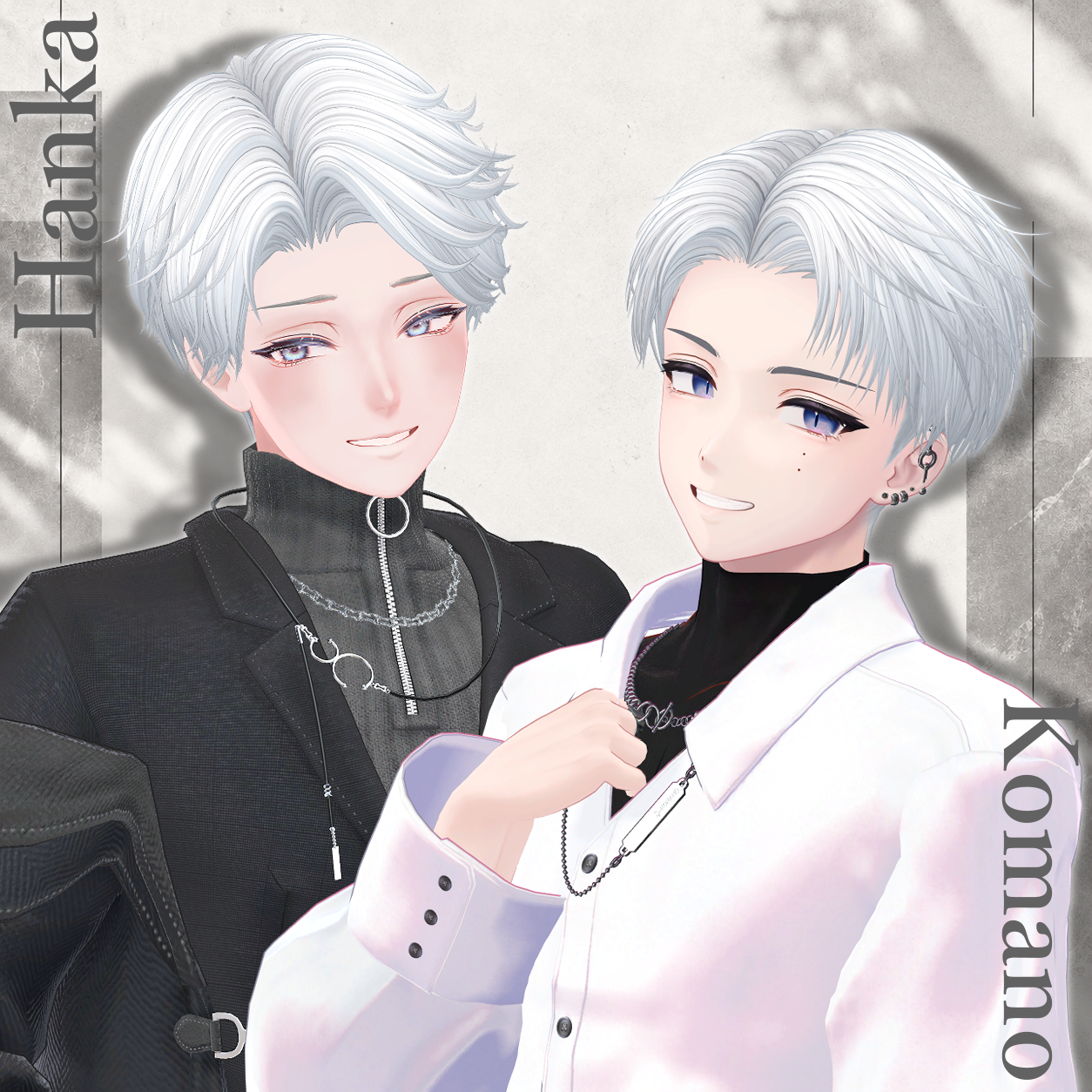
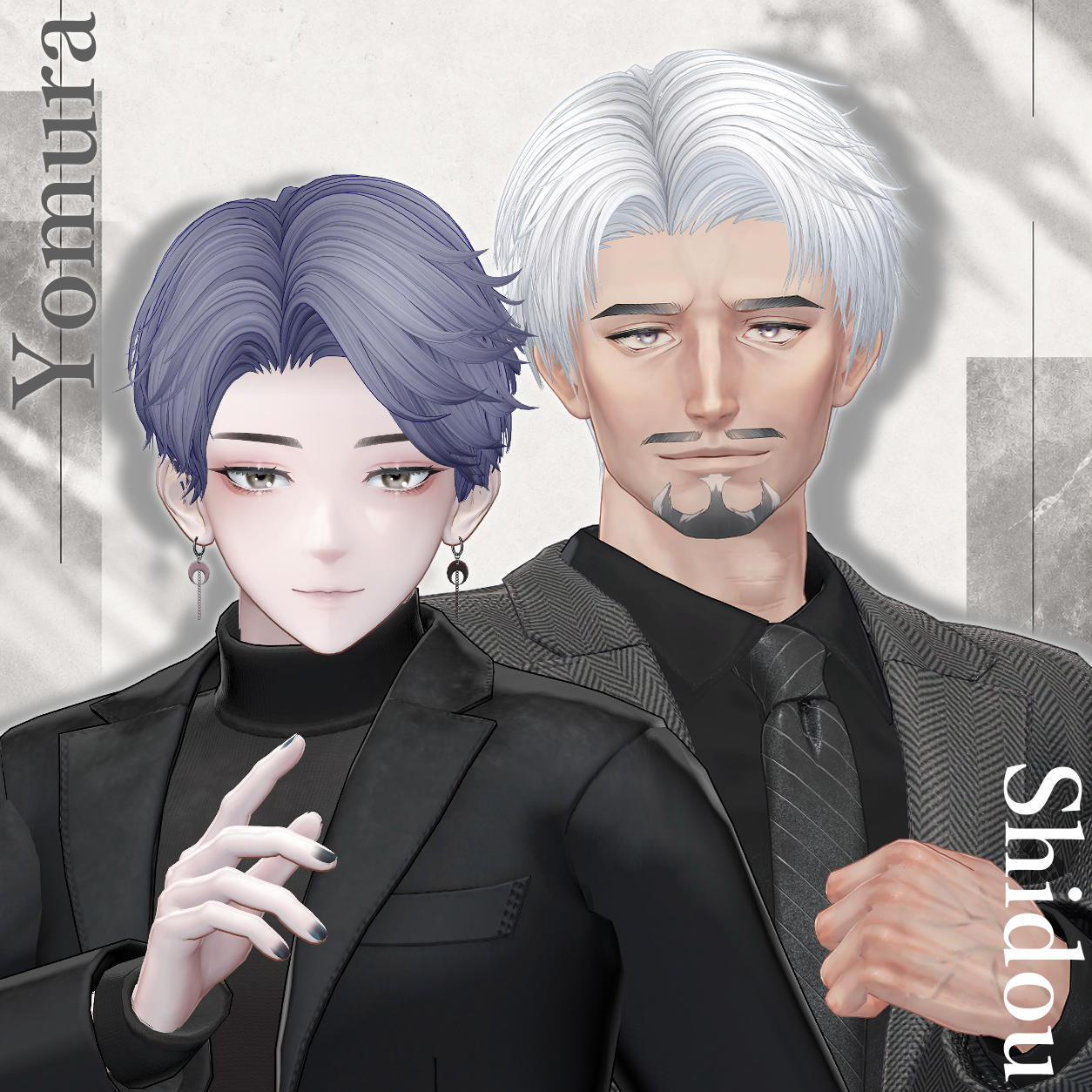
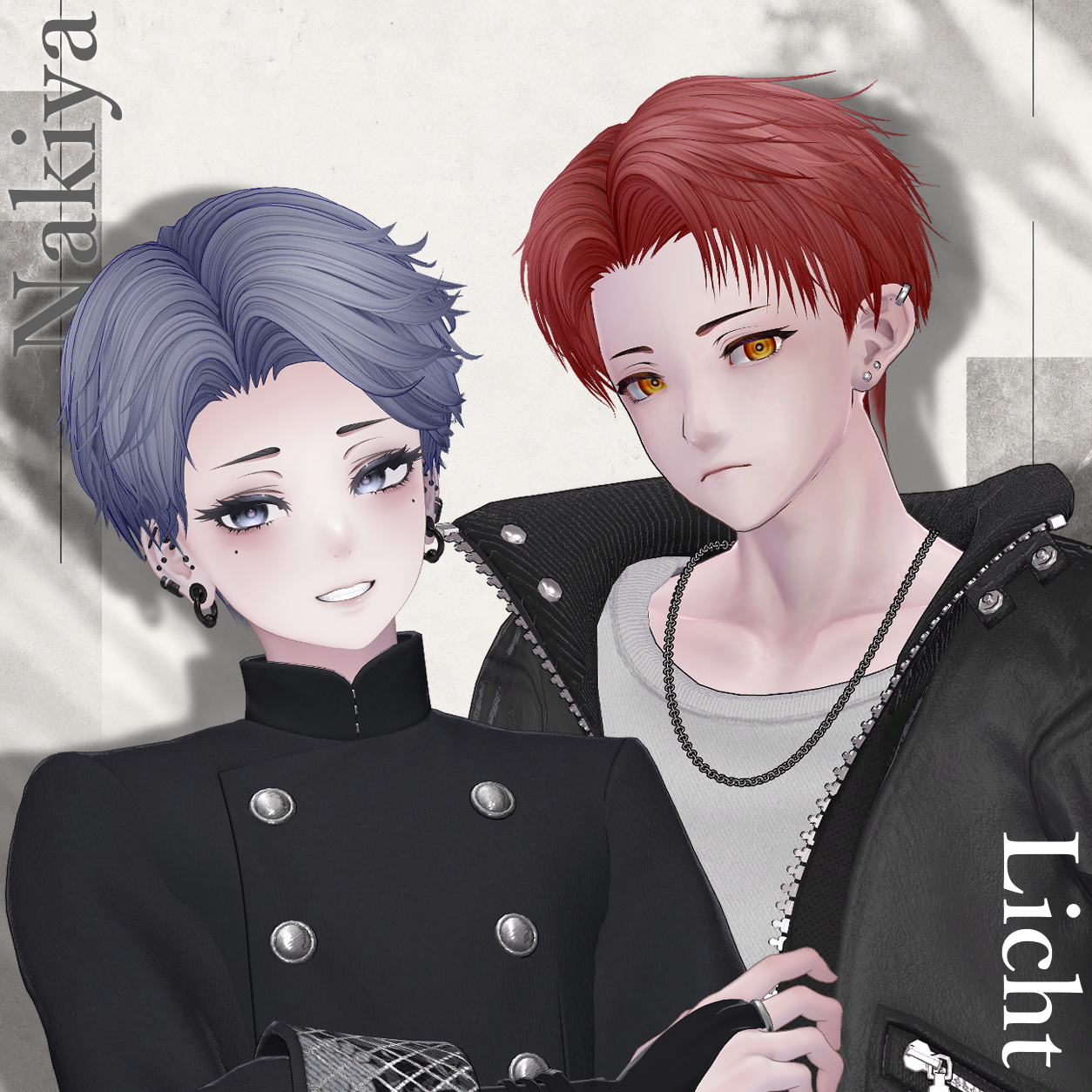
A stylish upbang hairstyle featuring two variations to choose from.
Designed to complement the aesthetic and world of Toukadou!
※ This product is a hairstyle model for VRChat avatars. The avatar itself is not included.
※ Due to the digital nature of this product, refunds and returns are not accepted. Please read and agree to the product description and Terms of Use before purchasing.
◆ Product Information
Included Files
glorivio_1.0.0.Unitypackage
FBX files
PSD files for customization
ReadMe.txt
Shader
lilToon
https://lilxyzw.booth.pm/items/3087170
Required Asset
Modular Avatar
https://modular-avatar.nadena.dev/docs/intro
Model Specifications
glorivio_A
Total Polygons: 21,168
Back_Hair: 7,344
Back_Hair_A: 4,464
Base_Hair: 656
Front_Hair_A: 8,704
Meshes: 4
Materials: 2
PhysBone Components: 2
glorivio_B
Total Polygons: 20,692
Back_Hair: 7,344
Back_Hair_B: 3,400
Base_Hair: 656
Front_Hair_B: 9,292
Meshes: 4
Materials: 2
PhysBone Components: 2
Import Folder
Assets > MetaverseCreators_CP > Maori > glorivio
◆ Supported Avatars
Full Support
Komano
https://booth.pm/ja/items/5260363
Semi-Supported Avatars
These avatars have been adjusted in Unity based on the original model. Some additional manual adjustments may be required.
Alué
https://booth.pm/ja/items/6957623
Nakiya
https://booth.pm/ja/items/7924603
Licht (AC1)
https://metacreatorstyo.booth.pm/items/7430852
Shizune (AC3)
https://metacreatorstyo.booth.pm/items/7684873
Yomura (AC6)
https://metacreatorstyo.booth.pm/items/8027029
Nico (AC5)
https://metacreatorstyo.booth.pm/items/8000819
Akari (AC7)
https://metacreatorstyo.booth.pm/items/8059878
Shidou (AC8)
https://metacreatorstyo.booth.pm/items/8086741
Ryouga (AC10)
https://metacreatorstyo.booth.pm/items/8826130
Seiru (AC9)
https://metacreatorstyo.booth.pm/items/8826093
Hanka
https://booth.pm/ja/items/6970249
Shape Key Adjustments
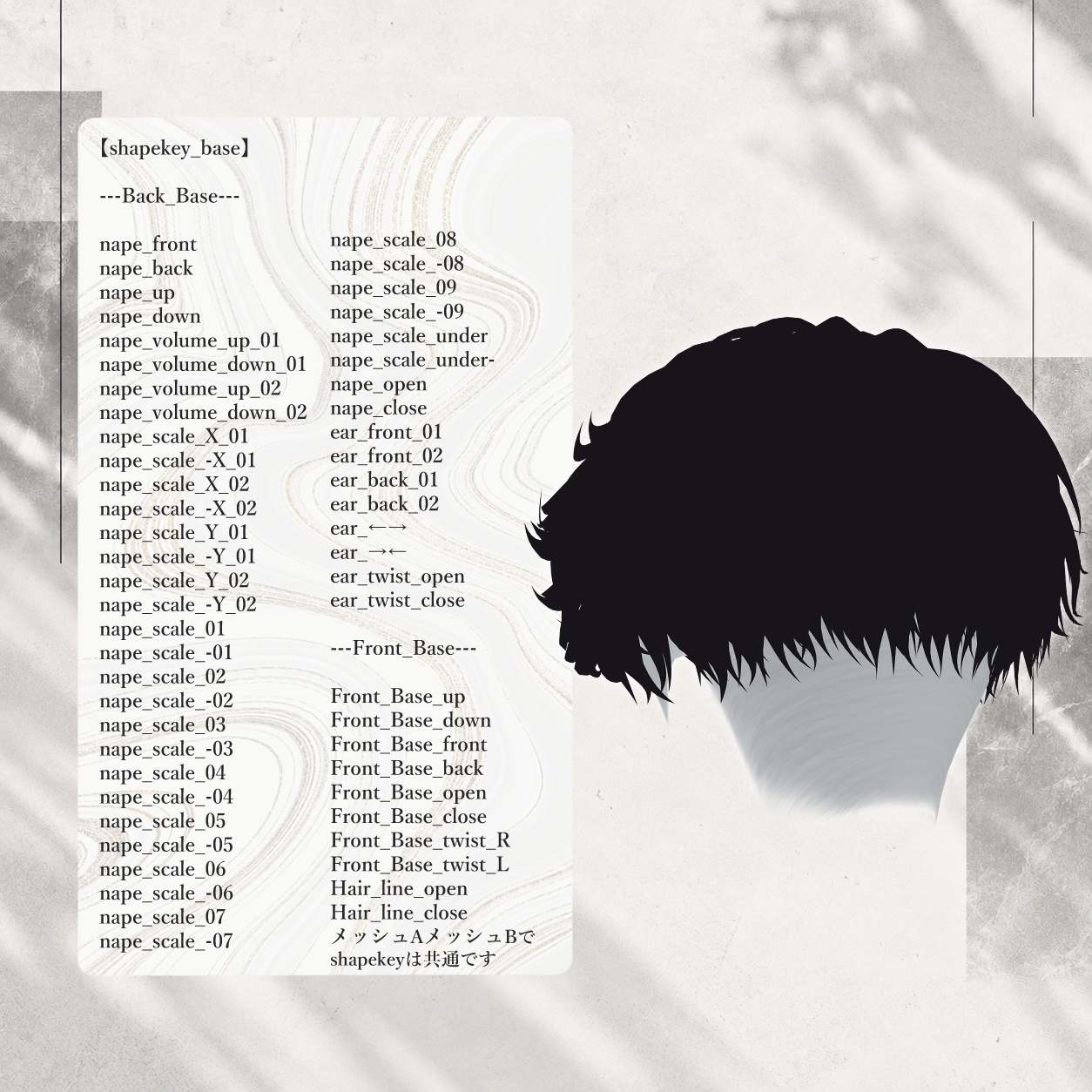
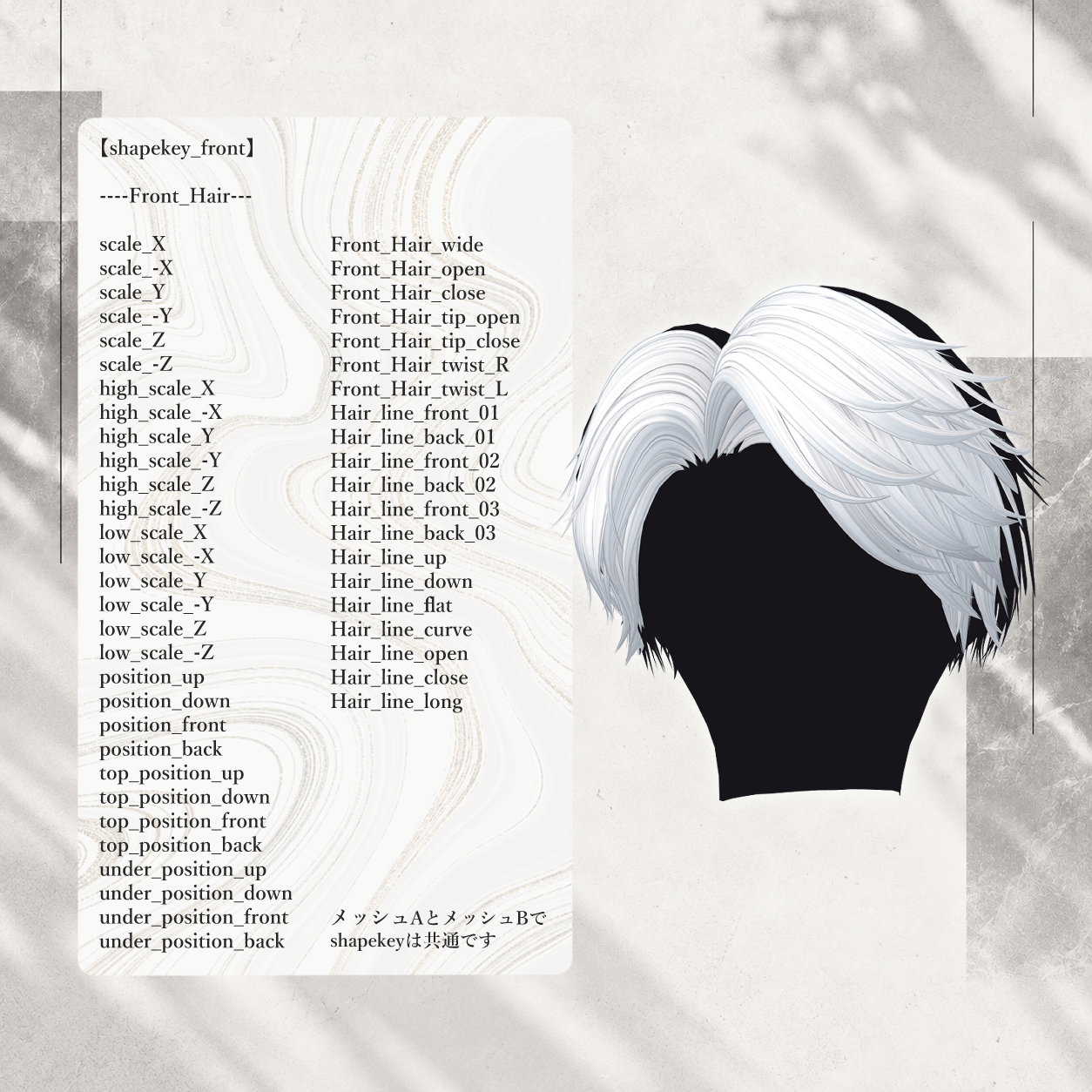
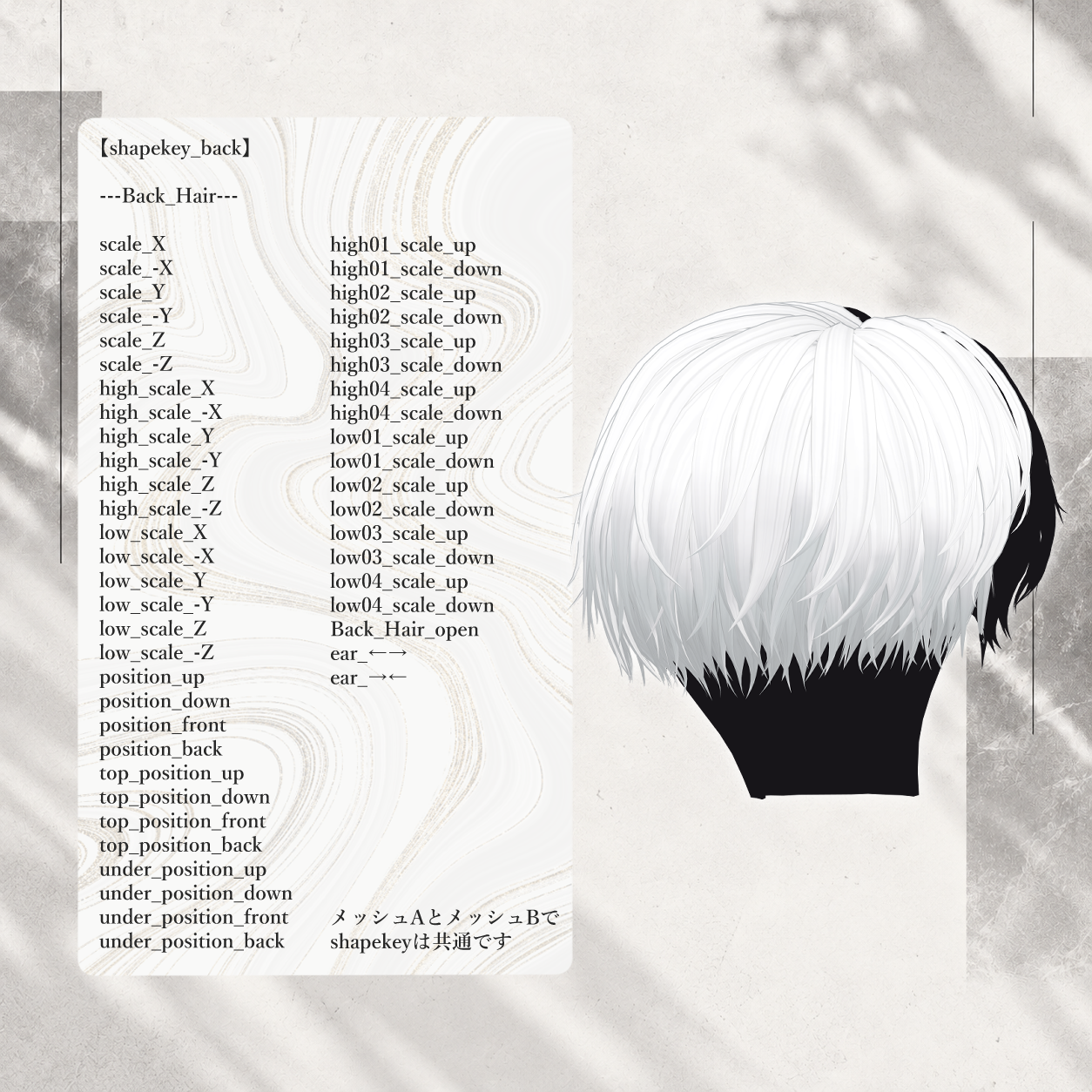
Numerous shape keys are included for adjusting the overall size and positioning of individual hair parts.
Feel free to try fitting the hairstyle to avatars not listed above!
※ If different objects have shape keys with the same name, setting them to the same value will help achieve a better fit.
Please refer to the product images for a detailed overview of the available shape keys.
◆ Installation Guide
Set up the latest VRChat SDK through VCC.
Install the required assets (lilToon and Modular Avatar) through VCC.
Import the latest packages for the avatars you wish to use.
Import this product's Unity package.
Drag your avatar (or its customization prefab, if available) into the Scene Hierarchy.
Hide unwanted avatar parts, such as existing hairstyles or animal ears, or set them to Editor Only if necessary.
Drag either glorivio_AvatarName_A.Prefab or glorivio_AvatarName_B.Prefab directly under the avatar.
Adjust the scale, position, and shape key values to fit the avatar. This step is unnecessary if a pre-adjusted prefab is included.
Upload your avatar through the VRChat SDK.
※ Fitting the hairstyle to unsupported avatars may require more advanced adjustments, including manual bone modifications.
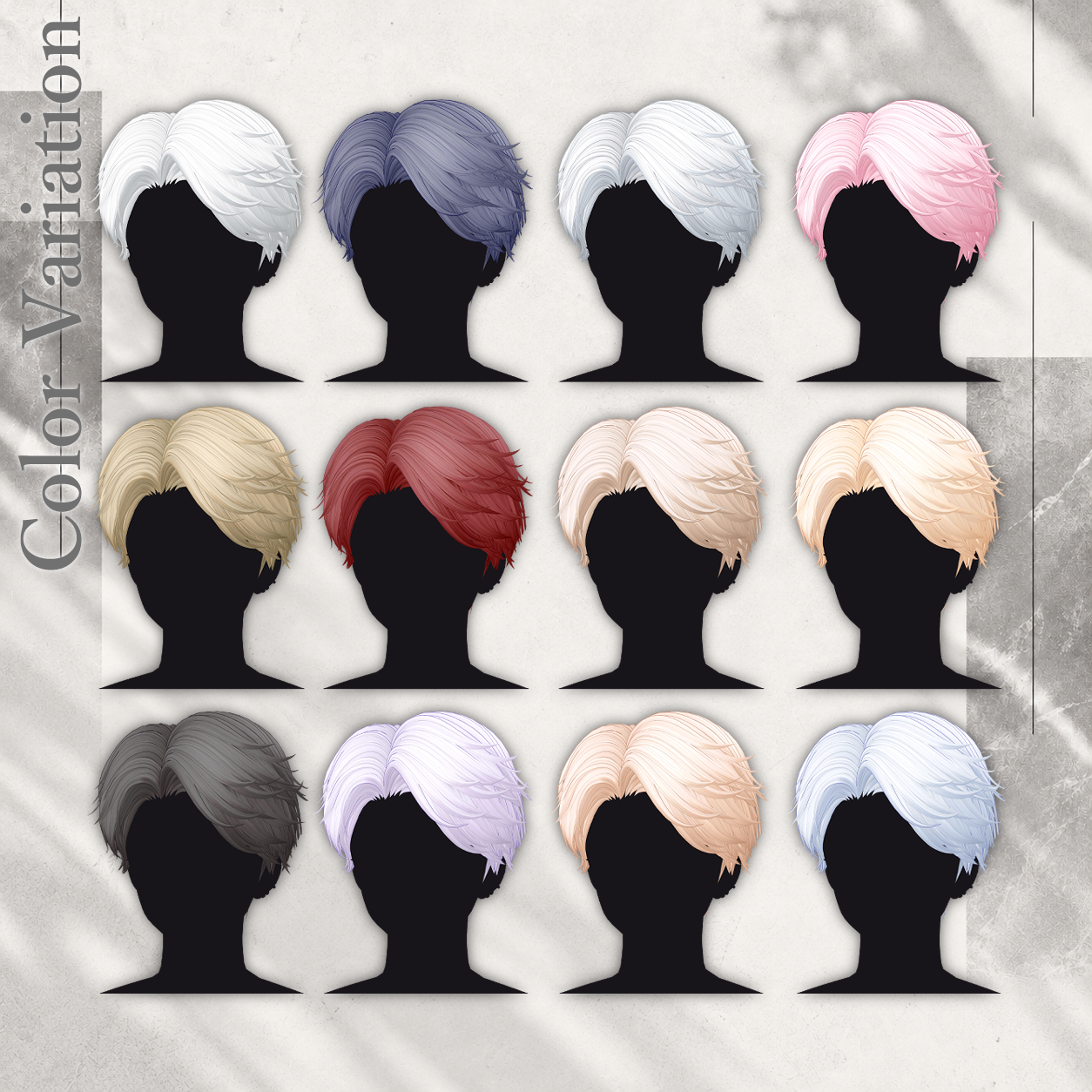
◆ Customizing Colors
Color variation materials are included in the Mat folder. Simply replace the default materials with your preferred versions.
※ Please note that the materials are separated into two groups: Base and A/B.
Custom Material: kaihen
A versatile customization material named kaihen is also included in the Mat folder.
The Main Color is assigned a gray texture, allowing you to freely choose colors using HDR settings.
You can also replace the gray texture with other colored textures for additional customization options.
The Main Color 2nd and Main Color 3rd channels use mesh masks. Alternative masks are available in Tex > option. Replace the existing masks to experiment with different patterns.
For more detailed customization, PSD files are included.
◆ Terms of Use
https://drive.google.com/drive/folders/1qRMXoIxM1ZgacBPfwOigQRtXP1vCbNMn?usp=sharing
※ Please make sure to follow the Terms of Use of the original avatar when using this product.
◆ Development Environment
Modeling: Blender Ver. 3.2.0
Texturing: CLIP STUDIO PAINT
Unity: Ver. 2022.3.22f1
VRChat SDK - Avatars: Ver. 3.10.1 (VCC)
lilToon: Ver. 2.3.2
Modular Avatar: Ver. 1.15.1
◆ Credits
Creator: Maori Toy Shop
https://maorigangu.booth.pm/
Thumbnail Creator: Jikaumu
https://x.com/zikaumuvrc?s=11
Inquiries & Support:
Please contact the creator via BOOTH messages.