
Description du produit
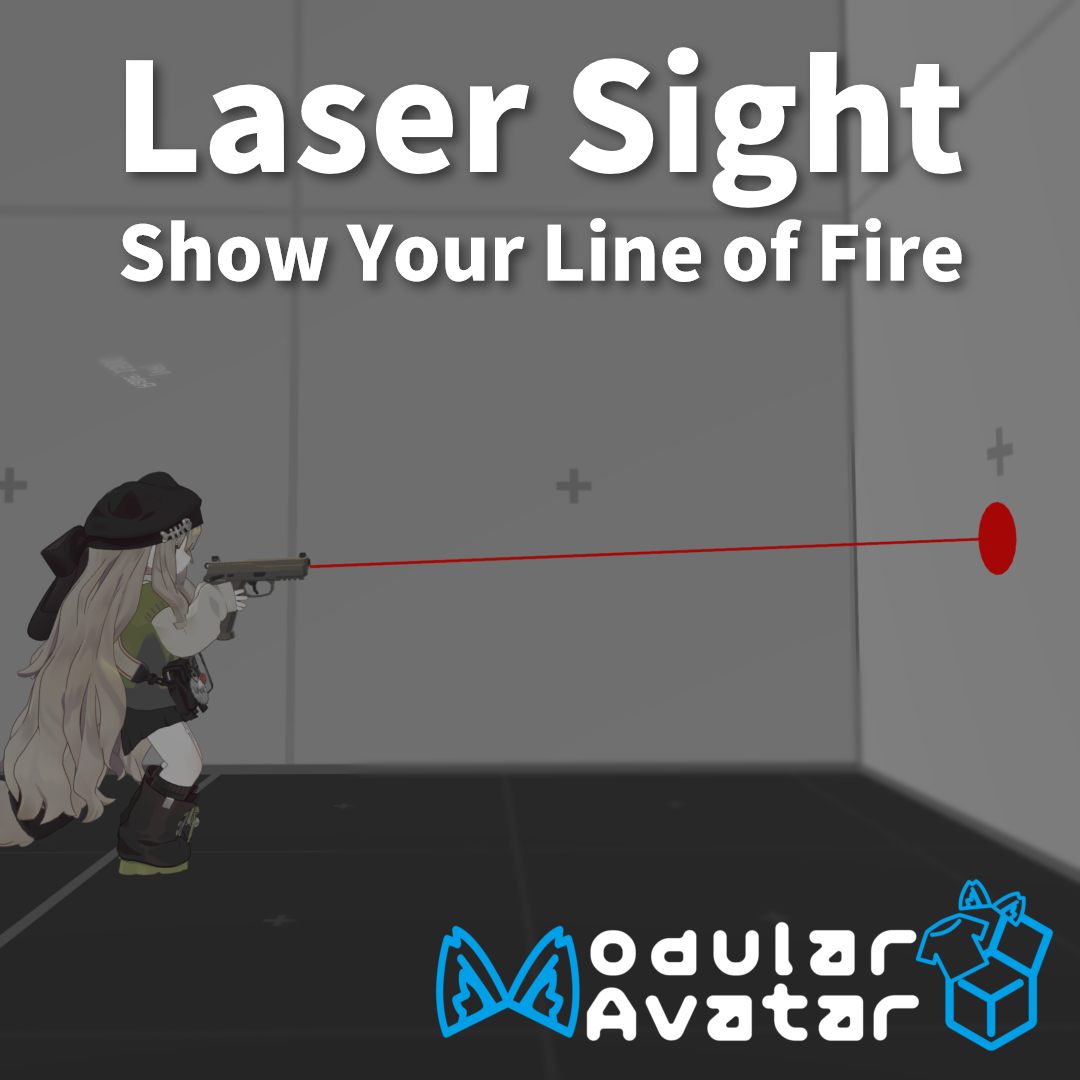
Laser Sight
Improve your aim in VRChat gun worlds with an adjustable, local-only laser sight for your avatar.
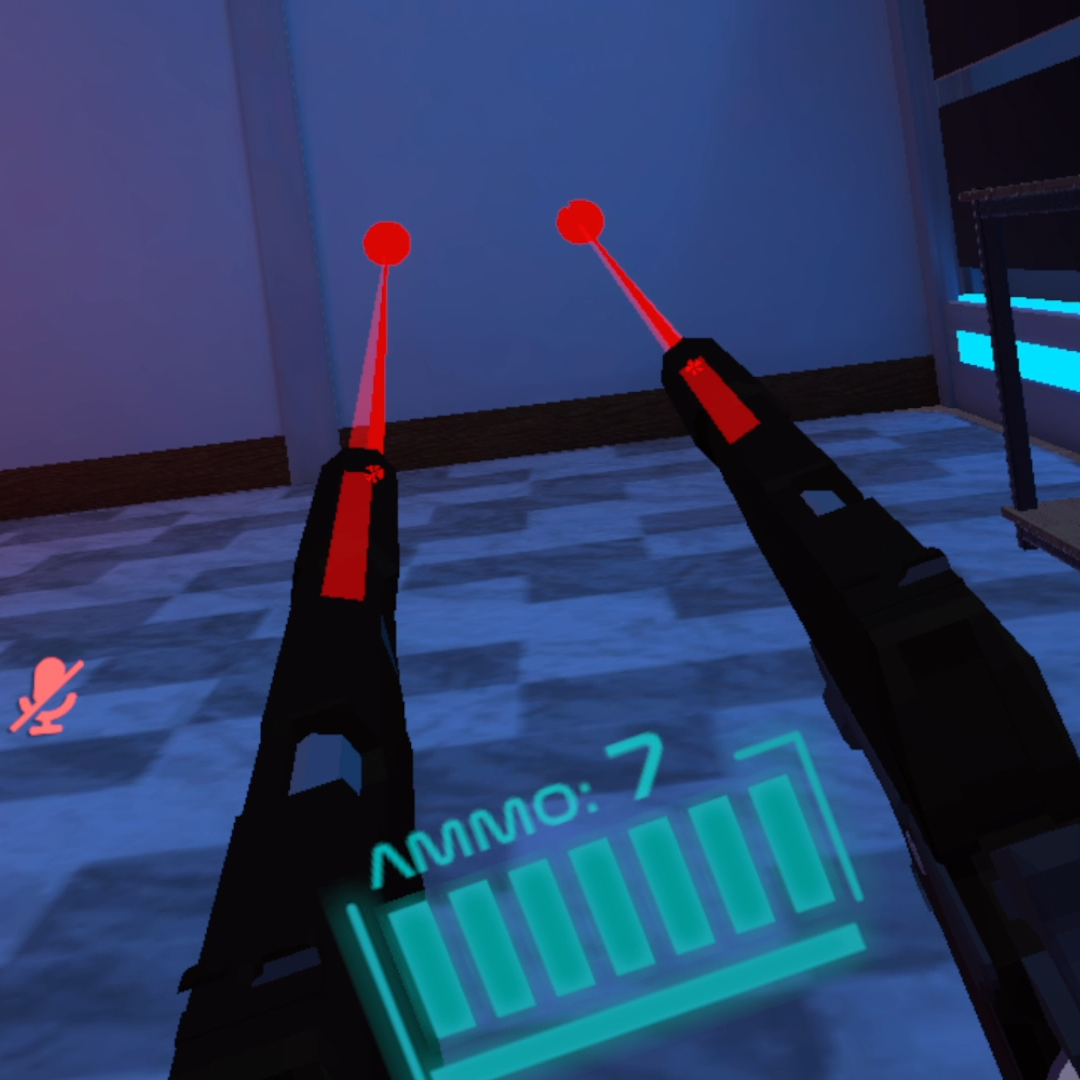
Laser Sight displays an aiming laser from your avatar's hands and allows you to adjust its position and angle directly from the Expressions Menu.
Because hand and weapon angles can vary depending on the avatar and world, the laser can be fine-tuned to match your setup.
Both the left and right hands are supported, making it useful for one-handed and dual-wield setups.
Features
- Display an aiming laser from your avatar's hands
- Supports both left and right hands
- Adjust the laser position from the Expressions Menu
- Adjust the laser angle from the Expressions Menu
- Compensate for different avatar hand angles
- Toggle the laser from the Expressions Menu
- Local-only effect — other players cannot see the laser
- Designed to work in most VRChat worlds that use guns
- Easy drag-and-drop installation with Modular Avatar
- Uses no synced parameter memory
Recommended For
- Improving your aim in VRChat gun worlds
- Practicing your aim
- Avatars whose hand angles do not line up naturally with a world's weapons
- Aiming when dual-wielding weapons
- Anyone who wants a simple local laser sight without modifying the world
Requirements
- VRChat avatar project
- Modular Avatar
Tested Environment
- Unity 2022.3.22f1
- VRChat SDK 3.10.4
- Modular Avatar 1.17.1
Compatibility with other versions is not guaranteed.
Package Contents
- Unity package containing the Laser Sight system
Avatar models and worlds shown in the preview images are not included.
Installation
- Install the latest compatible version of Modular Avatar.
- Import the included Unity package into your avatar project.
- Locate the following prefab:
Mag-Works/Laser Sight/Prefab/LaserSight.prefab
- Drag the prefab directly under the root of your avatar.
- Build and upload your avatar normally.
- Open Laser Sight in the Expressions Menu to toggle and adjust the laser.
No manual Animator Controller or Expressions Menu setup is required when using Modular Avatar.
Important Notes
- The laser is visible only to the local user.
- The position and angle may need to be adjusted depending on your avatar and the weapon used in the world.
- Results may vary depending on the world, avatar, weapon setup, and VRChat updates.
- Please confirm that your Unity, VRChat SDK, and Modular Avatar versions are compatible before purchase.
- This product does not include an avatar or weapon.
Terms of Use
- Personal use is allowed.
- Commercial use is allowed.
- Modification is allowed.
- Do not claim that you created the original product.
Changelog
v1.1.0 — August 22, 2026
- Added left-hand Laser Sight support
- Added support for dual-wield setups
v1.0.0 — June 19, 2026
- Initial release