
Description du produit
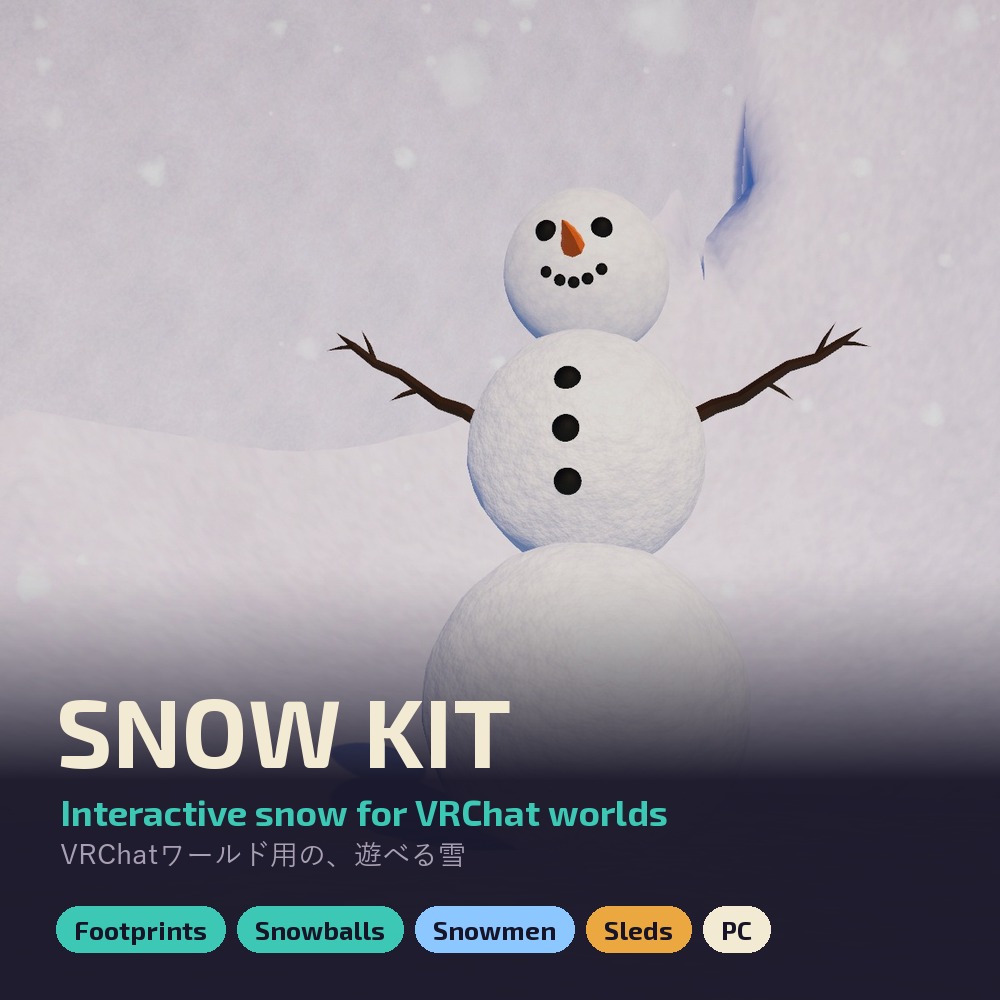
Snow your VRChat world can play with: footprints that sink in, snowballs to throw, giant snowballs that roll and stack into snowmen, a sled for any slope, and snowfall each player can turn up or off. Drop each piece in from Tools > Snow Kit and it wires itself.
▶ Video: https://youtu.be/FvtRsKr2H2s
FOOTPRINTS
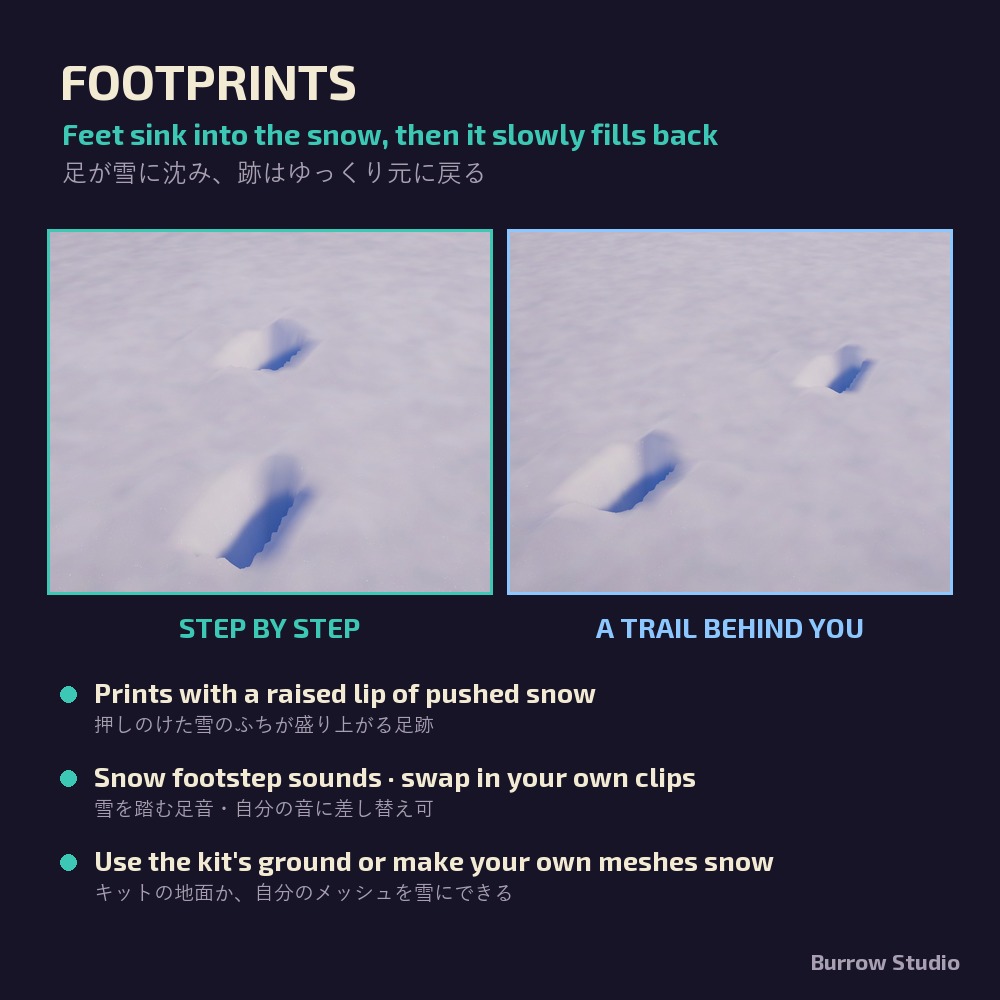
- Feet sink into the snow and it slowly fills back in, with a raised lip of pushed snow
- Snow footstep sounds (swap in your own clips)
- Use the kit's 20 m snow ground, or select your own ground meshes and make them snow
- Marks are drawn in a 40 m area around each viewer; players far away are skipped
SNOWBALLS
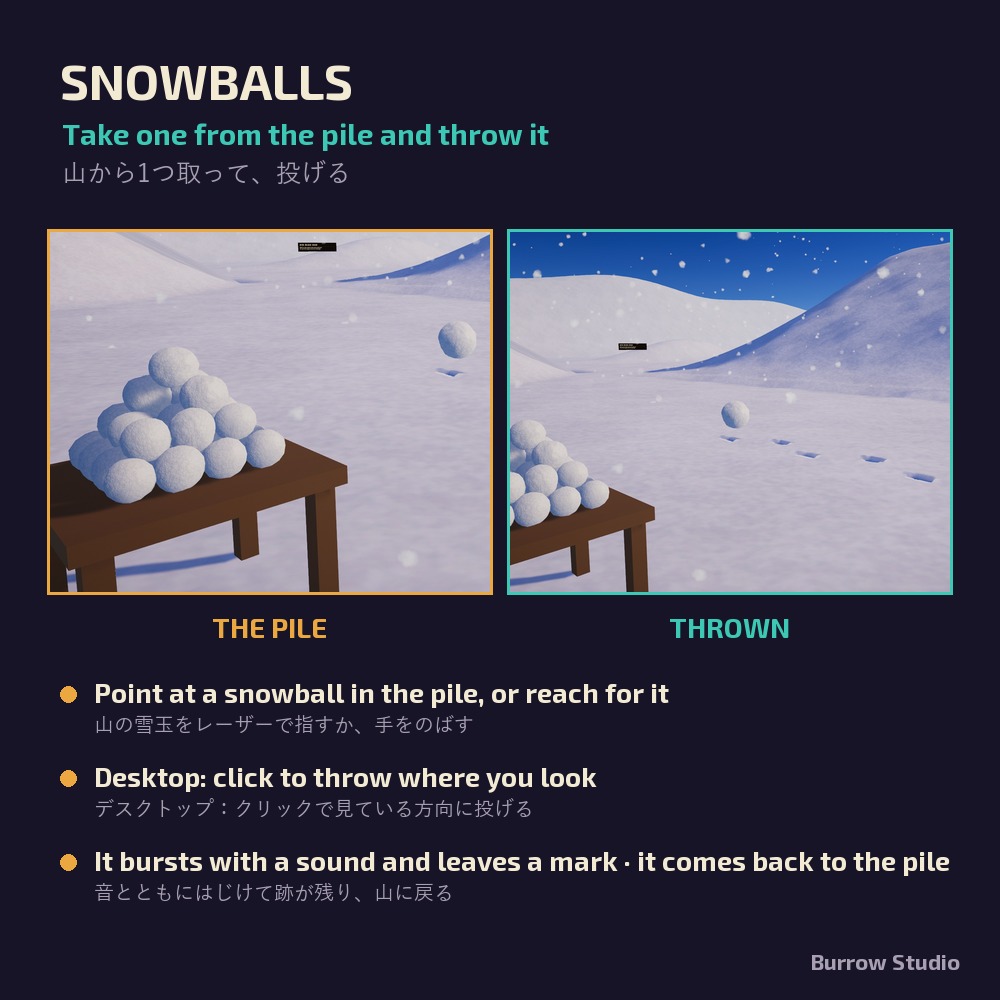
- Point at a snowball in the pile with the laser, or reach for it, and take that one
- Desktop: click while holding it to throw it where you look. In VR you throw it with your hand
- It bursts with a sound and leaves a mark, then comes back to the pile: in practice the pile never runs out
- An optional wooden stand for the pile
GIANT SNOWBALLS AND SNOWMEN
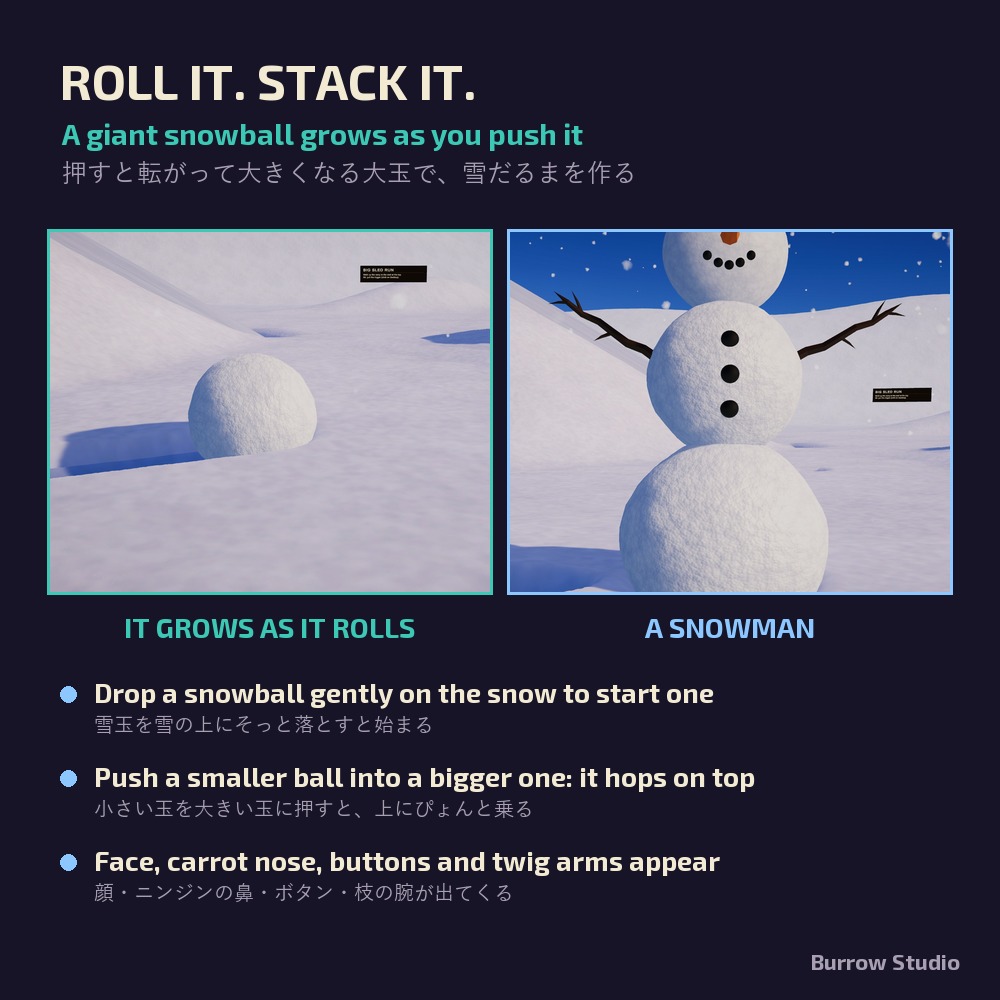
- Drop a snowball gently on the snow to start a giant one
- Walk into it to push it: it grows as it rolls and leaves a groove
- Push a smaller ball into a bigger one and it hops on top
- The top ball gets a face and a carrot nose, the middle one buttons and twig arms
- Only the player who started a ball can push, stack or melt it; up to 6 balls each (two snowmen)
MELT IT
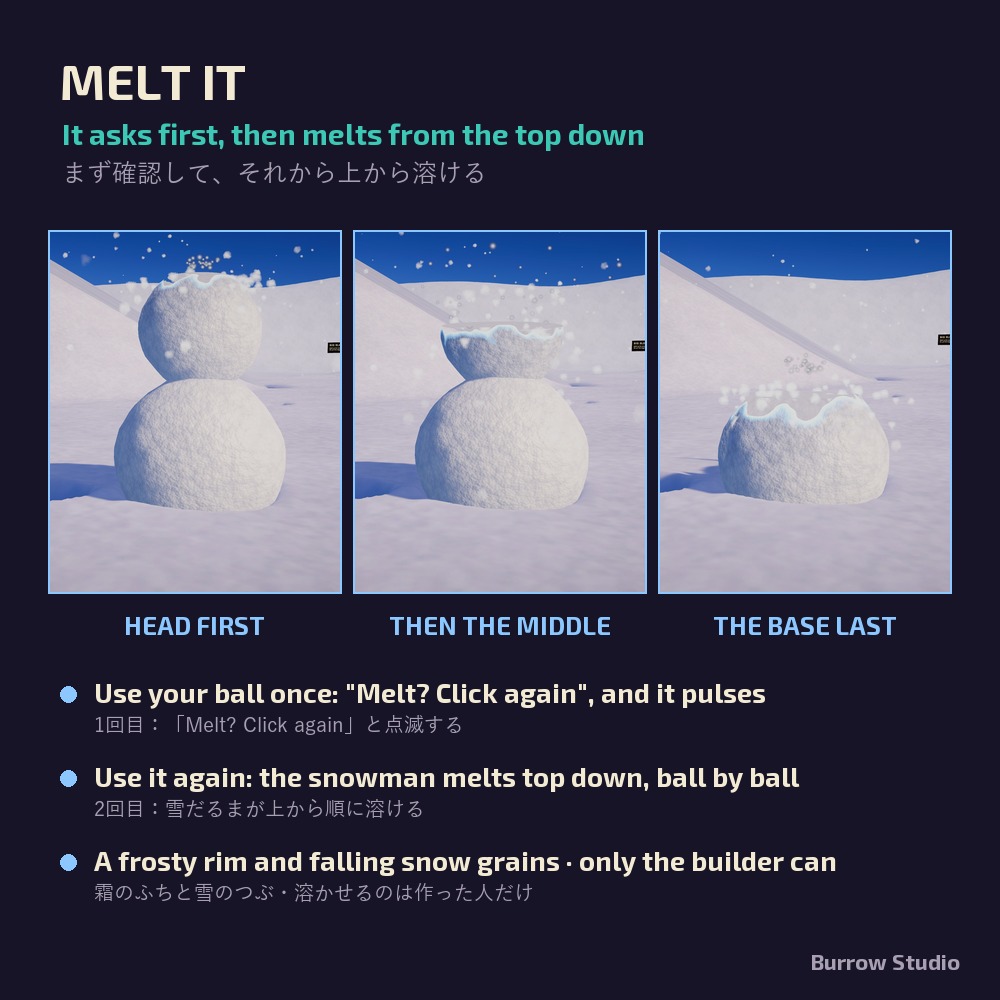
- Use your ball once: "Melt? Click again", and it pulses
- Use it again: the snowman melts from the top down, ball by ball, with a frosty rim and falling snow grains
- The melt lives in the snowballs' own shader, so the snow ground never pays for it
SLEDS
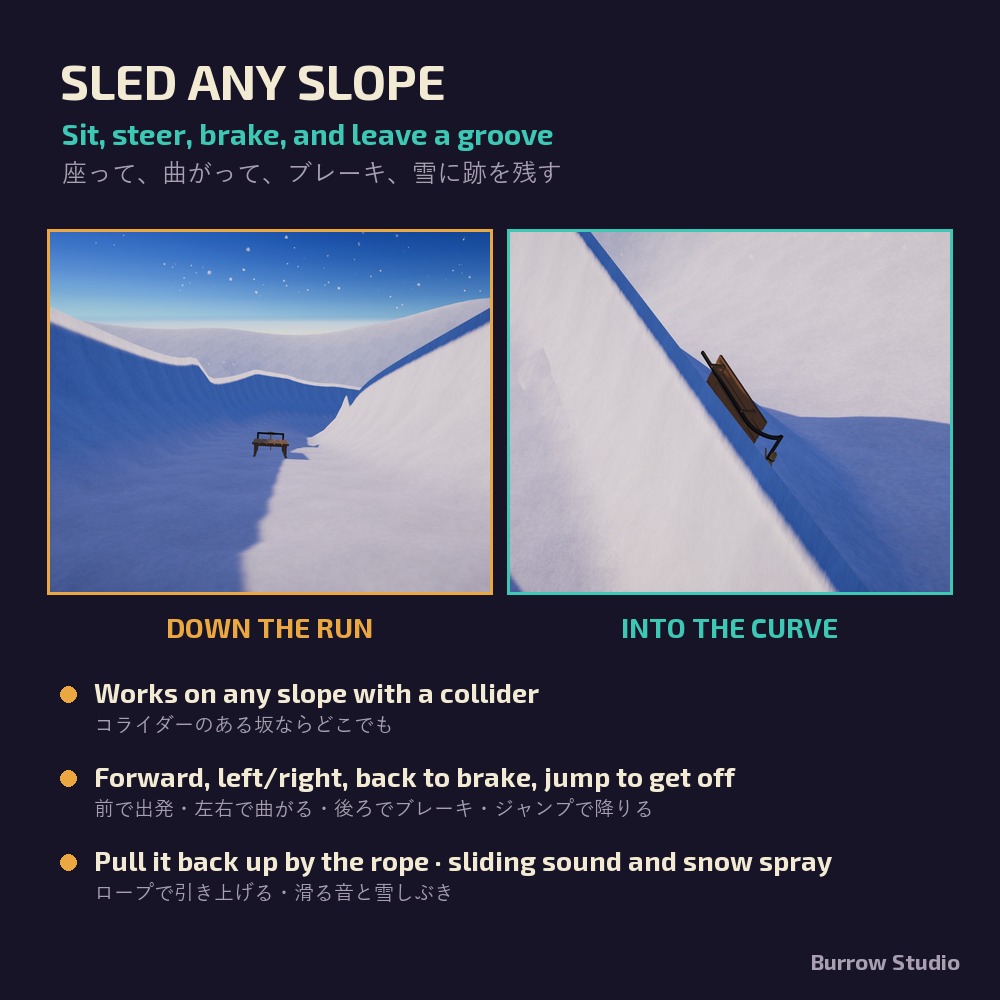
- Works on any slope with a Collider
- Use to sit; forward to start, left/right to steer, back to brake, jump to get off
- Grab the rope to drag it back up; sliding sound, snow spray and a groove in the snow
SNOWFALL AND GROUND VIEW
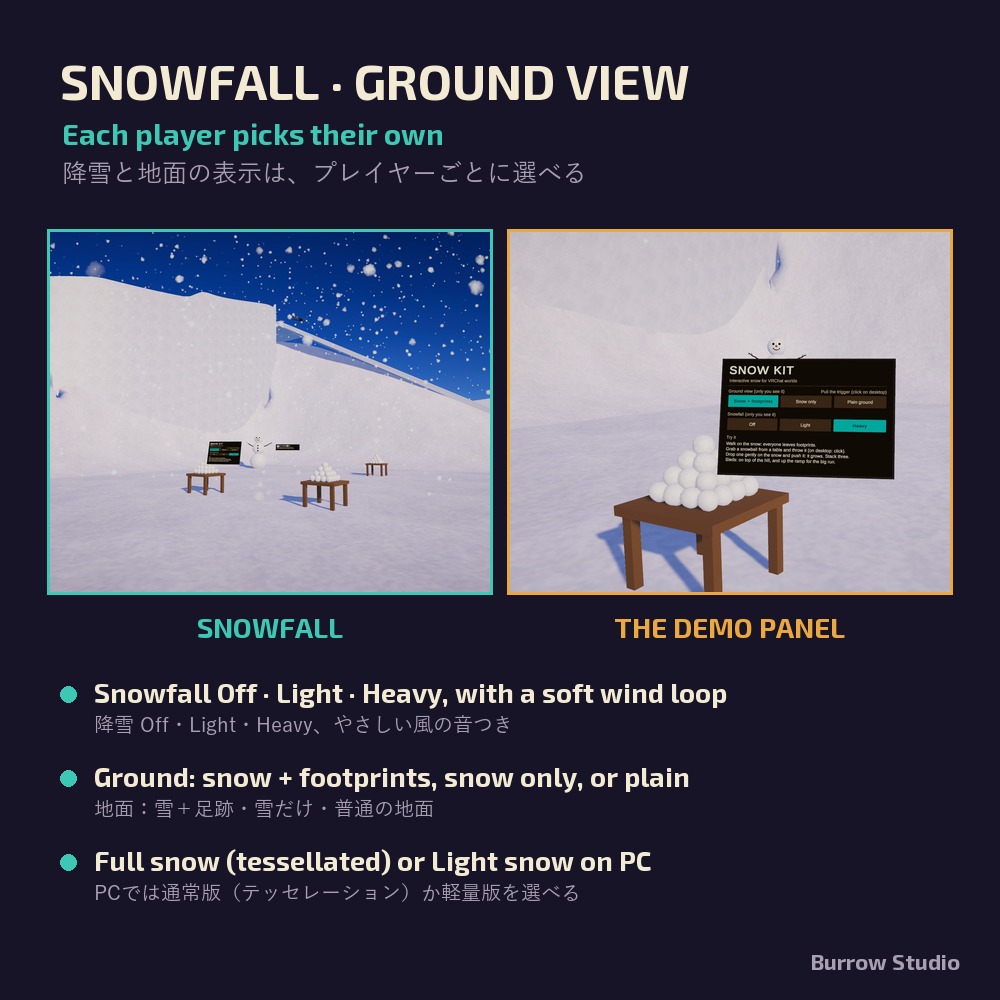
- Snowfall Off / Light / Heavy with a soft wind loop, picked by each player
- Ground view: snow + footprints, snow only, or plain ground (the demo's panel switches it)
- On PC, choose the Full snow (tessellated, extra detail up close) or the Light snow
SETUP
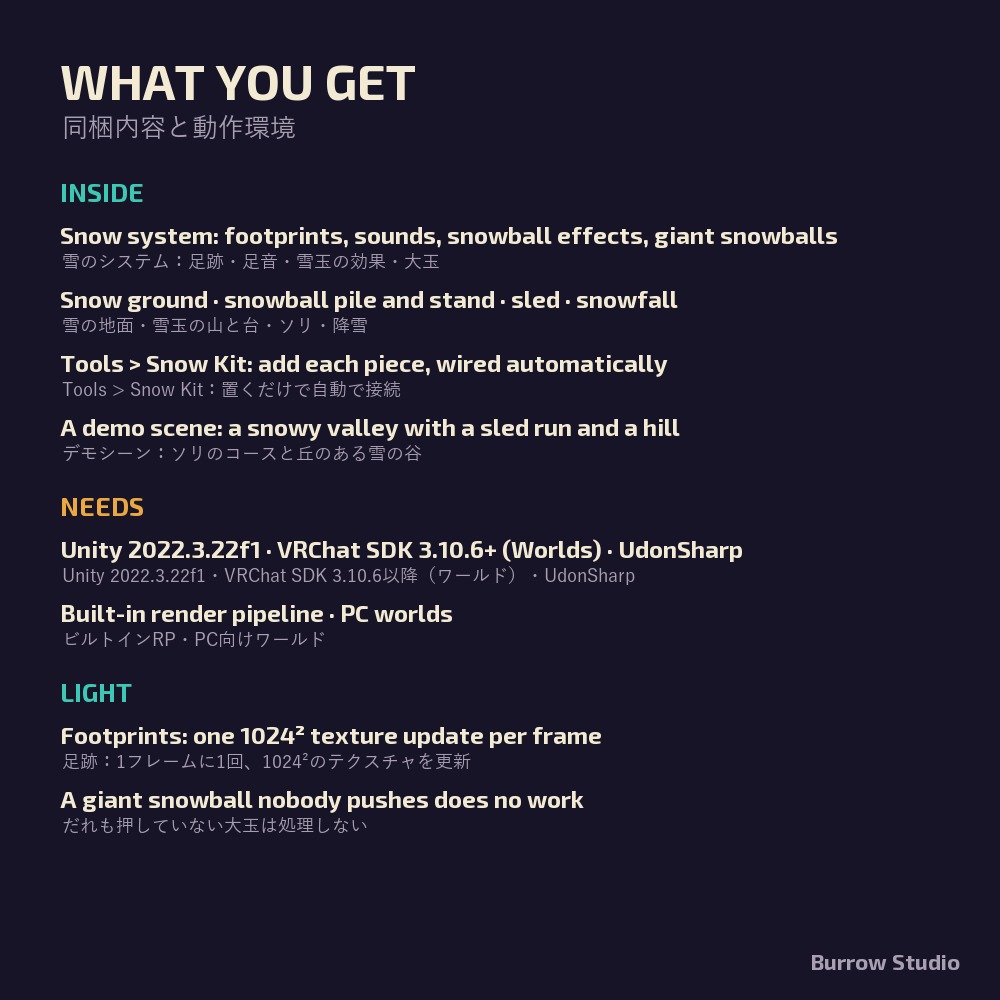
- Tools > Snow Kit adds the snow system, the ground, piles, stands, sleds and the snowfall, and wires every reference automatically, also right before each build
- Demo scene included: a snowy valley with a sled run, a hill, a panel, snowball piles and a snowman
REQUIREMENTS
- Unity 2022.3.22f1 (VRChat Creator Companion)
- VRChat SDK Worlds 3.10.6 or newer (UdonSharp included)
- Built-in render pipeline
- Platform: PC
PERFORMANCE
- Footprints: one 1024² render texture update per frame on each viewer's PC
- A giant snowball nobody is pushing does no work
- Snowfall has no collisions (up to 8,000 particles on Heavy)
WHAT'S IN THE PACKAGE
A .unitypackage with the full UdonSharp source, the snow shaders, prefabs for the snow system, the snow ground, the snowball pile and stand, the sled and the snowfall, the demo scene, and the manual in English and Japanese.
LICENSE
- Use in any number of your own VRChat worlds, personal and commercial, including worlds you build for a client. You may modify it for those worlds.
- Redistributing, sharing or reselling the kit or any part of it is not allowed.
- Credit optional: "Snow Kit by Burrow Studio".
Version 1.5.0 · Burrow Studio · also on BOOTH: https://aymshop.booth.pm/items/9147333