
Description du produit
Trees your VRChat world can chop down: swing the axe, watch the cut get deeper with every hit, and the tree falls with a crash and a dust cloud, drops logs for the player who felled it, sinks into the ground and grows back from a sapling. Everyone sees the same tree at the same moment, late joiners too. 7 trees, an axe for VR and desktop, a wood counter that saves between visits, and events for your own scripts. Synced, and set up from one menu.
▶ Video: https://youtu.be/ZgPGcPrTzhE
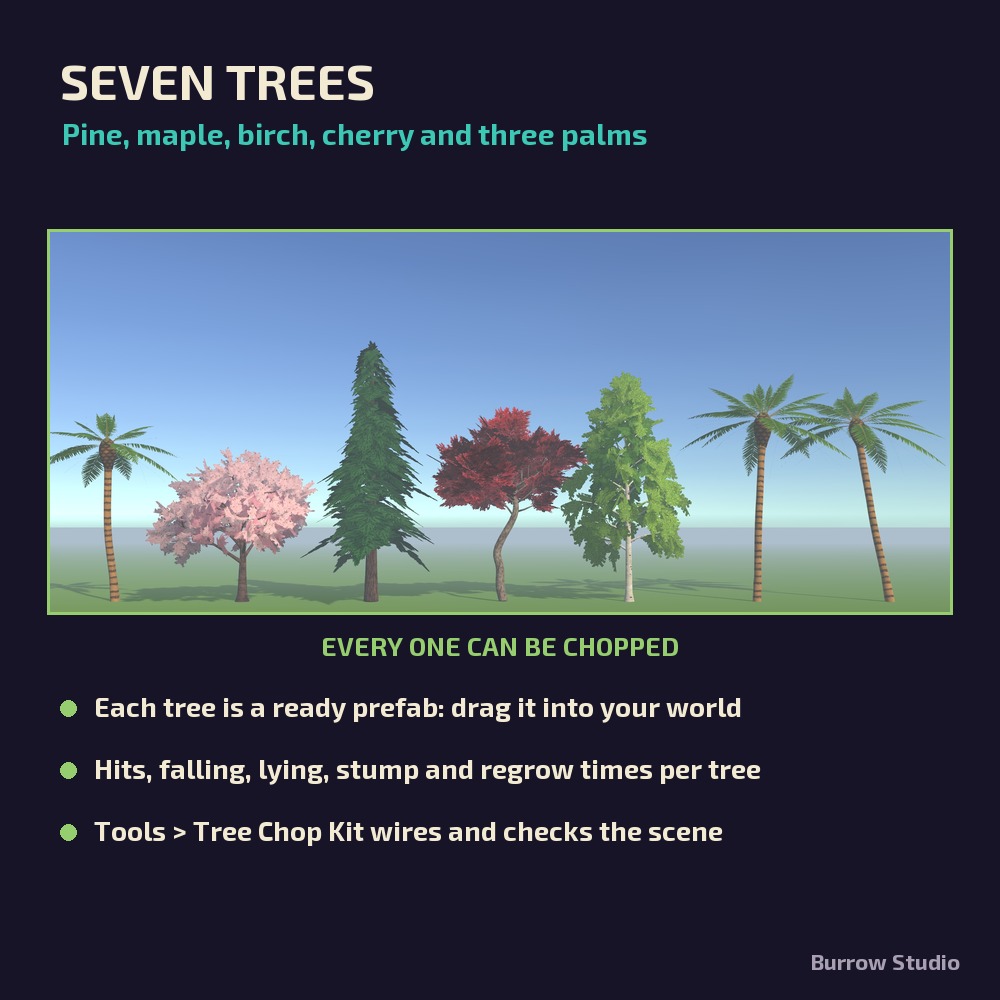
7 TREES
- Pine, Maple, Birch, Cherry and three palms (A, B, C)
- One prefab per tree (TreeChop_<Tree>): drag in only the ones you want
- 8 hits to fell, configurable per tree
- Daisies included to dress the ground (scenery only)
THE CUT AND THE FALL
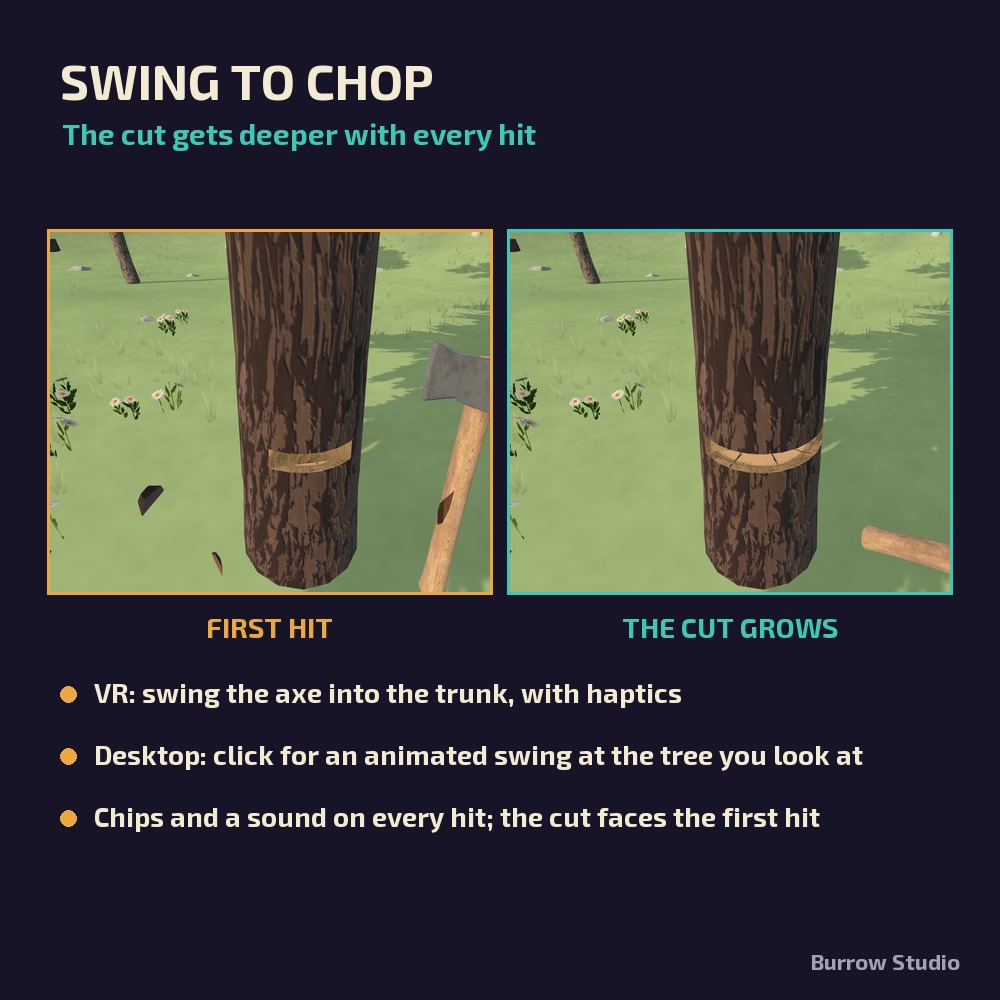
- A straight cut appears on the side of the first hit and gets deeper with every hit
- Every hit shakes the tree and throws wood chips. Five hit sounds at random, never the same one twice in a row
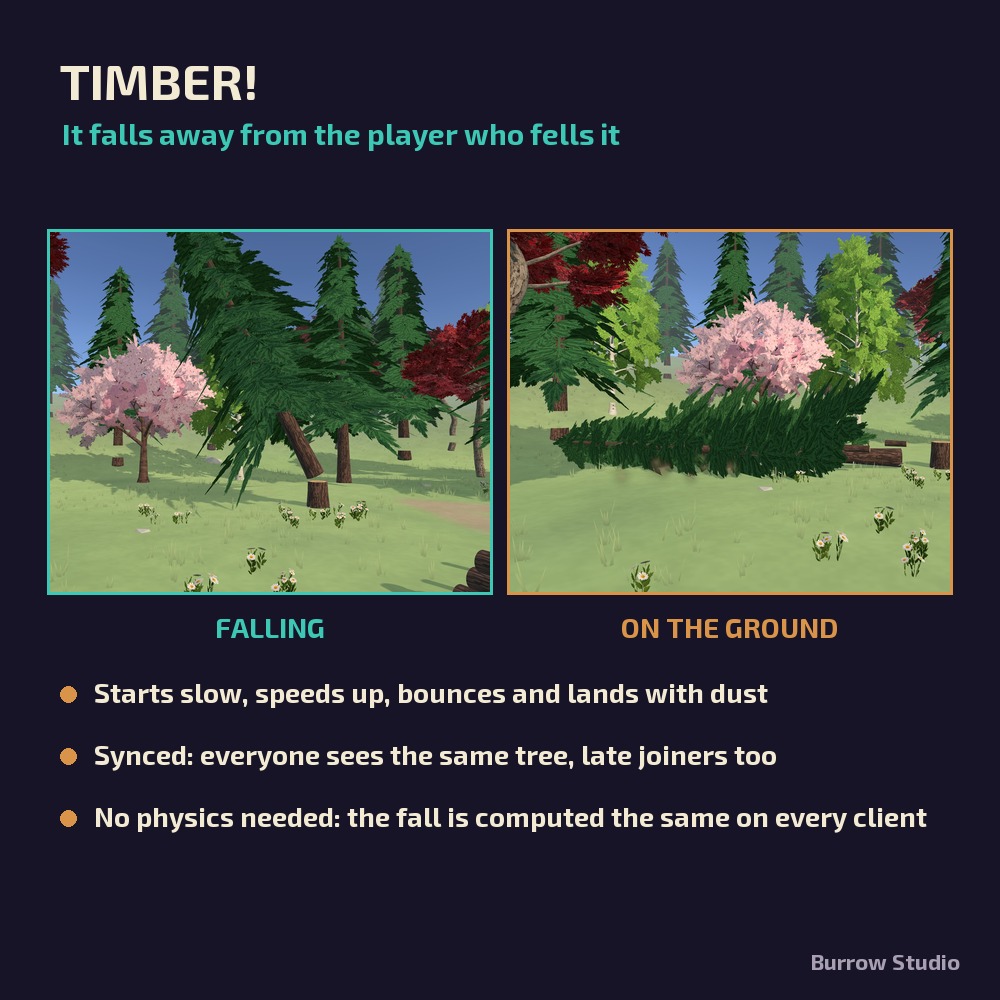
- The tree falls away from the player who landed the last hit (or towards them, if you prefer)
- It starts slow and speeds up, its base slides off the stump, and the trunk lands beside the stump with a short bounce, a crash and a dust cloud
- The fall sound is timed so the crash lands exactly when the trunk hits the ground
LOGS AND WOOD
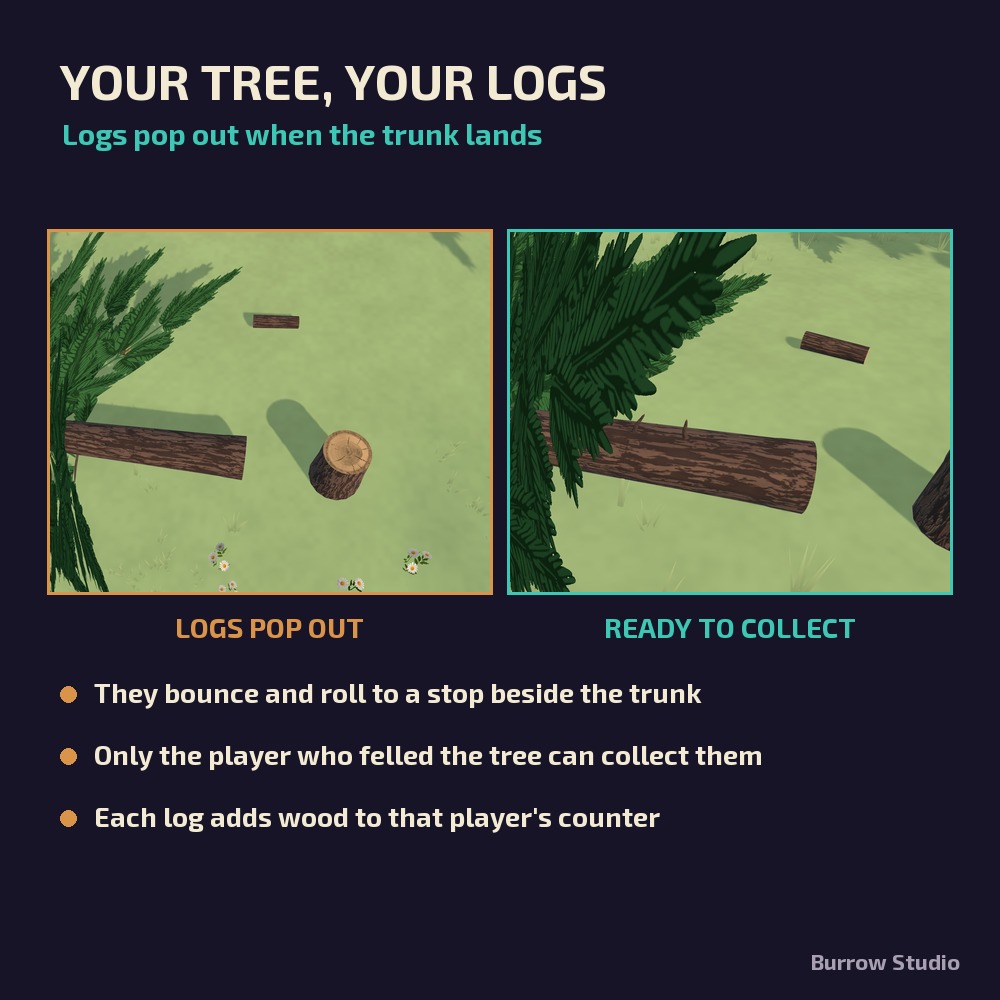
- When the trunk lands, 3 logs pop out of it, bounce and roll to a stop beside the trunk, a little towards the stump
- Only the player who felled the tree can collect them (Interact). Everyone else sees them but can't touch them
- 1 wood per log (configurable)
- Every player sees the logs in exactly the same place, late joiners too: their motion is computed, not physics, so it costs no network and they can't be pushed around
- A tree can also drop no logs and only send events to your own scripts
REGROWTH
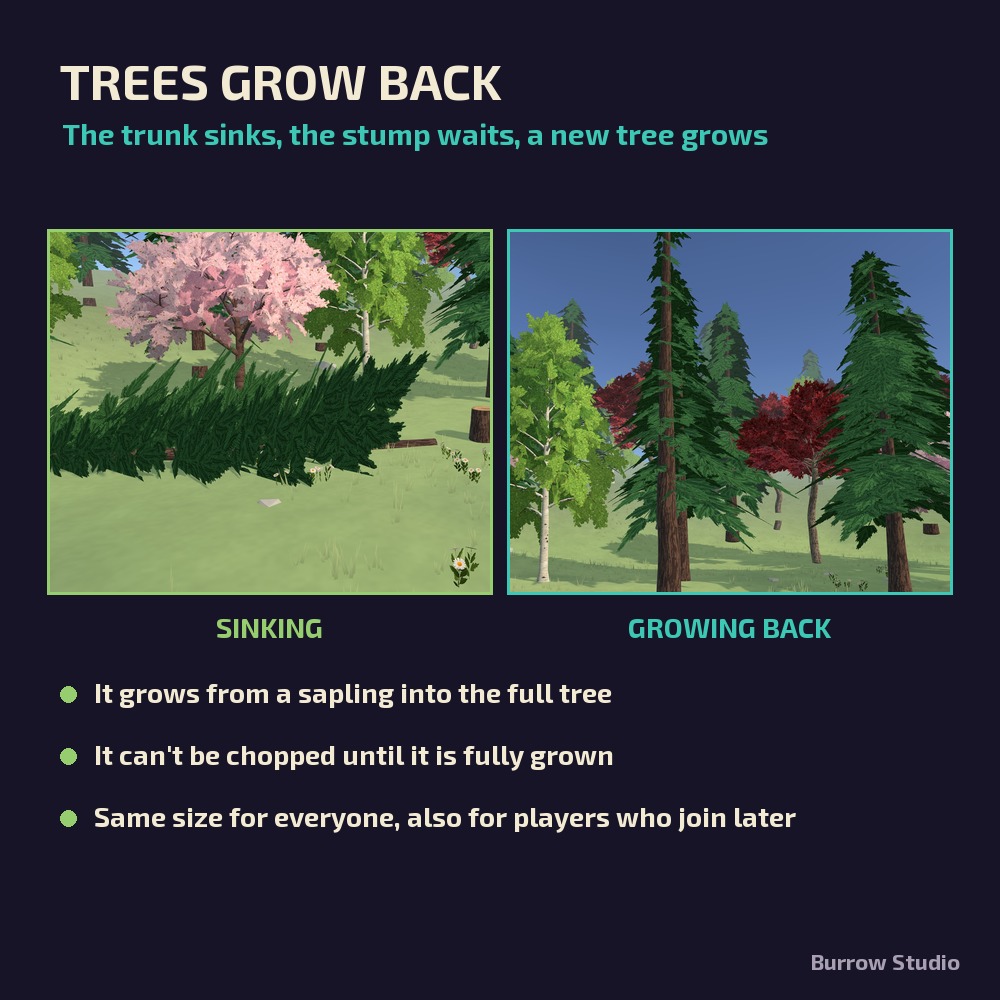
- The trunk lies on the ground for 25 s, sinks in 3 s, the stump stays for 30 s, and the tree grows back in 6 s (all configurable per tree)
- It grows from a sapling: trunk first, then branches, then leaves. It can't be chopped until it is fully grown
- The growth follows the server clock, so every player sees the same size
AXE
- VR: swing it into the trunk for real. A hit counts when the blade moves towards the trunk at 2.2 m/s or more
- The controller vibrates on every hit
- Desktop: grab it (click) and click again for an animated swing that hits the tree you are looking at, up to 2.2 m away
- Synced with VRC Object Sync
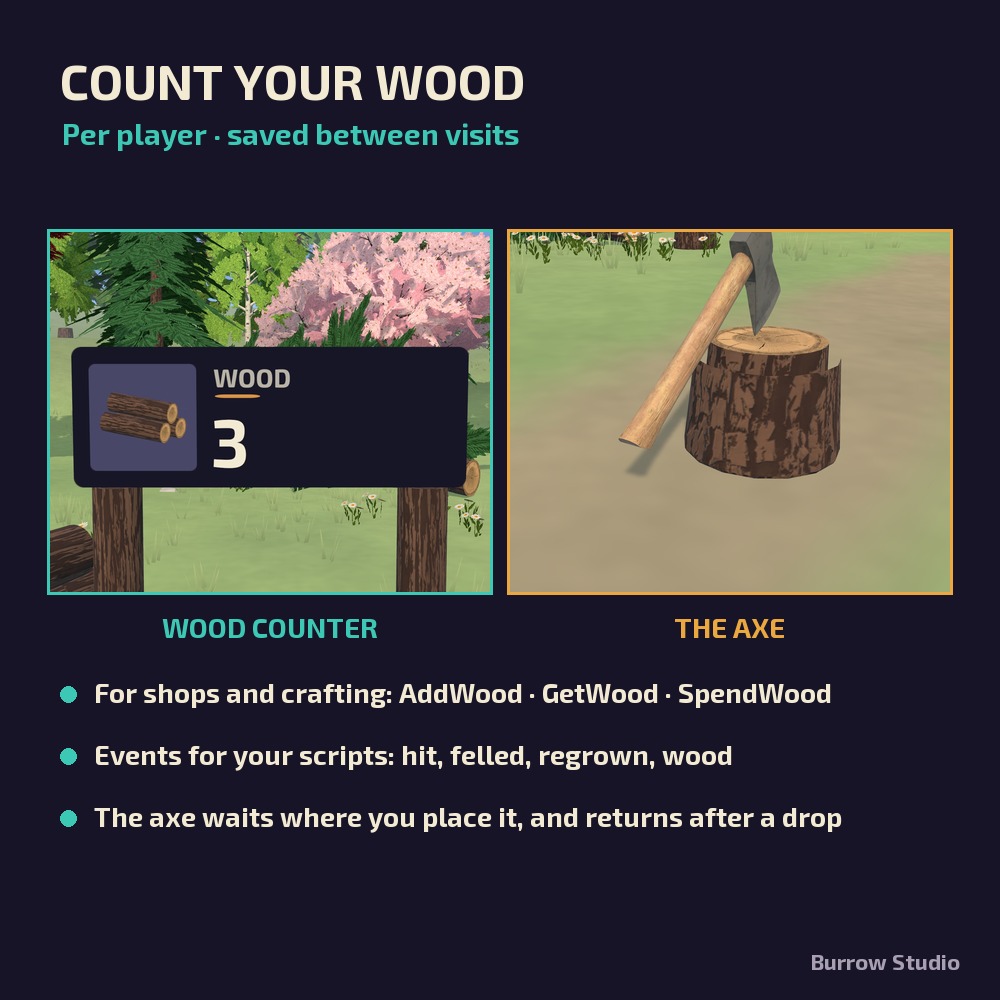
- It waits exactly where you put it: on a table, leaning on a stump, on a wall. Once dropped, it falls with physics and goes back to its place after 30 s (configurable)
WOOD COUNTER AND SAVING
- A small panel with the local player's wood, local to each player
- Wood is saved between visits (VRChat PlayerData; can be turned off)
- The panel is optional: keep the wood without showing it and display it your own way
EVENTS AND API
- Wood for your own scripts: AddWood(amount), AddWoodSilent(amount), GetWood(), SpendWood(amount)
- Tree events: OnTreeChopHit (every hit), OnTreeChopFelled (the tree falls) and OnTreeChopRegrown (it starts growing back), with who hit and who felled the tree
- Counter event: OnTreeChopWood, with the wood received or spent and the new total
- Read a tree's state with IsFelled(), IsGrowing(), GetHits(), GetFelledById() and more
- A short, commented listener example: a starting point for your own inventory, quests or points
NETWORK
- The owner of each tree is the only source of truth: hits, the cut, felled or standing, and when it fell
- Each hit is a network event: every player sees the shake and the chips and hears the sound. Who hit is decided by VRChat, not by the client
- The fall, the sinking and the regrowth are computed from the server clock, with no physics and no Object Sync
- Late joiners see every tree as it is: standing with its cut, falling, on the ground, a stump or growing back, with the logs in the same place
- A request to collect a log goes to the owner, who checks that it comes from the player who felled the tree
- If the owner of a tree leaves, another player takes over and the tree keeps working
- The wood counter is local to each player
SETUP
- Tools > Tree Chop Kit > Add Wood Counter / Add Tree / Add Axe
- The kit connects every tree to the counter by itself, also right before each build
- Tools > Tree Chop Kit > Wire And Check Scene connects the trees and lists anything that needs attention: no wood counter, no axe, a tree the axe can't reach because of its layer, a scaled tree, a listener with the wrong sync mode
- Demo scene included: a forest clearing with everything set up
- No TextMeshPro needed
REQUIREMENTS
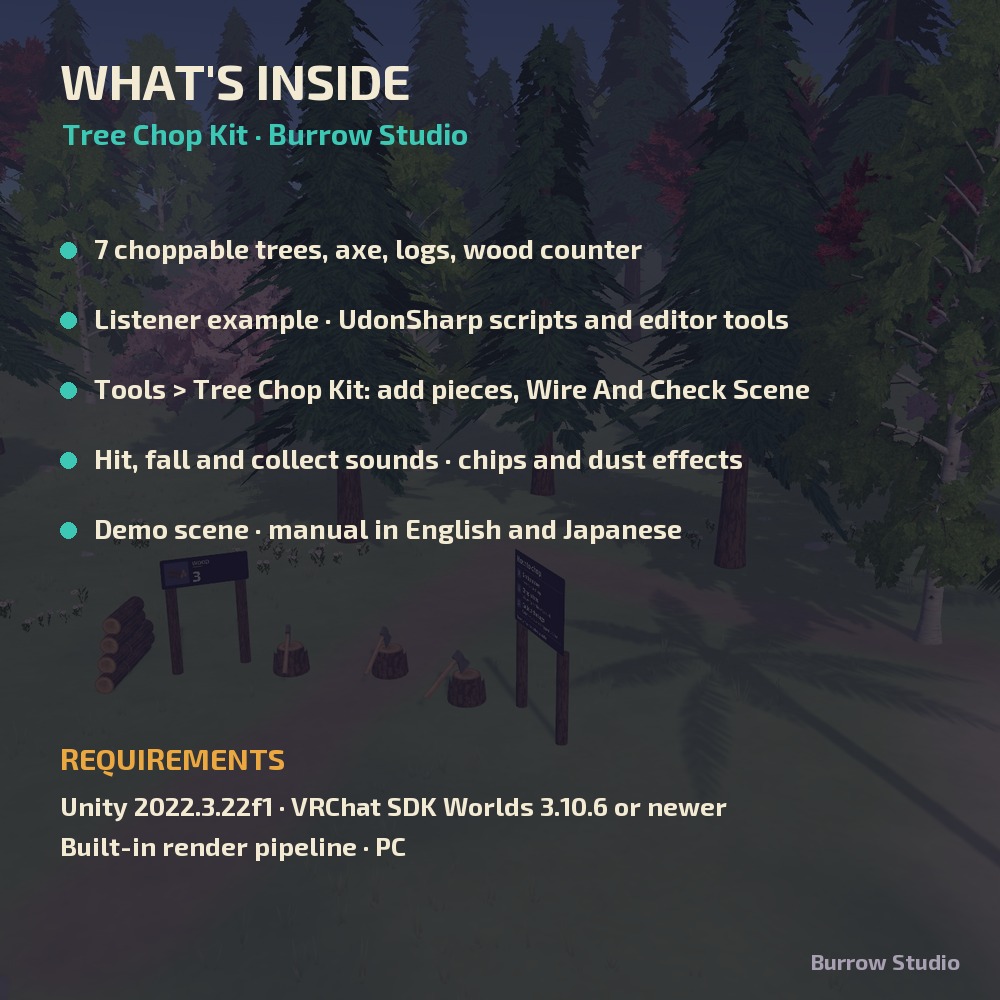
- Unity 2022.3.22f1 (VRChat Creator Companion)
- VRChat SDK Worlds 3.10.6 or newer (UdonSharp included)
- Built-in render pipeline
- Platform: PC
WHAT'S IN THE PACKAGE
7 tree prefabs, the axe, the wood counter and the daisies; the full UdonSharp source and the editor tools; models, textures and materials for the 7 trees and the axe; the Leaves shader; wood chip and dust effects; 7 sounds (five axe hits, the tree falling, collecting a log); the listener example; the demo scene; the manual in English and Japanese, the full manual in English, a changelog and the license. Imports into Assets/BurrowStudio/TreeChop.
NOT INCLUDED
- A full inventory, shop or crafting system (the wood counter has the methods to connect yours)
- Trees for Unity's Terrain tools (the trees are prefabs you place in the scene)
LICENSE
- Use in any number of your own VRChat worlds, personal and commercial, including worlds you build for a client. You may modify it for those worlds.
- Redistributing, sharing or reselling the kit or any part of it is not allowed.
- Credit optional: "Tree Chop Kit by Burrow Studio".
Design, code and production: Burrow Studio
Version 1.0.0 · Burrow Studio · also on BOOTH: https://aymshop.booth.pm/items/9226188