PromptHUD: Social Sidekick - Modular Conversation Starters & Social Games
Description du produit
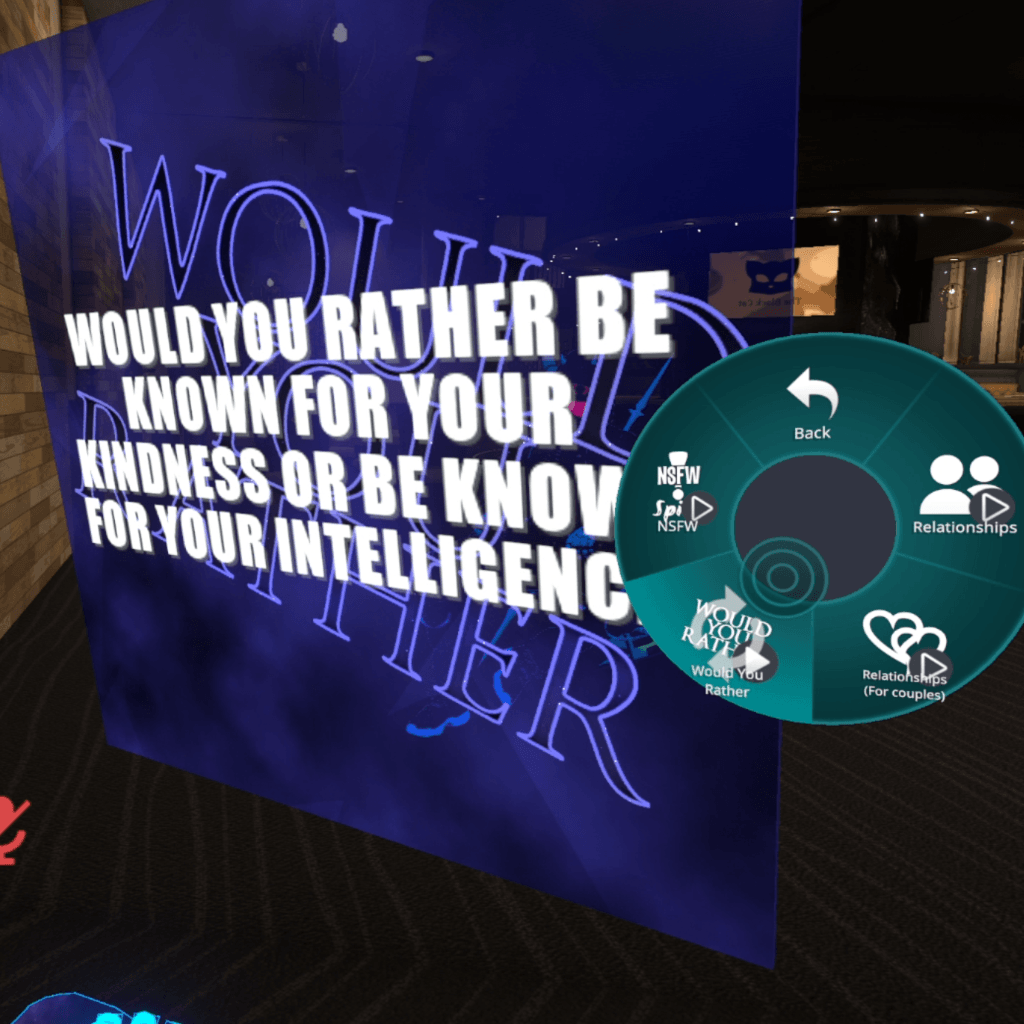
PromptHUD: Your Social Sidekick 💬
The portable conversation starter and social game for VRChat.
What is PromptHUD?
Designed specifically for socially awkward, anxious, introverted, or mute players who want to chat but struggle with starting conversations verbally, PromptHUD: Social Sidekick is a feature-rich, modular utility asset for VRChat. Whether you're meeting strangers in public worlds, hanging out with friends, or sharing a quiet moment with a partner, this tool provides a seamless bridge to natural, engaging conversations.
📍 In-World Drop Feature
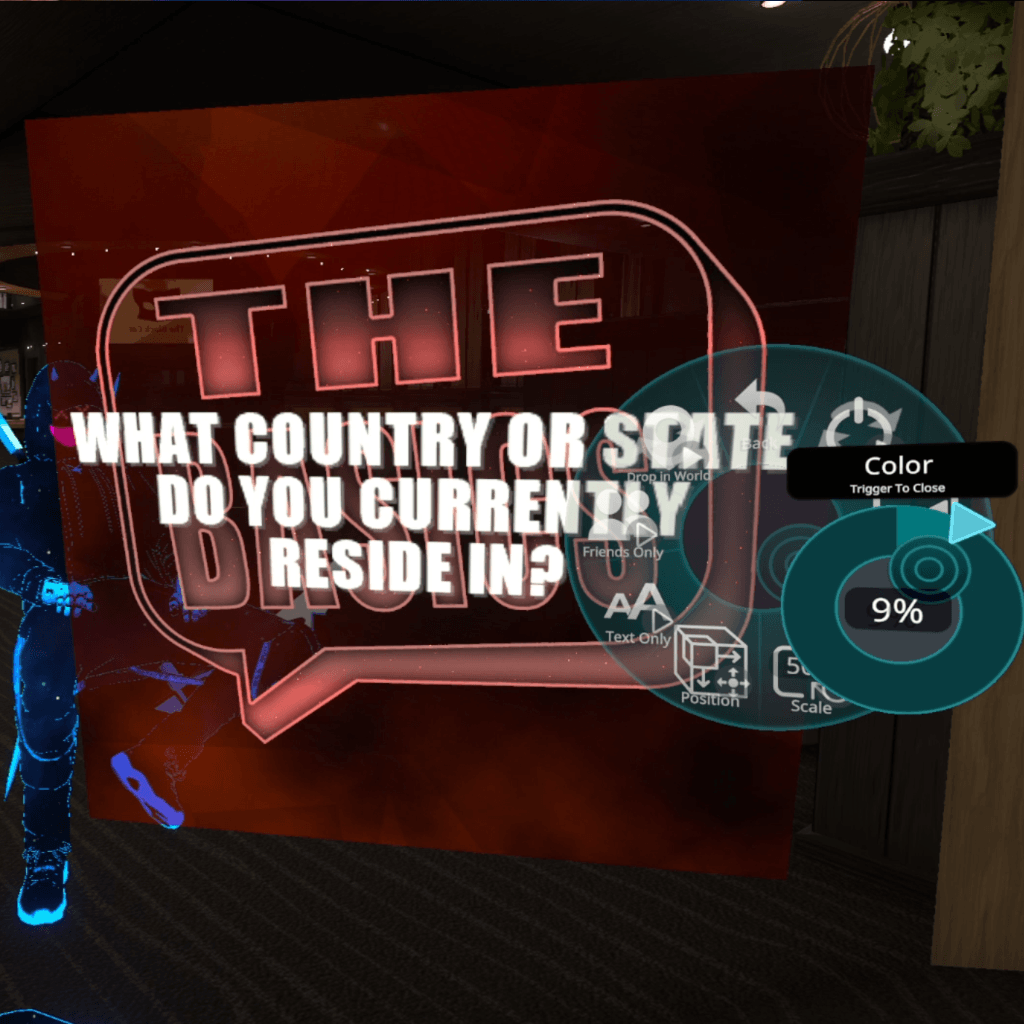
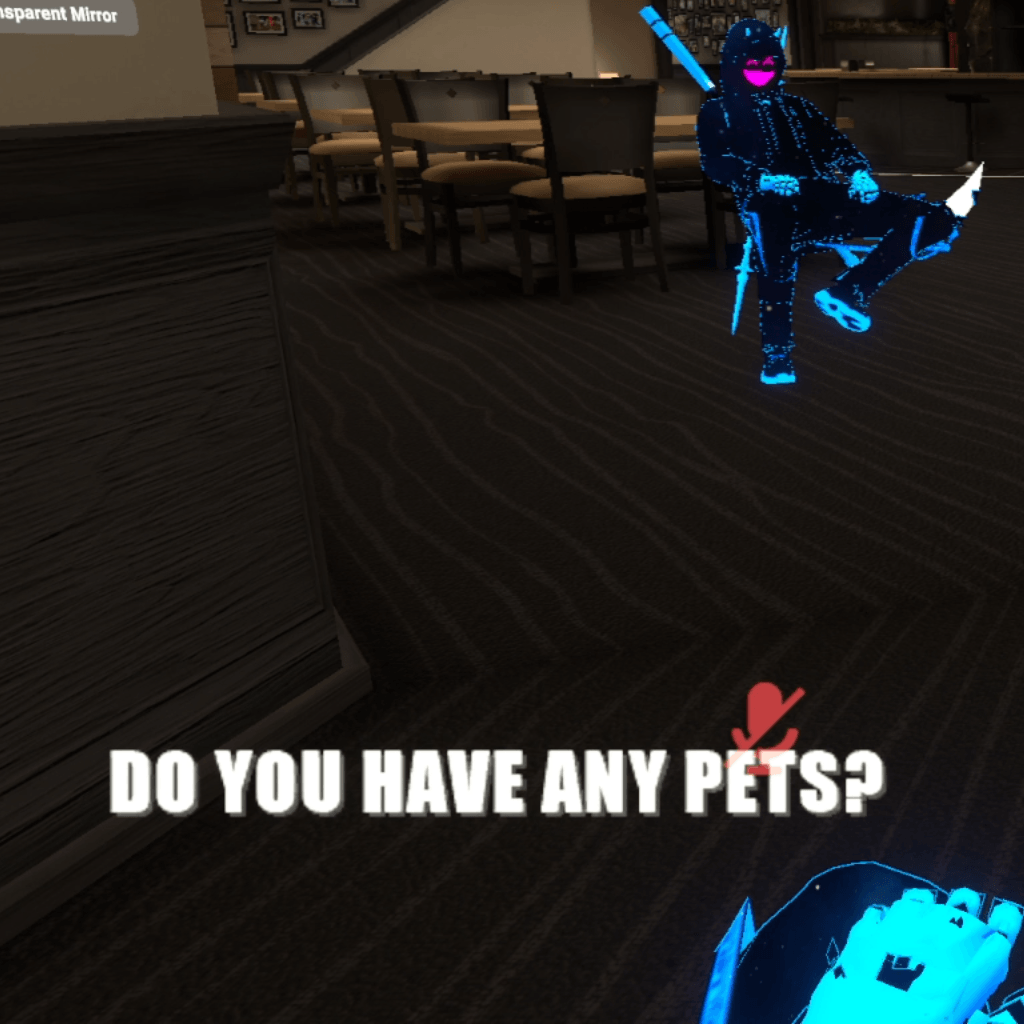
You can drop your prompt display in 3D world space as a low-stress, quiet method of asking questions or sparking conversation without having to speak out loud, a potential game-changer for mute or socially anxious players! It’s a portable social connection game you can use to know your friends better anywhere, any time!
Key Features
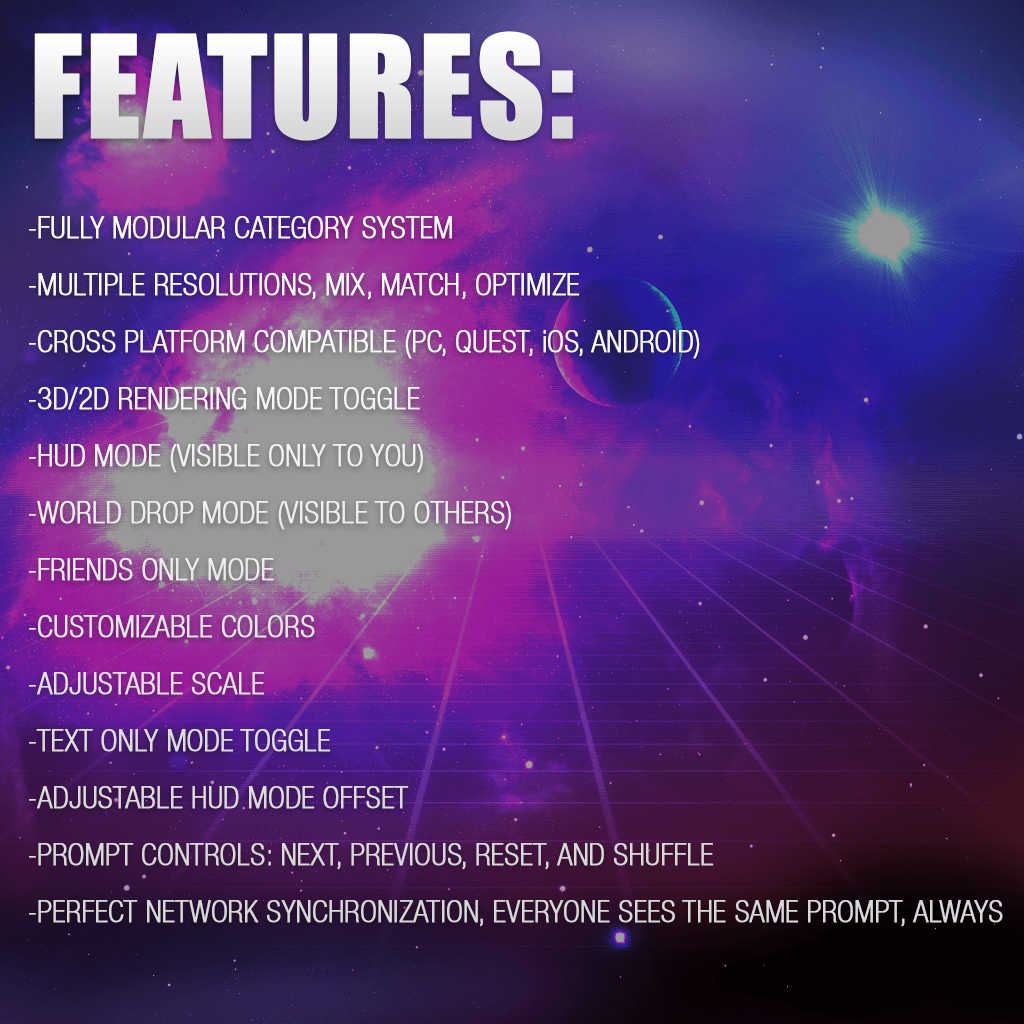
- Dual Display Modes: Use it as a private Heads-Up Display (HUD) visible only to you, or Drop it in the World so everyone around you can read and engage with the prompts together.
- Accurate Network Syncing: Prompts are perfectly synchronized across local and remote clients so everyone in the instance sees what you see without de-syncs.
- Stunning Shader FX (PC Only): Features fancy background animations. (Note: Advanced shader effects are only available on PC, but PromptHUD otherwise maintains 100% feature parity across all platforms!)
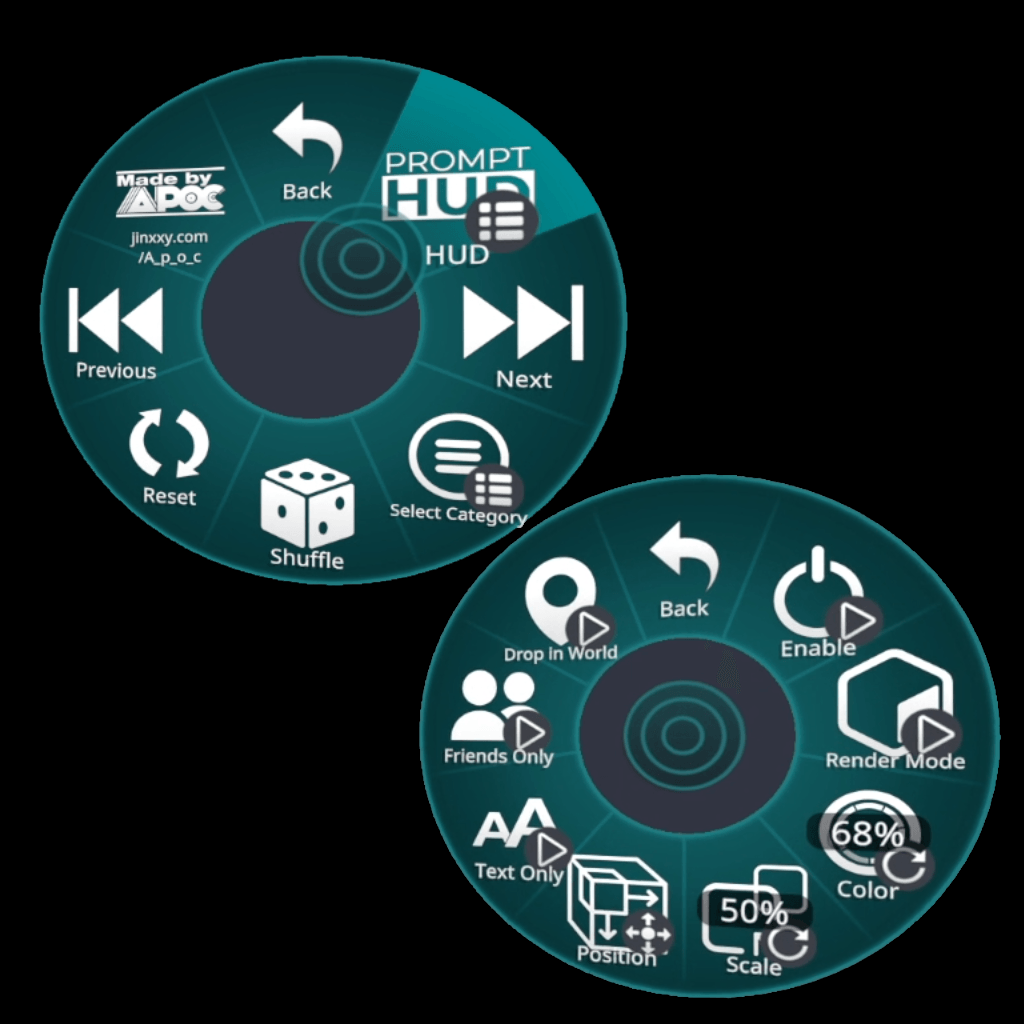
- Flexible Positioning & View Modes: Freely adjust your HUD's position on screen. Switch between World rendering (fixed 3D space) and View rendering (always faces whoever is looking at it).
- Privacy & Visibility Control: Set your world-dropped prompter to be viewable by Friends Only or anyone in the instance.
- Resolution & Performance Scaling:
- Dynamic hue-shifting and scaling options.
- Toggle the translucent background on/off to display clean, floating text.
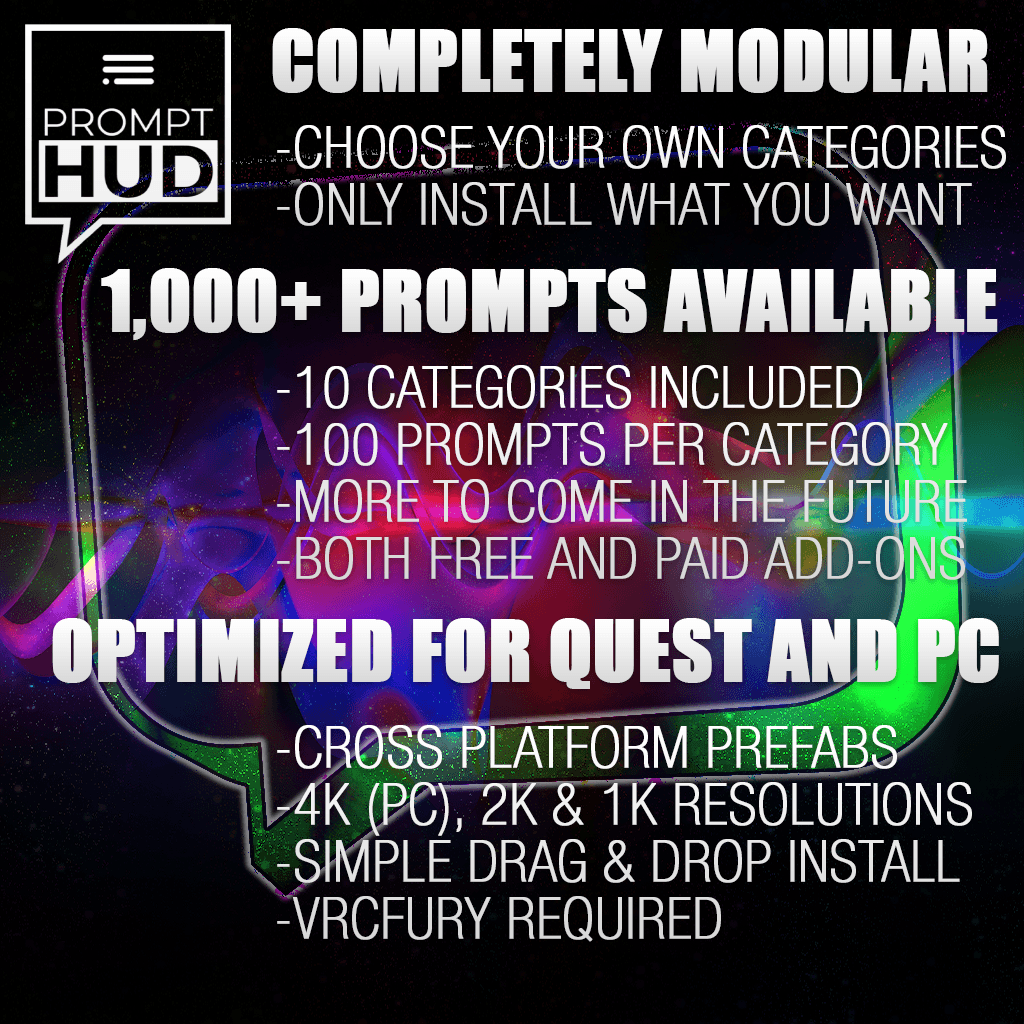
- Includes 4K, 2K, and 1K category prefabs to optimize VRAM/download size based on platform or personal preference.
- Robust Navigation & Loops: Shuffle randomly, jump to the next/previous prompt, or instantly reset to the beginning of a category with automatic loop protection.
- Full Cross-Platform Support: Fully compatible across PC, Meta Quest, iOS, and Android mobile clients with dedicated, synchronized base prefabs.
📚 Massive Content Library (1,000 Prompts Across 10 Categories)
Packed right out of the box with 1,000 carefully curated prompts (100 per category) to suit any social setting:
- Basics (Light, zero-pressure icebreakers)
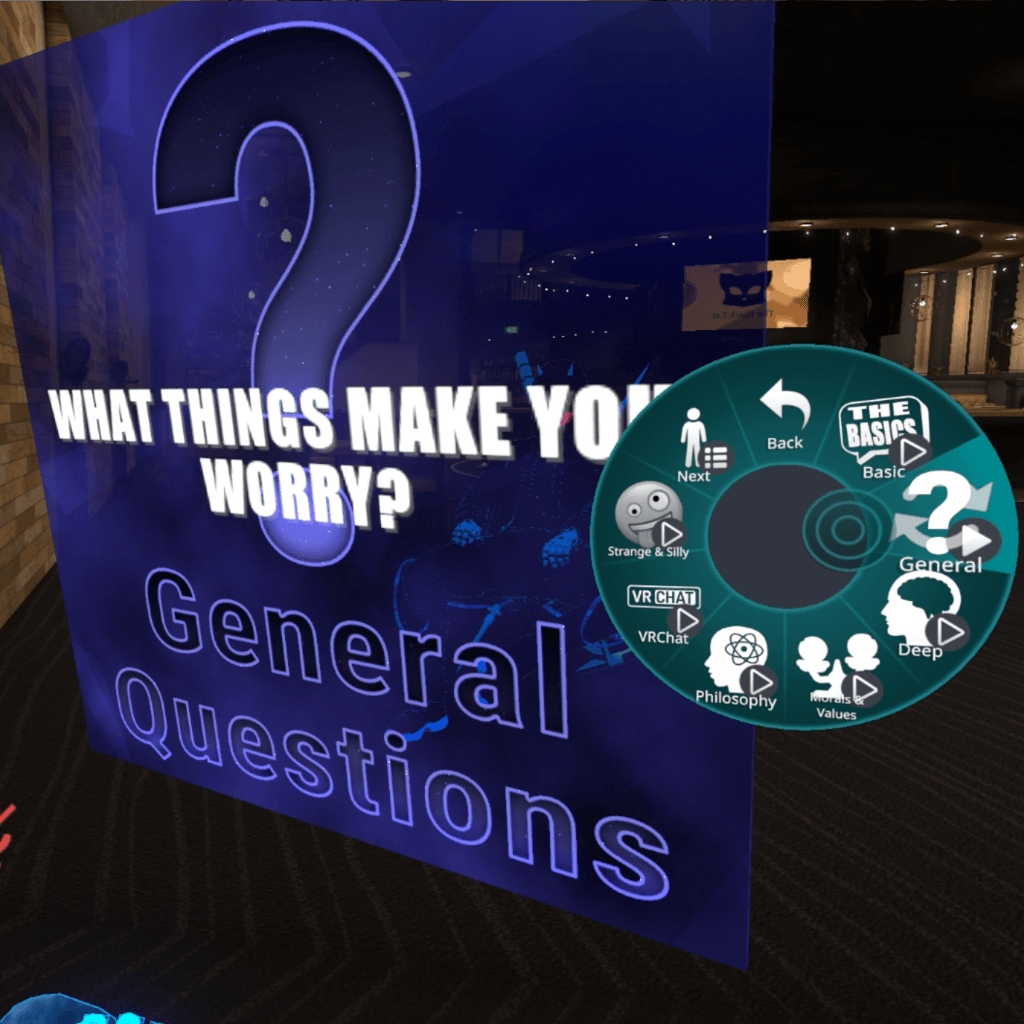
- General Questions (Casual random icebreakers, wide variety, slightly deeper)
- Deep Questions (For meaningful, thoughtful chats)
- Philosophical Questions (Explore big ideas together)
- Values / Morals / Beliefs (Understand each other on a core level)
- VRChat-related Questions (Community-focused topics)
- Silly & Funny Questions (Lighthearted fun & laughs)
- Would You Rather (Classic interactive choices)
- Relationships (Getting to know someone) (Great for potential love interests or first dates)
- Relationships (For couples) (Deepen existing bonds with your partner)
(Note: Additional categories available later, listed as separate products).
🛠️ Requirements & Dependencies
Note: PromptHUD is intended for use on avatars, and is not designed for use in world projects.
- VRCFury: REQUIRED (Automates controller wiring, animations, parameters, and expression menus).
- Download Page: vrcfury.com/download
- It is recommended to add the repository to VCC and use the latest version available
- Poiyomi Toon Shader (Free Version): REQUIRED
- Download Page: poiyomi.com/download
- It is recommended to add the repository to VCC and use the latest version available
📦 Asset Organization & Modular Structure
PromptHUD is fully modular: all question categories are provided as individual .unitypackage files so you can install only the categories you want.
All prefabs are located inside your project at: _apoc\Prefabs\PromptHUD\
- Base Prefabs:
PromptHUD Base (PC)— Dedicated base setup for PCVR builds.PromptHUD Base (Quest)— Dedicated optimized base setup for Quest/Mobile builds.
- Category Prefabs (
_apoc\Prefabs\PromptHUD\PromptHUD Category Prefabs): - 4K Tier: Maximum visual clarity (Recommended for PC).
- 2K Tier: Balanced optimization; crisp across scale settings.
- 1K Tier: Maximum VRAM optimization for Quest/Mobile builds.
🚀 Setup & Customization Guide
1. Base & Category Installation
- Ensure VRCFury and Poiyomi Toon Shader are installed in your project.
- Drag the appropriate Base Prefab (
PromptHUD Base (PC)orPromptHUD Base (Quest)) directly onto your avatar's root hierarchy. - Drag your desired Category Prefabs (from the 4K, 2K, or 1K folders) onto your avatar.
- Placement Helper: Drop category prefabs into the provided
(Place Category Prefabs Here)helper object for clean organization.
- Placement Helper: Drop category prefabs into the provided
- (Optional) Alignment Helper: Locate the root object named
"Prompt Display". While the helper object(Move Prompt Display in front of your head)itself does not get moved, you can optionally position the"Prompt Display"root object in front of your avatar's head in Unity for optimal initial alignment. The prompter automatically constrains to the head bone in-game, and you can also adjust horizontal/vertical offsets and scaling directly through the in-game menu! Ensure that there is some space between the prompt display and your head, as the distance cannot be adjusted in-game.
2. Customizing Menu Order & Paths
- Reordering Categories: The top-to-bottom hierarchy order of your Category Prefabs in Unity dictates the display order in your VRChat radial menu.
- Custom Menu Paths: Default path is
PromptHUD. To change it (e.g., toTools/PromptHUD), update the menu path on both the Base Prefab and each Category Prefab.
⚠️ SDK WARNING: DO NOT AUTO-FIX TEXTURE FILTERING
If the VRChat SDK control panel displays a warning asking to change Box rendering to Kaiser, DO NOT click "Auto-Fix". Clicking auto-fix overrides custom texture filtering, degrading text legibility. This SDK warning is safe to ignore.
🗺️ Future Roadmap & Updates
- Content Expansion: Ongoing prompt expansions (both free updates and paid add-on packs).
- Upcoming Game Modes: Future DLC planned including interactive party modes like This or That, Truth or Dare, and Never Have I Ever.
🎨 Custom Prompt Collections & Commission Service
- Community Custom Prompts: Users are encouraged to build and distribute their own custom prompt collections for PromptHUD! A Photoshop PSD template file is provided, simply replace the text with your own prompts. This requires a bit of Unity knowledge: template prefabs are provided as examples, you will need to replace (Category Name) under the menu path with your own category label, and optionally select a different menu icon. You will also need to copy the provided template materials, load your prompt textures, and create animations for the material swaps. Or, alternatively…
- Custom Prompt Creation Service: Want a custom prompt set created for you? Open a support ticket on my Discord and provide your question list. For a small fee, custom textures, prefabs, animations, and VRCFury configurations will be built for you.
- Distribution Rule: Custom prompt sets created through this service may be shared freely, but commercial resale is prohibited.
📜 Terms of Service & Licensing
- Personal License (Private Avatars Only): Valid for use on your personal private avatars only. STRICTLY NOT PERMITTED for use on public/cloning avatars.
- Attribution & Copyright: You may not claim PromptHUD, its shaders, texture atlases, or underlying framework as your own creation, or remove author credits.
- Commercial License: Required if installing PromptHUD on paid avatar commissions or commercial avatar packages intended for resale.
- Redistribution: Do not redistribute, share, or resell raw PromptHUD base files, shaders, texture atlases, or any other provided content independently.
❓ Support & Community
Have questions, need setup help, or want to order a custom prompt pack?
- Join my Discord Community (you can open a support ticket there for the fastest response).